
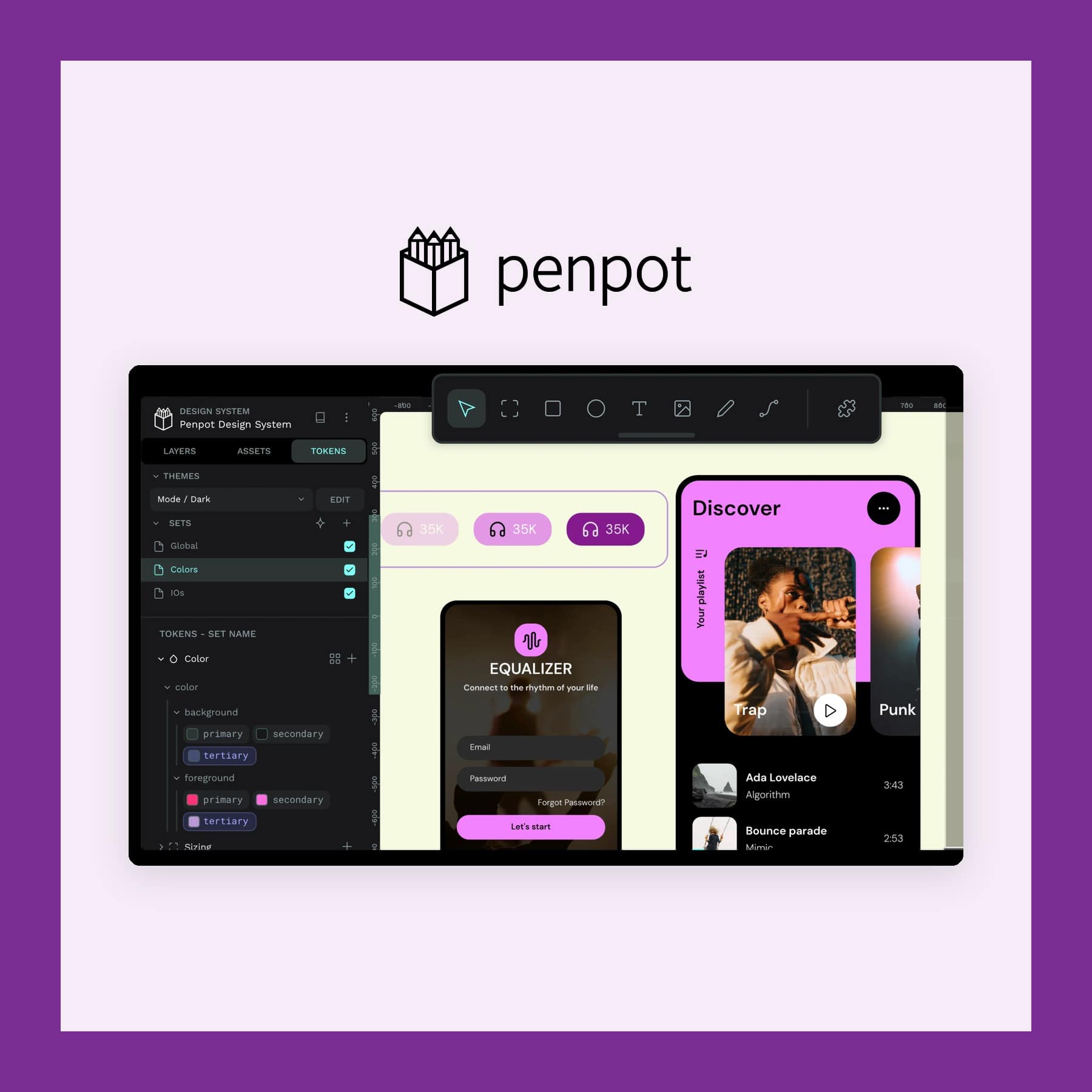
Penpot: the Free, Open Source Design App
Last updated: 12 October 2026
The Penpot design app is an open source tool for designing and prototyping websites and apps. It is made by the Spanish software company Kaleidos. It runs in your web browser on any computer, and you can also install it on your own server for free. It replaces Figma for most screen design work. It also covers the core of Sketch, on Windows and Linux as well as Mac.
Layouts are built with real CSS Grid and Flexbox rules, so what a designer draws matches the code a developer writes. The cloud Professional plan is free for teams of up to eight people, with 10GB of storage. Figma's Professional plan, by comparison, is £14 a month for each full seat on annual billing. I checked Penpot's and Figma's prices on 12 October 2026, and Penpot charges its paid plans in US dollars.
What the Penpot design app replaces
Penpot covers the same day-to-day work as Figma: wireframes, screen designs, clickable prototypes and design systems. You draw on a shared canvas, and your teammates can edit the same file at the same time. They can also leave comments as they go.
It also stands in for Sketch, the Mac-only design app, and works on Windows and Linux too. Sketch files do not import directly, though, so you export your artwork as SVG and rebuild the layouts. Penpot also pitches itself against Canva, but that comparison only holds for simple graphics. Canva is built around templates and a huge stock library for social posts and marketing. Penpot, by contrast, is a tool for designing product screens. As a result, most Canva users will find it harder to pick up.
The difference from Figma is under the hood. Penpot is built on open web standards such as SVG, the format browsers use for vector graphics. So your designs are not locked into one company's file type. The source code is public on GitHub under the Mozilla Public License 2.0. Penpot also says more than a million people use it.
Key features
- CSS Grid and Flex layouts: boxes resize and wrap following the same rules a browser uses, so designs are easier to hand over to developers.
- Components, variants and shared libraries: build a button once, with its variants, and reuse it across every file in a team.
- Native design tokens: colours, spacing and type sizes stored as named values that developers can read straight into their code.
- Prototyping: link screens together to test a flow before anything is built.
- Code inspect: developers can copy CSS, HTML, SVG and JSON from any element.
- AI through MCP: an official MCP server lets AI assistants such as Claude read and edit your Penpot files.
- Plugins and templates: extra tools and starter files from PenpotHub.
Moving from Figma
Penpot's free Penpot Exporter plugin runs inside Figma and carries across your design files, components, variants, auto layout, styles, variables and libraries. However, Penpot's own migration guide warns that it is a one-off move, not a live sync. Figma's auto layout also turns into Flex and Grid layouts that may need tidying. Images and icons are best exported separately as SVG, PNG or JPG.
Penpot prices
- Professional: free, up to 8 team members, unlimited viewers and 10GB of storage.
- Unlimited: $7 per editor a month, capped at $175 a month whatever the team size, with more storage and longer version history.
- Enterprise: $25 per member a month, with single sign-on, central admin and a choice of hosting region.
- Self-hosted: free to install yourself with Docker or Kubernetes. Kaleidos also sells a supported private server for $50,000 a year.
Because the bill is in dollars, the amount in pounds on your card statement moves with the exchange rate. A freelancer or a small studio can stay on the free plan for good, since every design tool is included in it. Penpot also offers discounts for non-profits, education and open source projects.
Who it suits
Penpot suits small teams and freelancers who want a free tool for real client work. It also suits organisations that need to keep design files on their own servers. It also suits teams where developers and designers share one file, thanks to the CSS-based layouts and design tokens.
If you also need photo editing and print layout, our Affinity by Canva guide covers the free Affinity app.
Fewer plugins, no desktop app and other limits
Penpot has far fewer plugins and community files than Figma, so expect to build more of your own components. There is no official desktop or offline app, so you need a steady internet connection on the cloud version. Moving a big project over from Figma also takes some clean-up, as described above. The current release is 2.18.3, from 6 October 2026.
Sign up on penpot.app to use the free cloud version, or follow Penpot's self-hosting guide to run it on your own server.
FAQs
Is Penpot free?
Yes. The Professional plan on the cloud version is free for up to eight team members, with every design tool included. Self-hosting is free too.
How much does Penpot cost?
The paid Unlimited plan is $7 per editor a month, capped at $175 a month. Enterprise is $25 per member a month. I checked those prices on 12 October 2026.
Is Penpot a good Figma alternative?
For screen design, prototyping and design systems, yes. It has fewer plugins and community files than Figma, and moving existing Figma projects across takes some tidying.
Can Penpot replace Canva?
Only for simple graphics. Canva is built on templates and stock images for social and marketing designs, which Penpot does not try to match.
Does Penpot have a desktop app?
No official one. It runs in the browser on Windows, Mac and Linux, or on your own server if you self-host.
Who makes Penpot?
Kaleidos, a software company in Spain. The code is open source under the Mozilla Public License 2.0.
Features and prices are correct at the time of the last update and can be changed by Kaleidos.
More from CoolCuration
- Mobbin guide: a library of real app screens to study before you design your own.
- New on Mobbin, October 2026: the apps and flows added to the library this month.
- 1Blocker: blocks ads and trackers in Safari on iPhone, iPad and Mac.
- Framework wireless touchpad keyboard: a wireless keyboard with a touchpad built in, for a tidy desk.
- Gifts for tech lovers: gadgets and accessories for people who live on their devices.



Follow us: Instagram
Copyright 2026 CoolCuration | Privacy Policy | Cookie Policy | Affiliate Disclosure | Cool Factor
-----------
We are proud supporters of a safer more private internet via encouraging people to use Brave browser and are actively taking on Spammers as part of ProjectHoneypot. This site is hosted on servers that run on 100% renewable energy in the UK thanks to GreenWebHosting.
This site contains affiliate links, including to Amazon.com and Amazon.co.uk. We may earn a commission if you make a purchase or sign up for a service via these links, at no extra cost to you. All offers and promotions are accurate at the time of publication but are subject to change or withdrawal by the businesses featured. We cannot guarantee their continued availability. Read our full affiliate disclosure.
Reviews and opinions on CoolCuration reflect the personal experience of our writers at the time of publication. They are not professional endorsements and your experience may differ. Scores use our Cool Factor rating system and are given independently of any commercial relationship.
All content on CoolCuration is provided for informational and entertainment purposes only. It does not constitute financial advice, investment recommendations or an endorsement of any product or service. We are not authorised by the Financial Conduct Authority and do not offer personalised financial guidance. You should always do your own research or consult a qualified financial advisor before making any financial decisions.