

Affinity by Canva
Last updated: 26 October 2026
Affinity by Canva is a free design app for Mac and Windows that puts photo editing, vector illustration and page layout in one program. It replaced Serif's three paid Affinity apps, Photo, Designer and Publisher, in October 2025. You need a free Canva account to download it, and the built-in Canva AI tools only work on a paid Canva plan.
What Affinity by Canva is
Serif made the Affinity apps as a one-off purchase alternative to Adobe's subscriptions. Canva bought Serif in 2024, and on 30 October 2025 it merged the three apps into one and made it free.
Inside, the old apps live on as studios. Pixel covers photo editing, Vector covers illustration and logos, and Layout covers page design for magazines, books and posters. You switch between them with tabs at the top of the window instead of opening a different program.
What it does
- Pixel studio: photo editing and retouching with layers, masks and adjustments.
- Vector studio: logos, icons and illustration with pen and shape tools.
- Layout studio: multi-page documents such as magazines, brochures and books.
- Extra studios: Slice, Retouching, Colour Grading, Typography and Compositing, according to TidBITS.
- Canva AI: AI tools inside the app for people on a paid Canva plan.
Key facts
- Price: free for individuals
- Platforms: macOS on Apple silicon and Intel, and Windows
- iPad: not out yet; Affinity says an iPad version is coming
- Account: a Canva account is needed to download and activate it
- Offline use: works offline once activated; help, stock libraries and AI need a connection
- Older files: opens files from Affinity Photo, Designer and Publisher
- Install size: about 3.5GB
Who Affinity by Canva suits
- Anyone paying for Adobe just for occasional work: the photo, vector and layout studios do the same kinds of jobs as Photoshop, Illustrator and InDesign.
- Students and people learning design: there is nothing to pay while you learn.
- Small businesses: posters, menus, logos and social images can all come from one free app.
- People who already used Affinity V2: your old files open in the new app.
Our Affinity by Canva review covers the AI tools, the platforms and how it compares with Adobe.
The limits
New files do not open in the old apps. Once you save a document in Affinity by Canva, Affinity Photo, Designer and Publisher V2 cannot read it, and those apps no longer get updates.
The AI features cost money. Canva AI and tools such as Super Resolution and Colorization need a Canva premium plan, so the free app is free without them.
There is no iPad version yet. If you edited on an iPad with the old Affinity apps, you will need to keep using them for now.
Your account is a Canva account. Organisations that need single sign-on are pointed to Canva Enterprise or Canva Education instead.
Where to get it in the UK
Download Affinity by Canva from the official Affinity site, which links through to a Canva sign-in. TidBITS has a full write-up of the change from three apps to one, including what happens to older versions.
FAQs
Is Affinity by Canva free?
Yes, for individuals. The Canva AI tools inside it need a paid Canva plan.
Do I need a Canva account for Affinity?
Yes. You sign in with a Canva account to download and activate it. After that it works offline.
Is Affinity by Canva on iPad?
Not yet. Affinity says an iPad version is on the way, but only Mac and Windows are out.
Can Affinity by Canva open my old Affinity files?
Yes, it opens files from Affinity Photo, Designer and Publisher. Files saved in the new app will not open in the old ones.
Is Affinity by Canva a replacement for Photoshop?
It covers photo editing with layers, masks and adjustments, and adds vector and layout tools in the same app. Whether it replaces Photoshop for you depends on the plug-ins and file formats your work needs.
More from CoolCuration
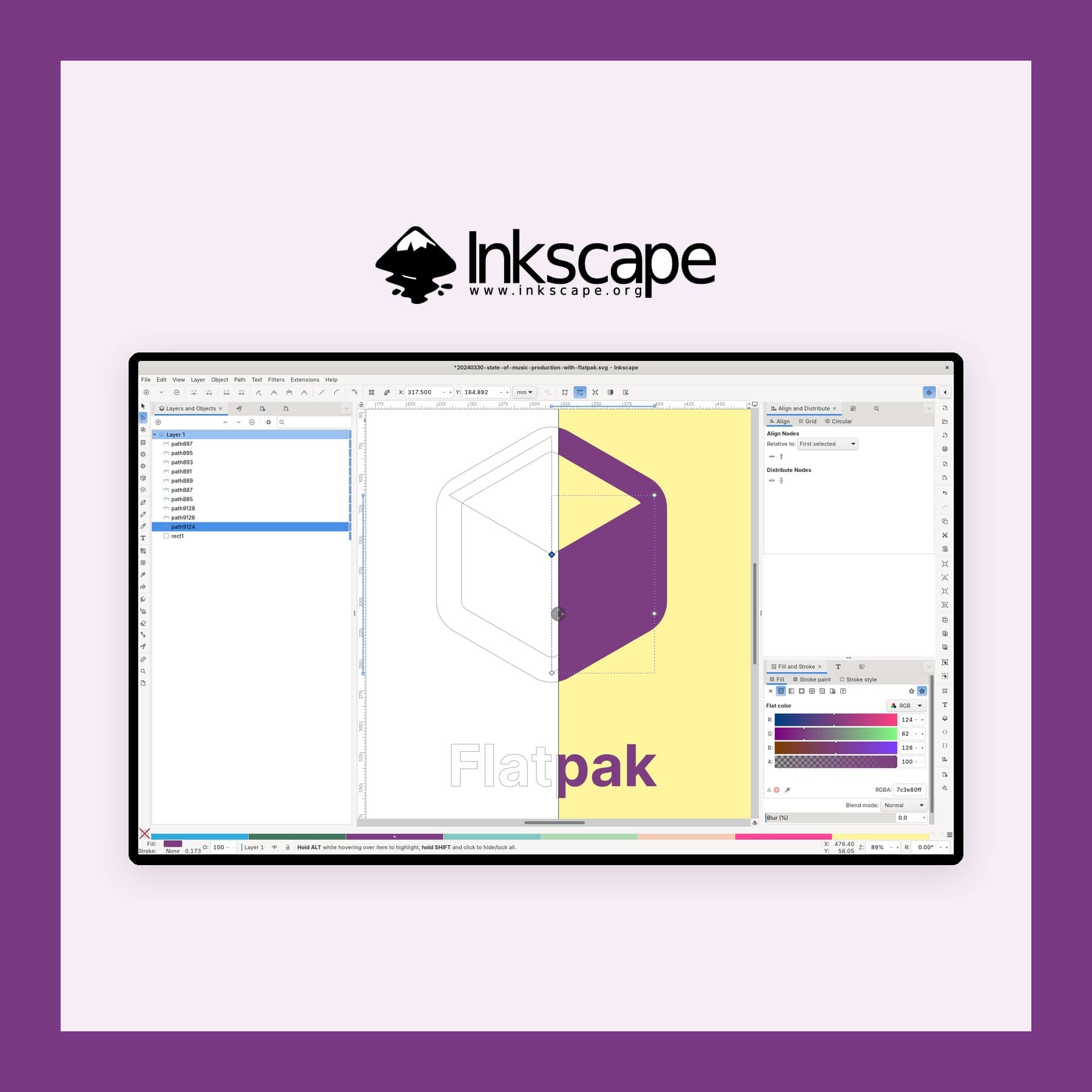
- Inkscape: a free Illustrator alternative for Mac, Windows and Linux.
- Figma Creator Micro review: Figma's small hardware controller for designers.
- Mobbin pricing UK: the app design reference library and what each plan costs.
- Gifts for designers: presents for people who make things look good.
Link last checked on 26 October 2026.
Kokuyo x Yanagi Sori Rotary Tape Dispenser – £355
Gift



Georg Jensen Koppel Alarm Clock with Holder - from £105
Gift

MADE x Barbican Curve Table Lamp in Chrome & Blue - £50
Gift
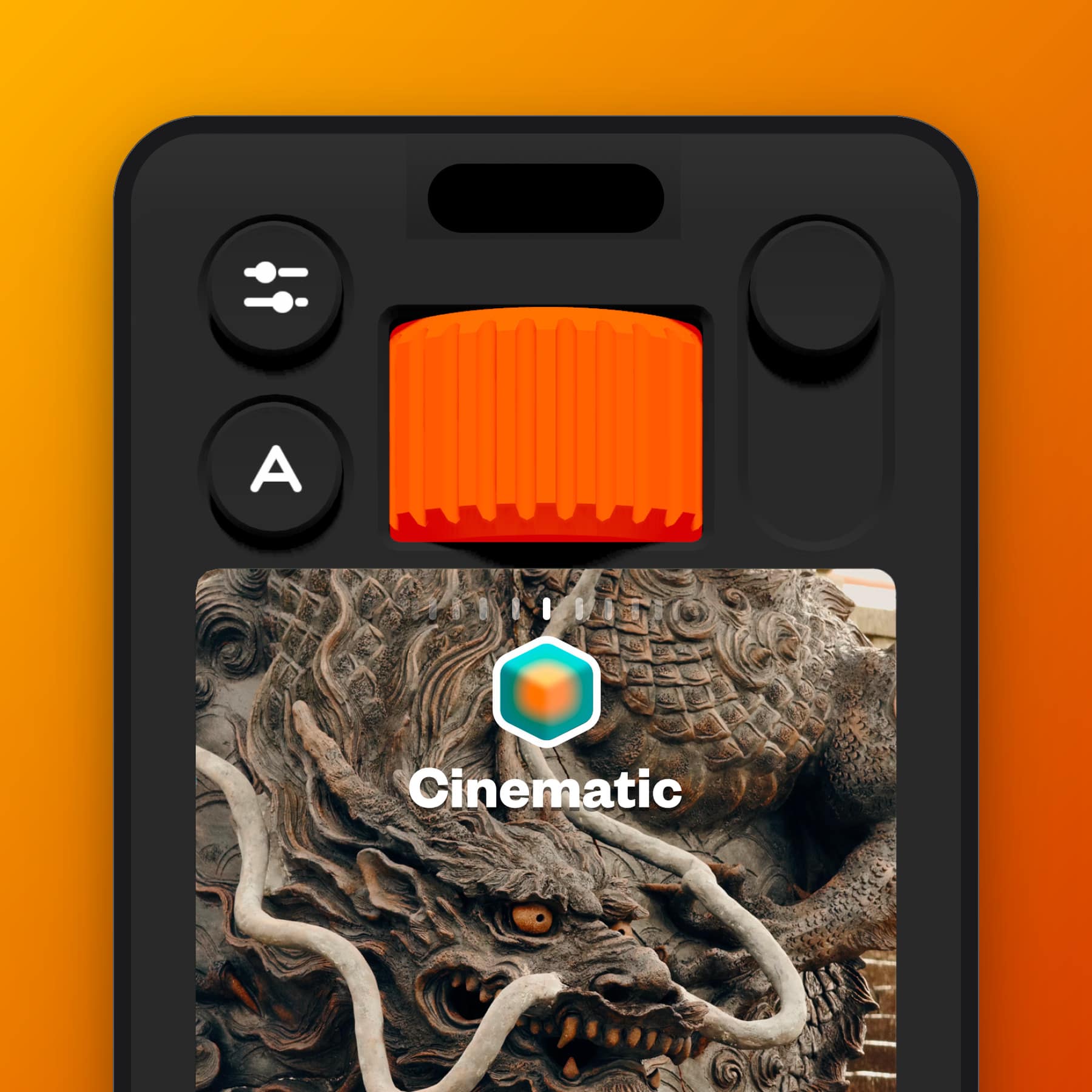
(Not Boring) Camera App: Free, Plus from £15 a Year
App



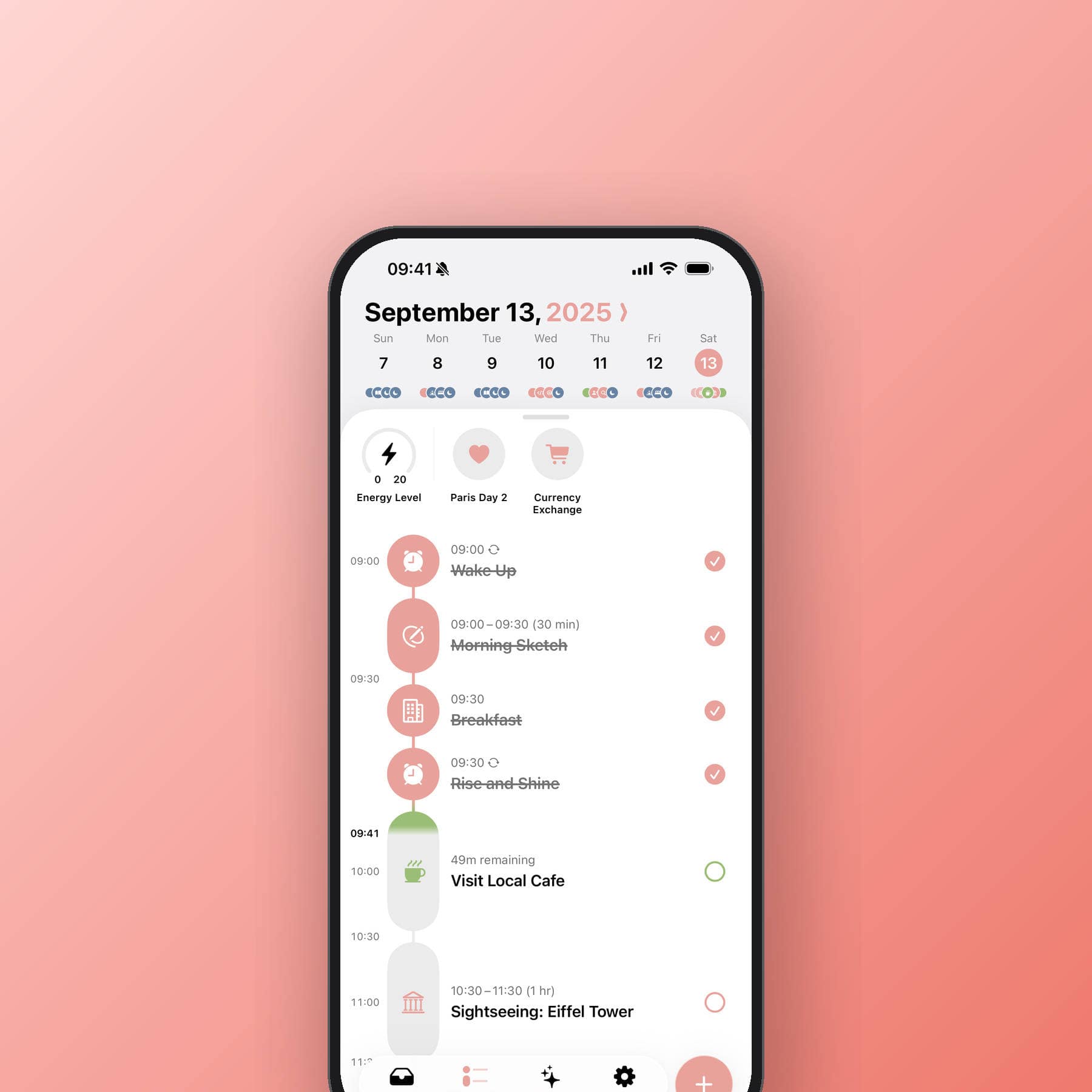
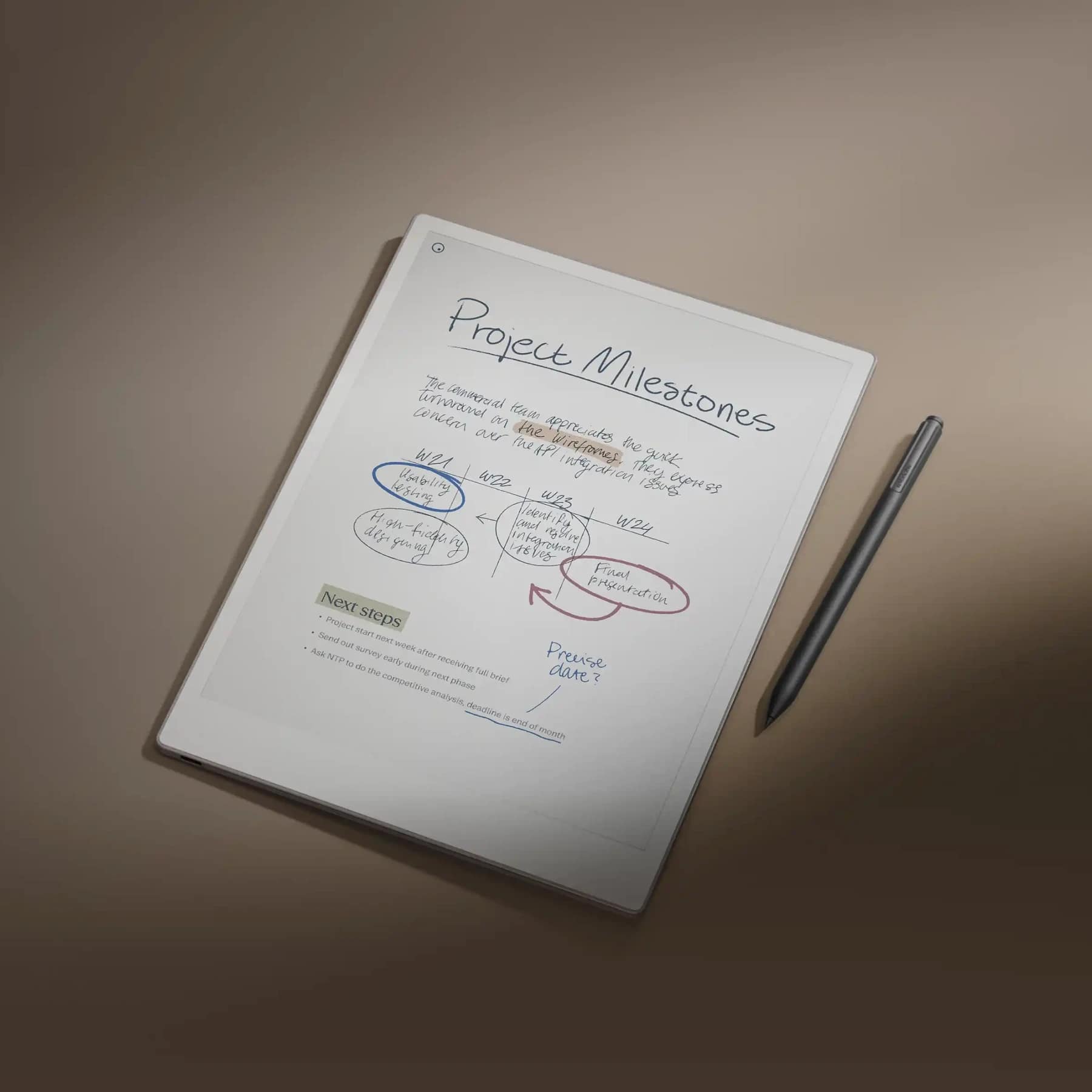
Structured Daily Planner App - Free vs Pro Guide
App



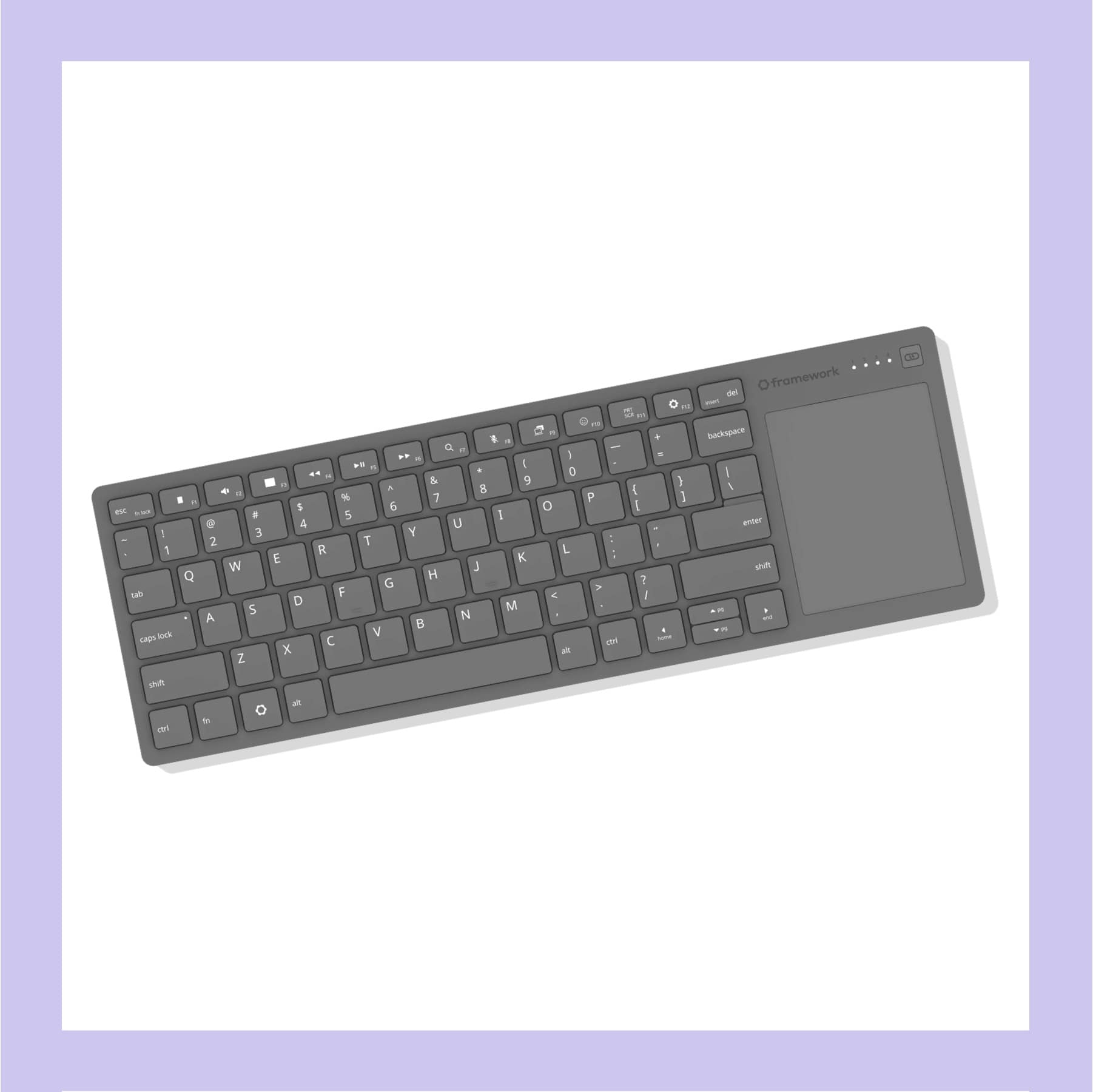
Framework Wireless Touchpad Keyboard (Price Not Announced)
Gift

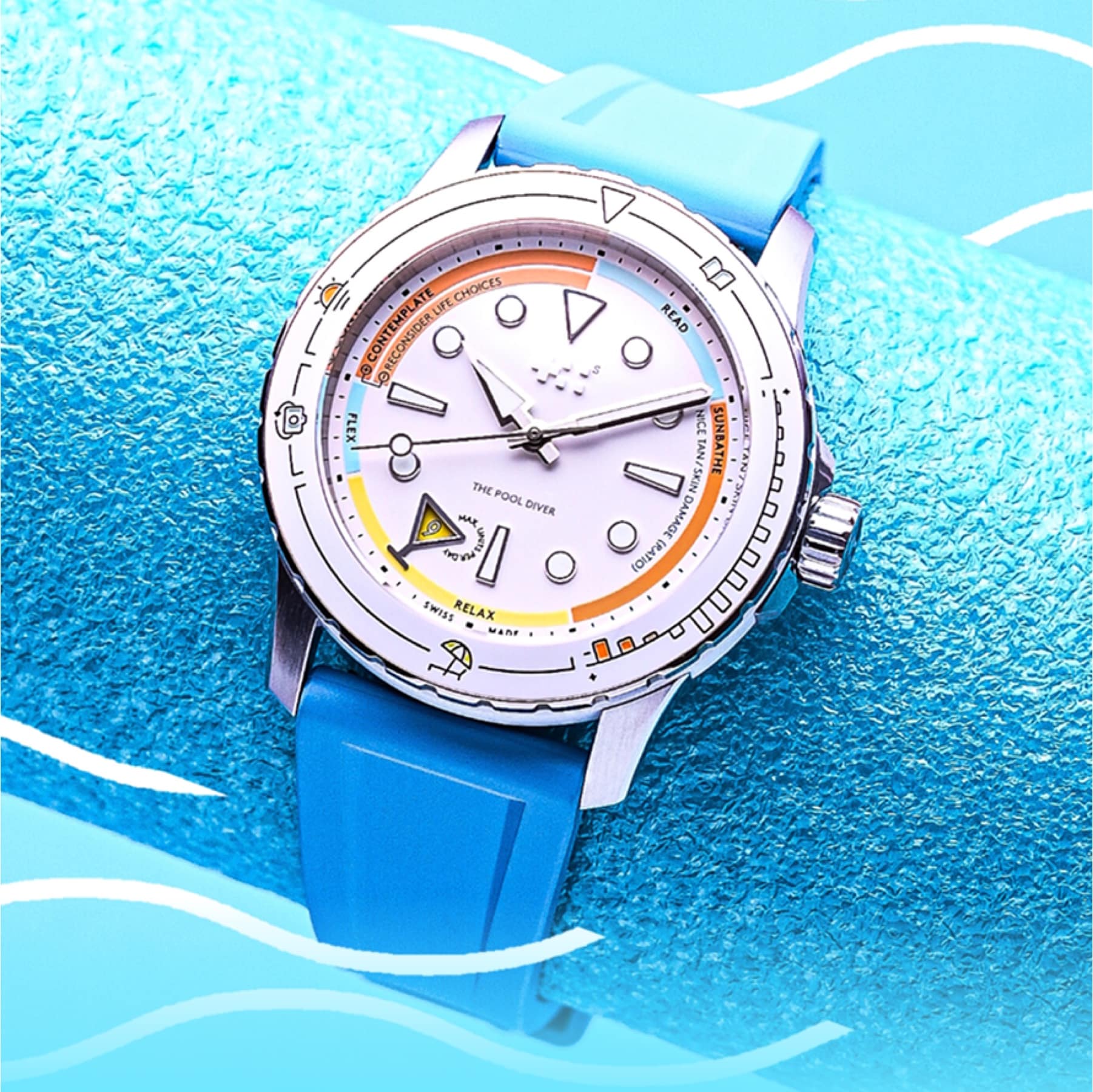
Christopher Ward C60 Pool Diver UK Guide - from £895
Gift
Chase Refer a Friend Code: Get £50 When You Pay In £1,000
App

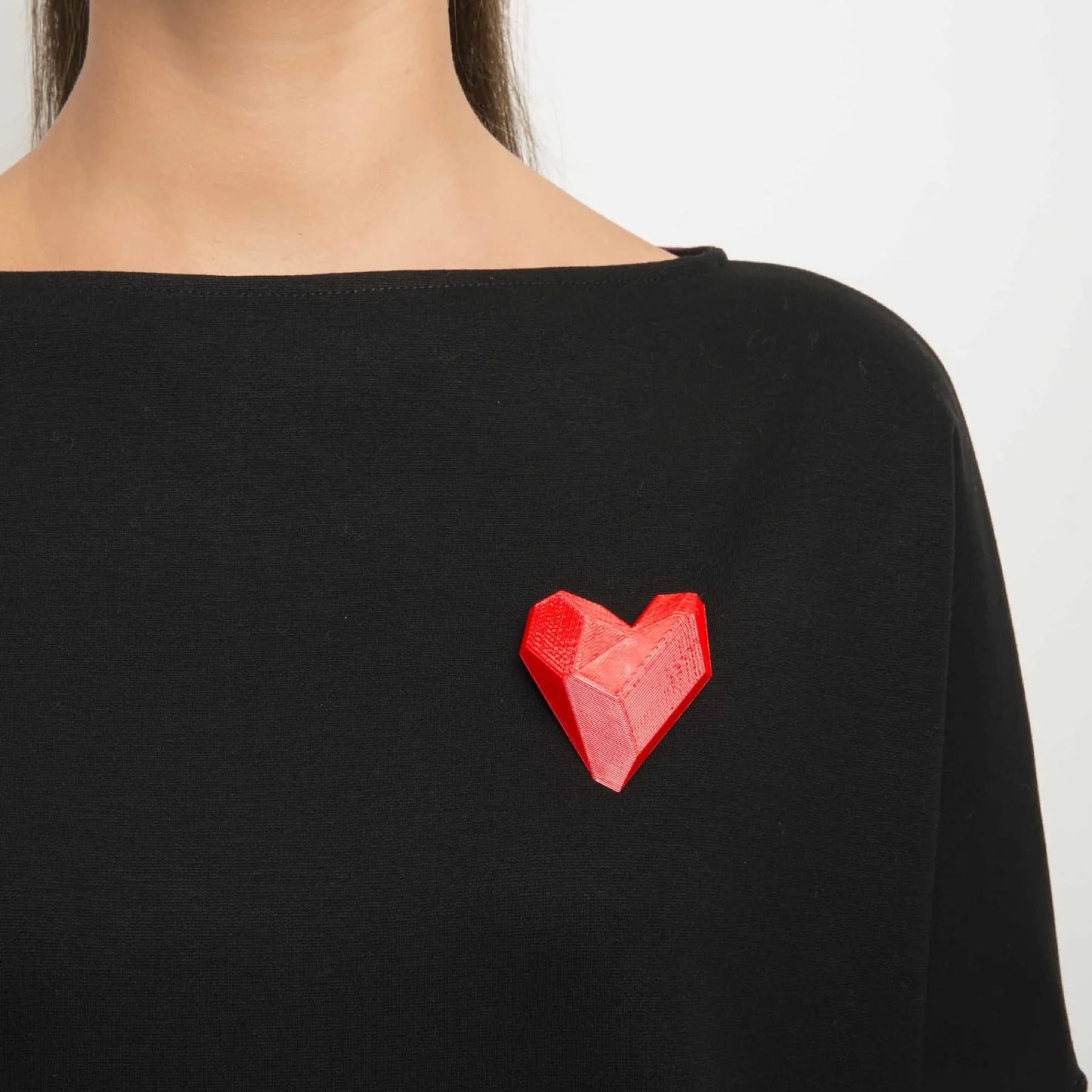


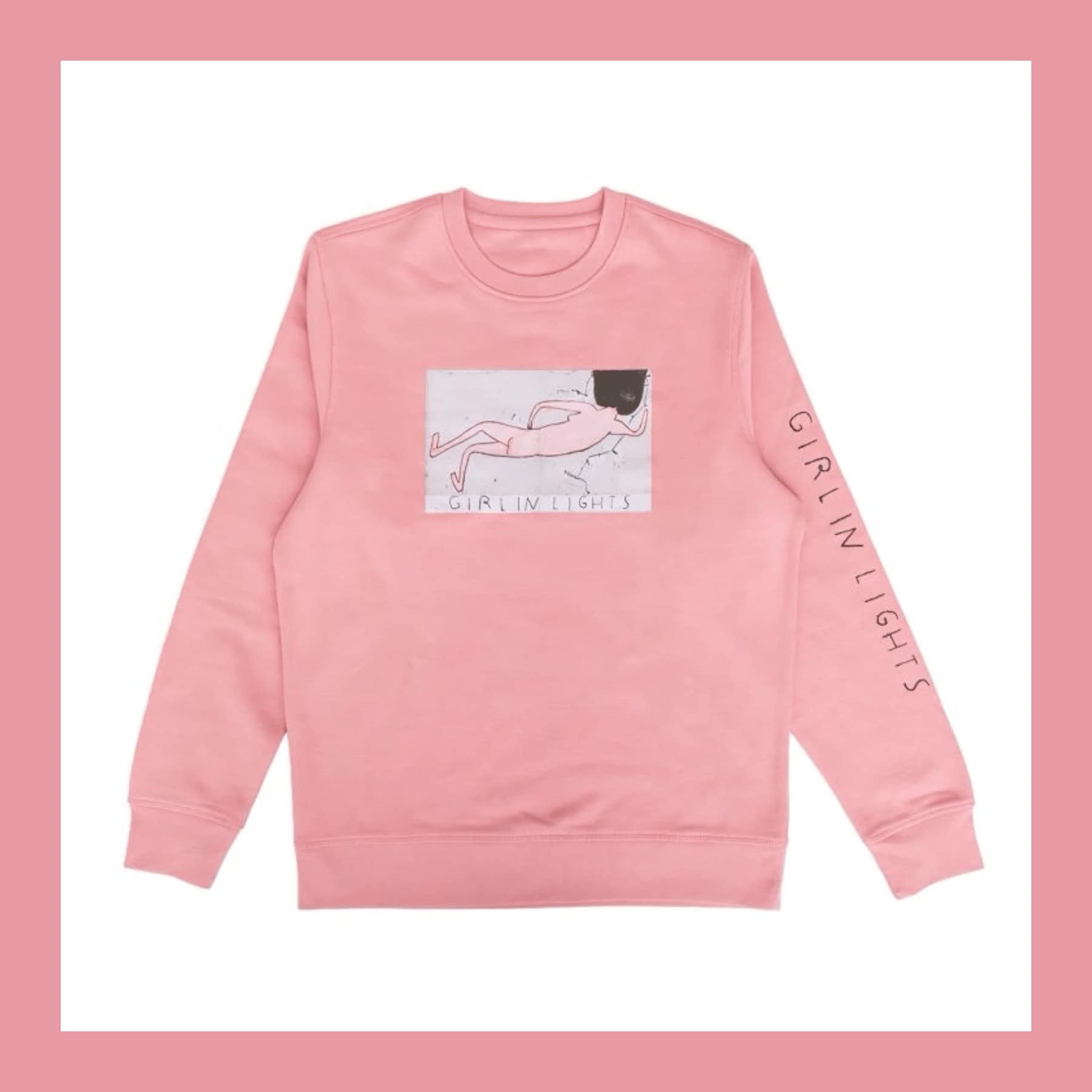
Rose Wylie Girl in Lights Pink Sweatshirt (Sold Out) - was £25
Gift
Trading 212 investment app: free share up to £100 (UK)
App


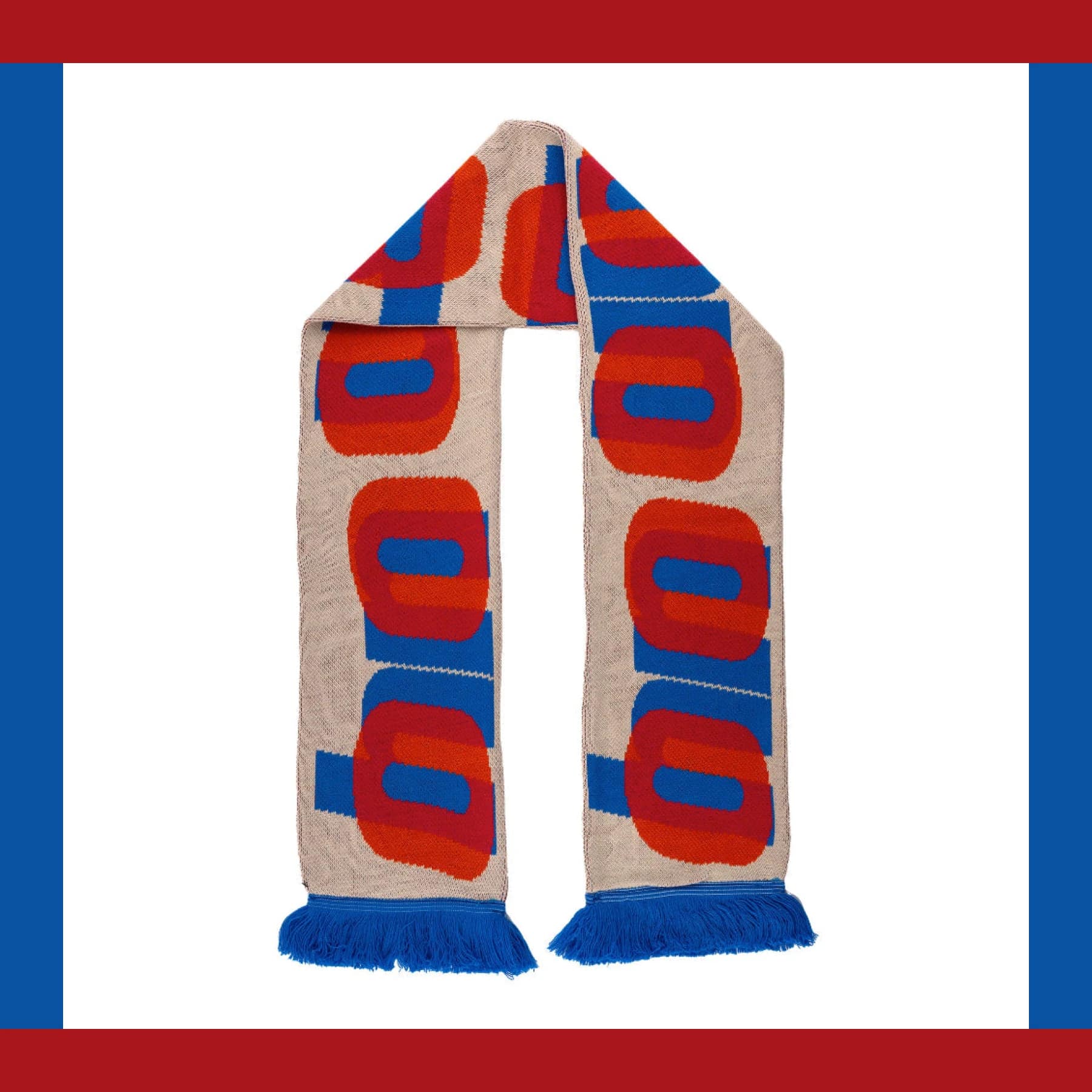
Harland Miller 'Oh No' Scarf (Sold Out) - was £22
Gift

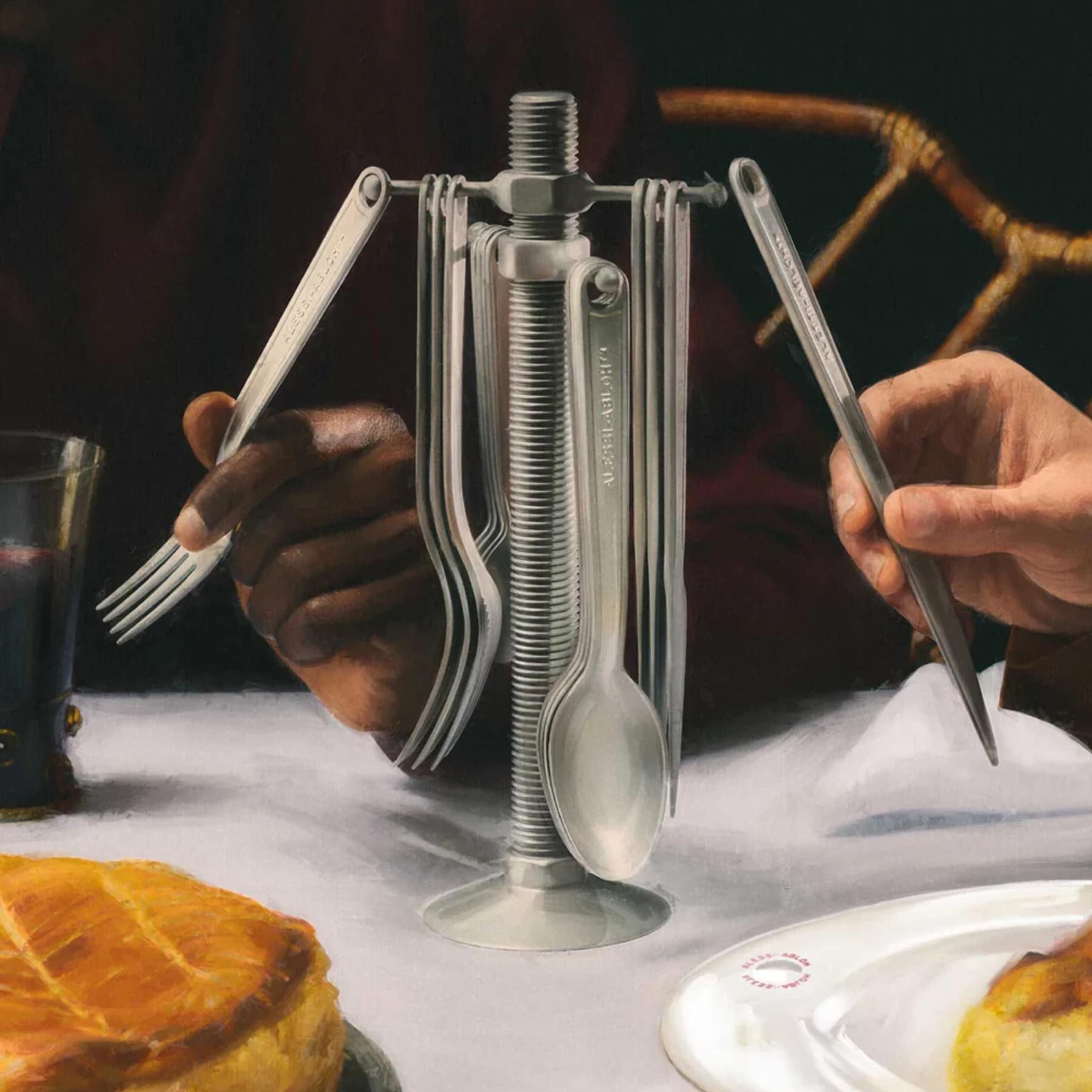
Alessi Conversational Objects Cutlery Set - £267
Gift

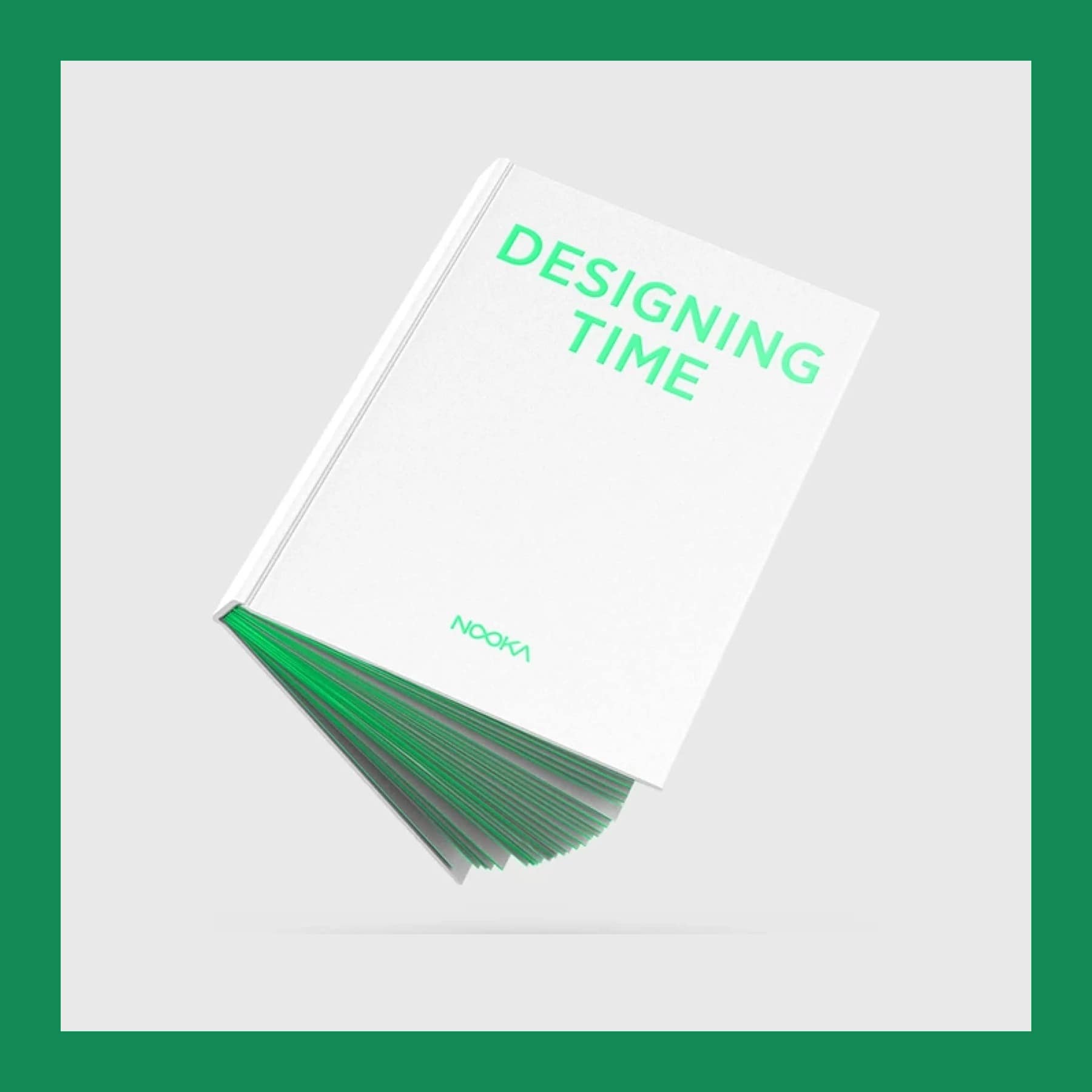
Nooka: Designing Time Book - ¥8,000 (about £38)
Gift
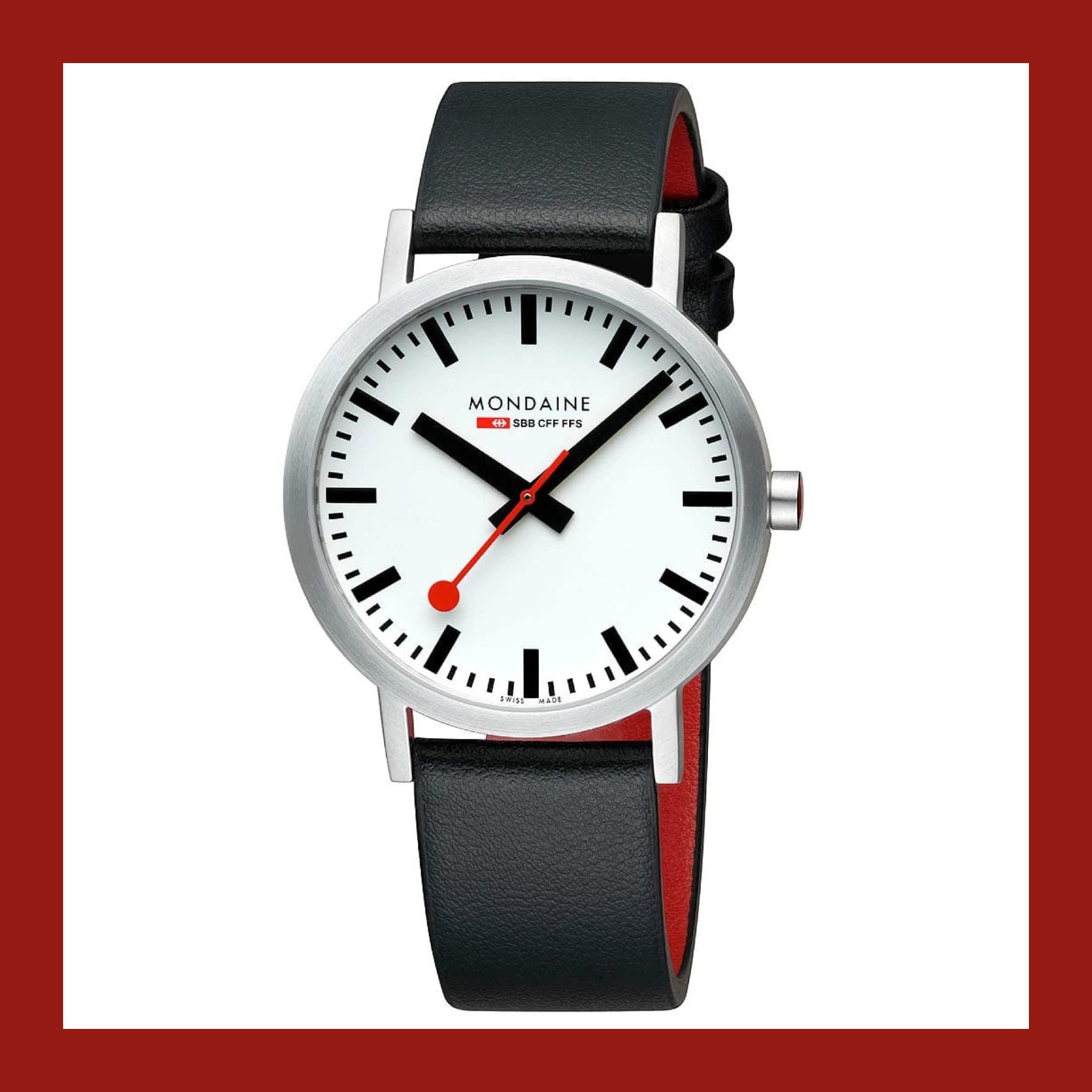
Mondaine Classic 40mm Vegan Grape Leather - £224
Gift
Sprive Mortgage Saving App - Money Off Your Mortgage
Service
REMEMBER Anna Pleated Paper Lamp, Stripes - €39.90 (about £33)
Gift


Chip Savings App UK: How It Works, Rates and Fees
App


American Express Referral: Sign Up for Any Card and Get Rewarded
App

Crania Anatomica Filigre by Joshua Harker - $125 (about £94)
Gift



Robinhood Free Shares UK: Claim a Free Stock ($7 to $175)
App

Wise Referral: Fee-Free Transfer up to £500 or Free Card
App

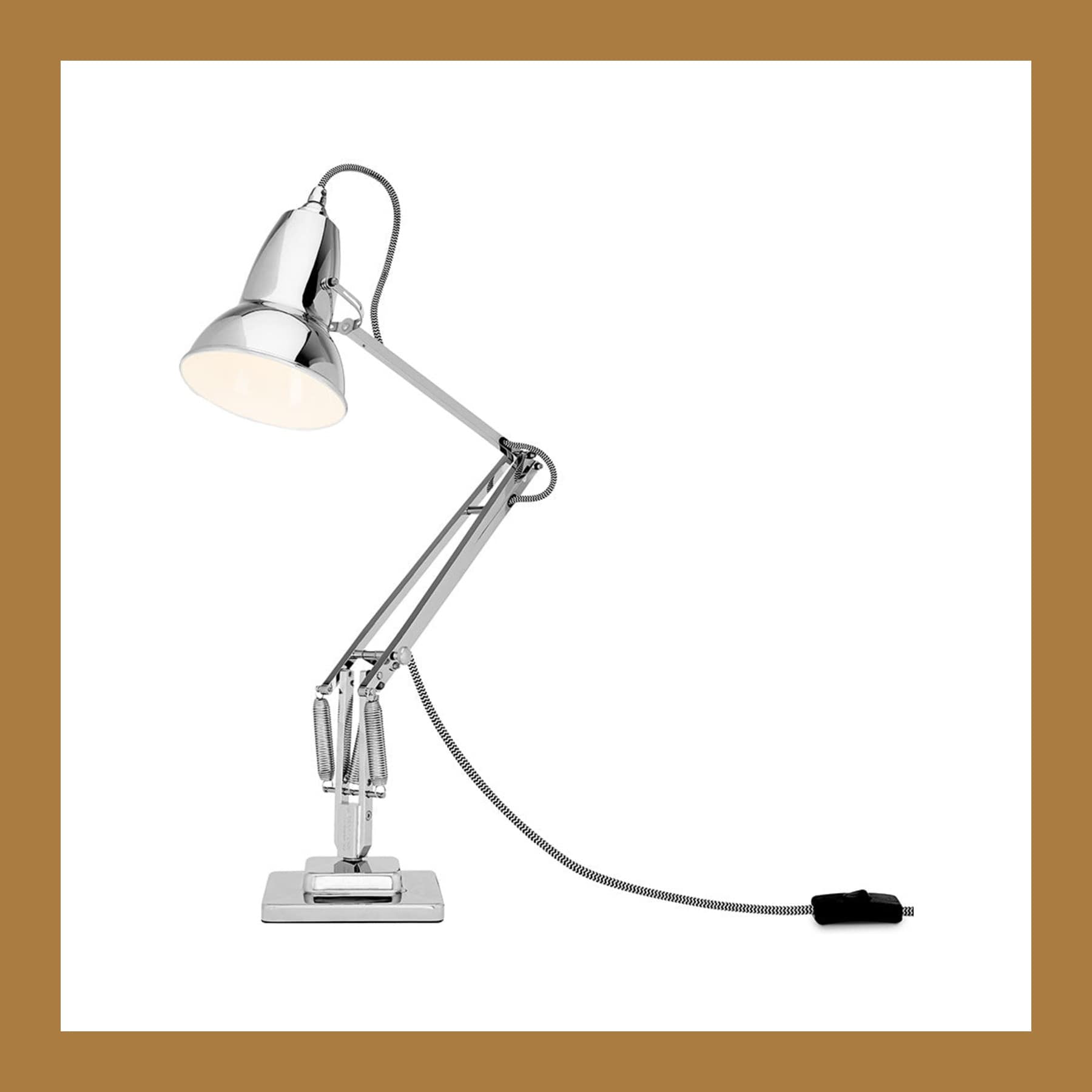
Anglepoise Type 75 Paul Smith Edition One - £289
Gift




Tevaplanter Self-Watering Ceramic Planter - $80 (about £60)
Gift



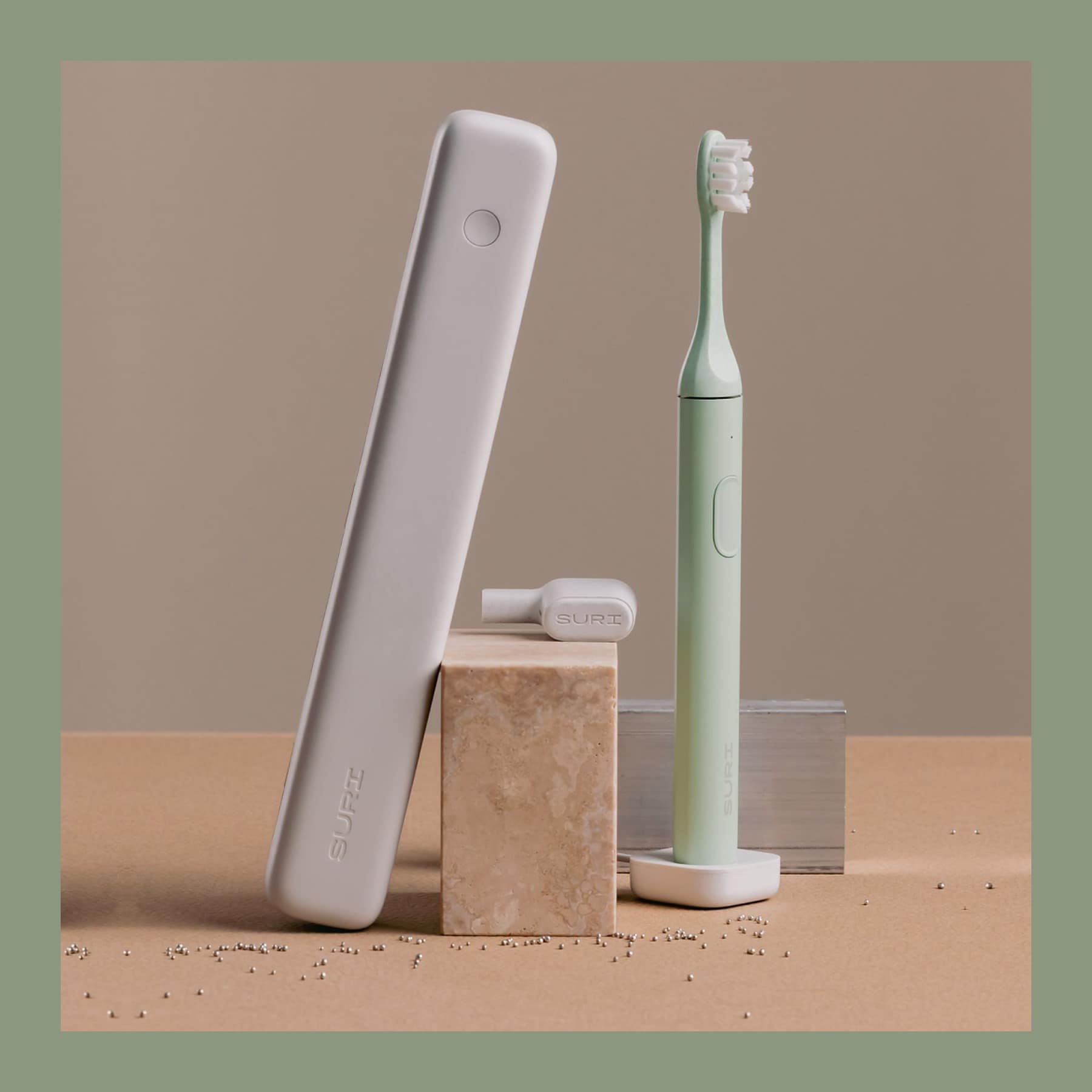
NASA Graphics Standards Manual Remastered Edition - £32
Gift









Citizen Star Wars Trench Run Watch (Sold Out) - was $475 (about £356)
Gift

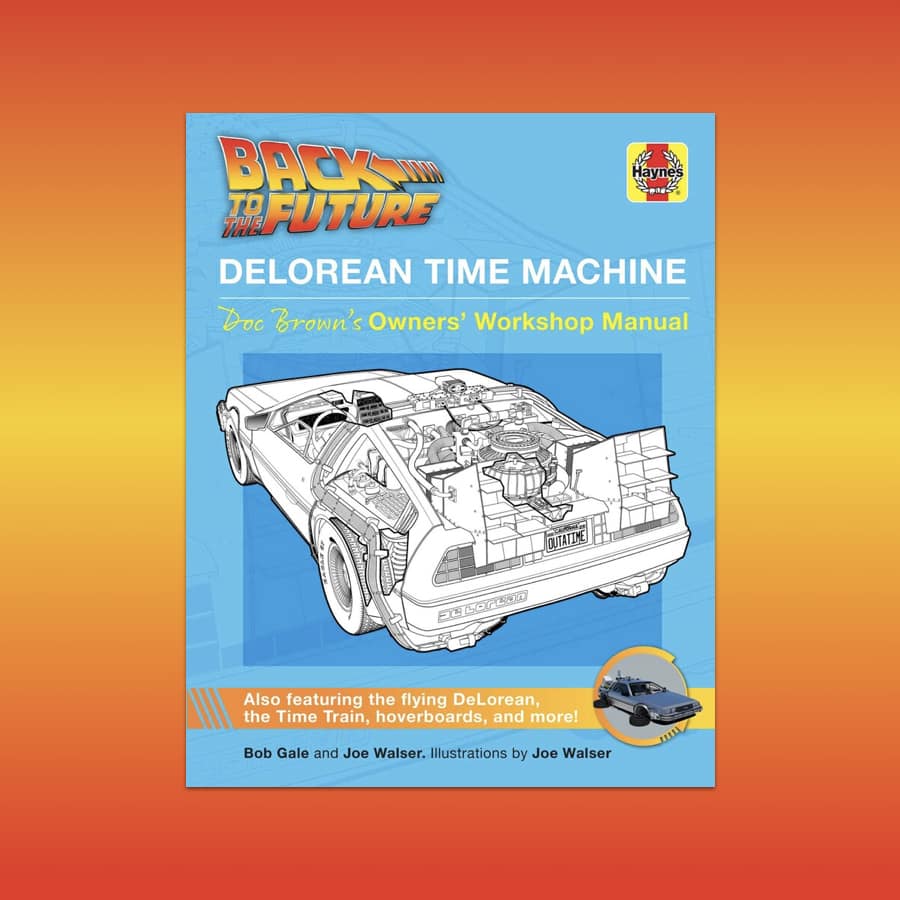
Back to the Future DeLorean Owner's Workshop Manual - £30
Gift
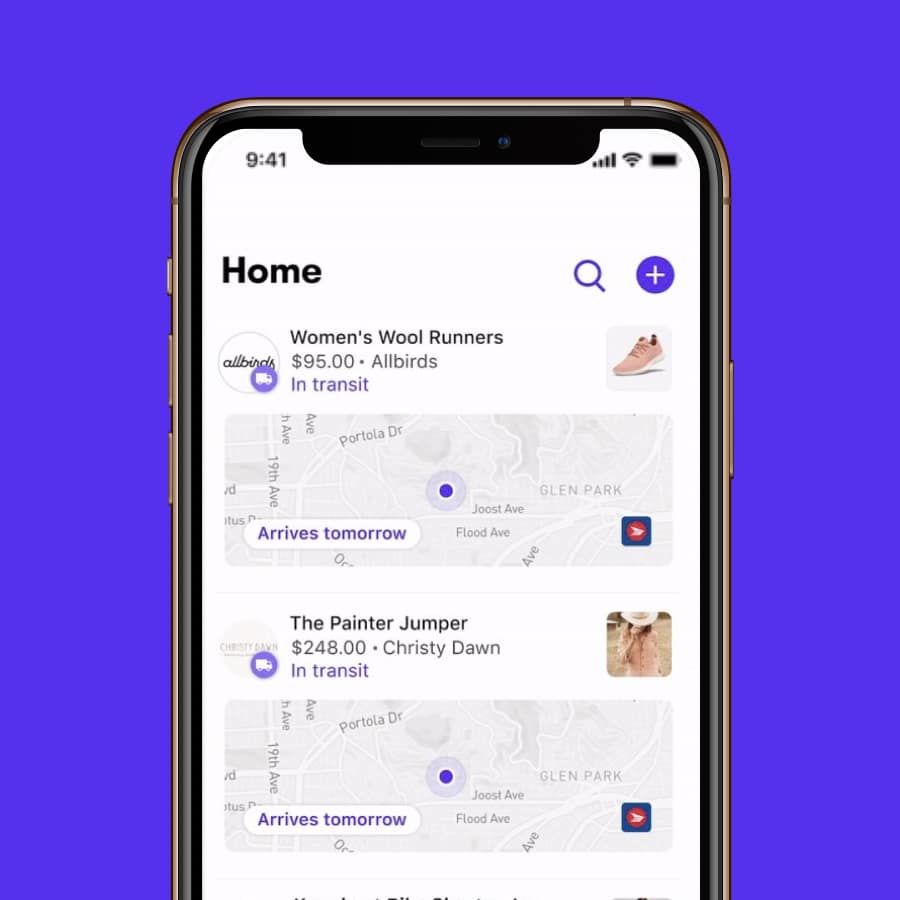
Shop App by Shopify: Order Tracking and Shop Pay
App
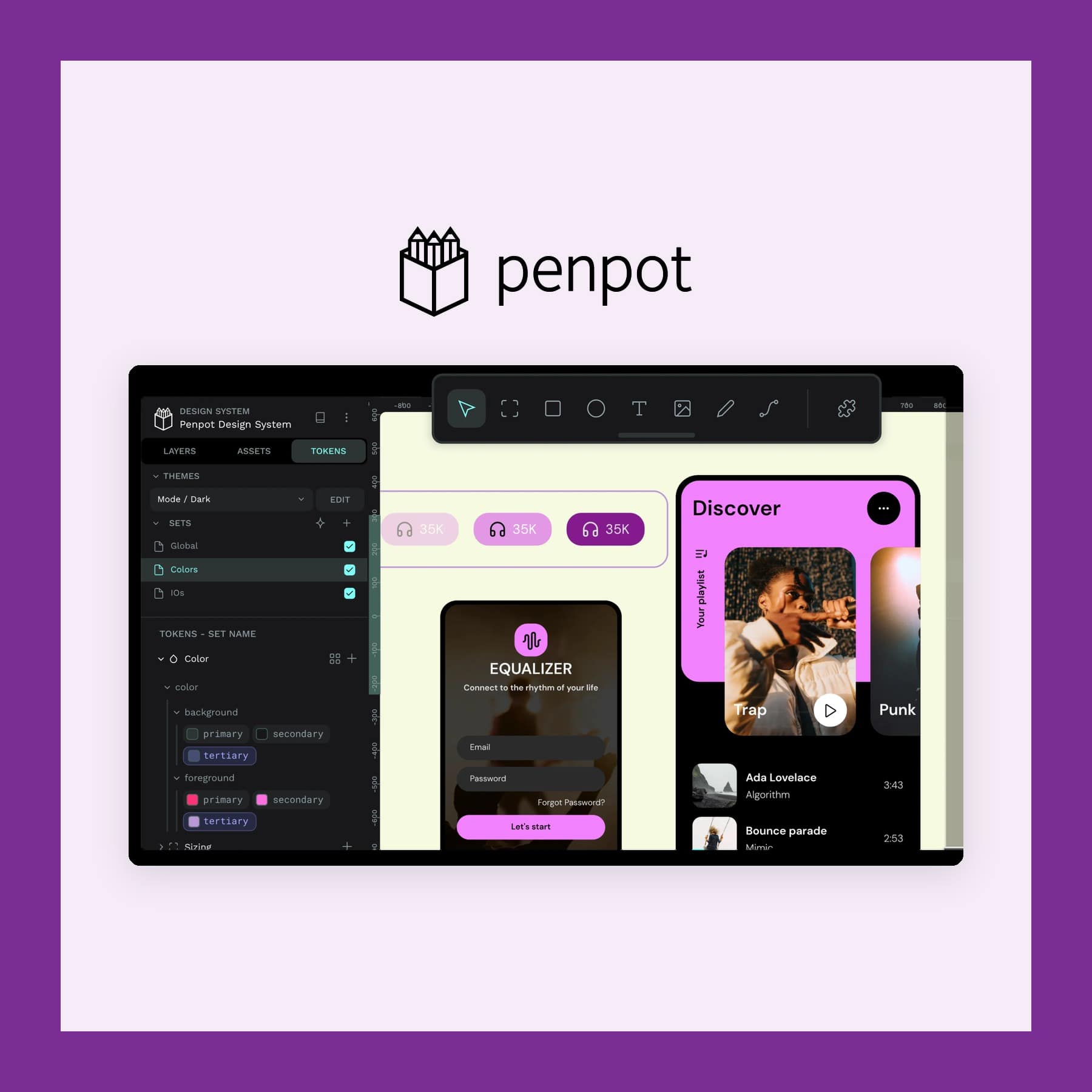
Penpot Design App: Free Open Source Figma Alternative
App






agood company Plant-Based Phone Case - from £20
Gift





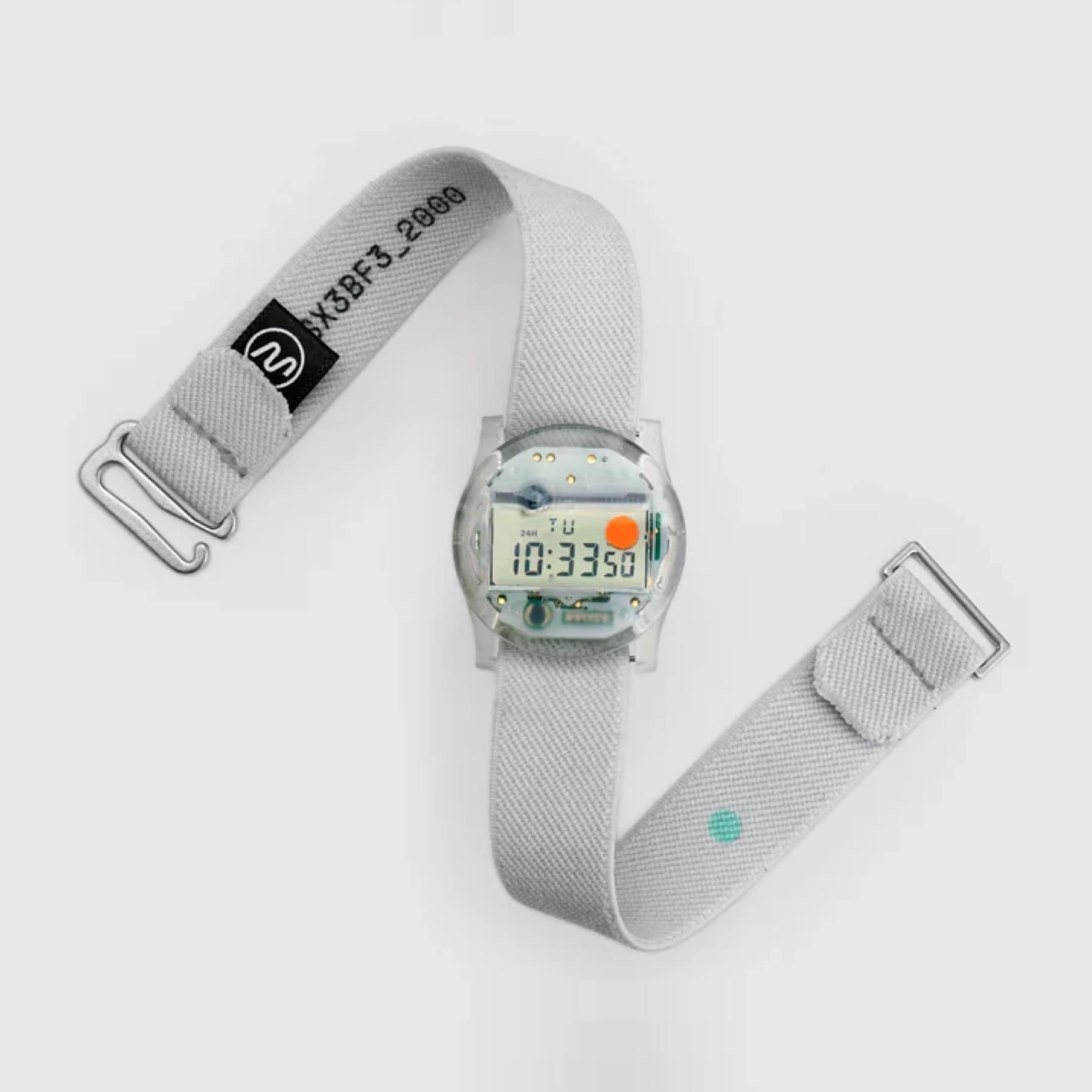
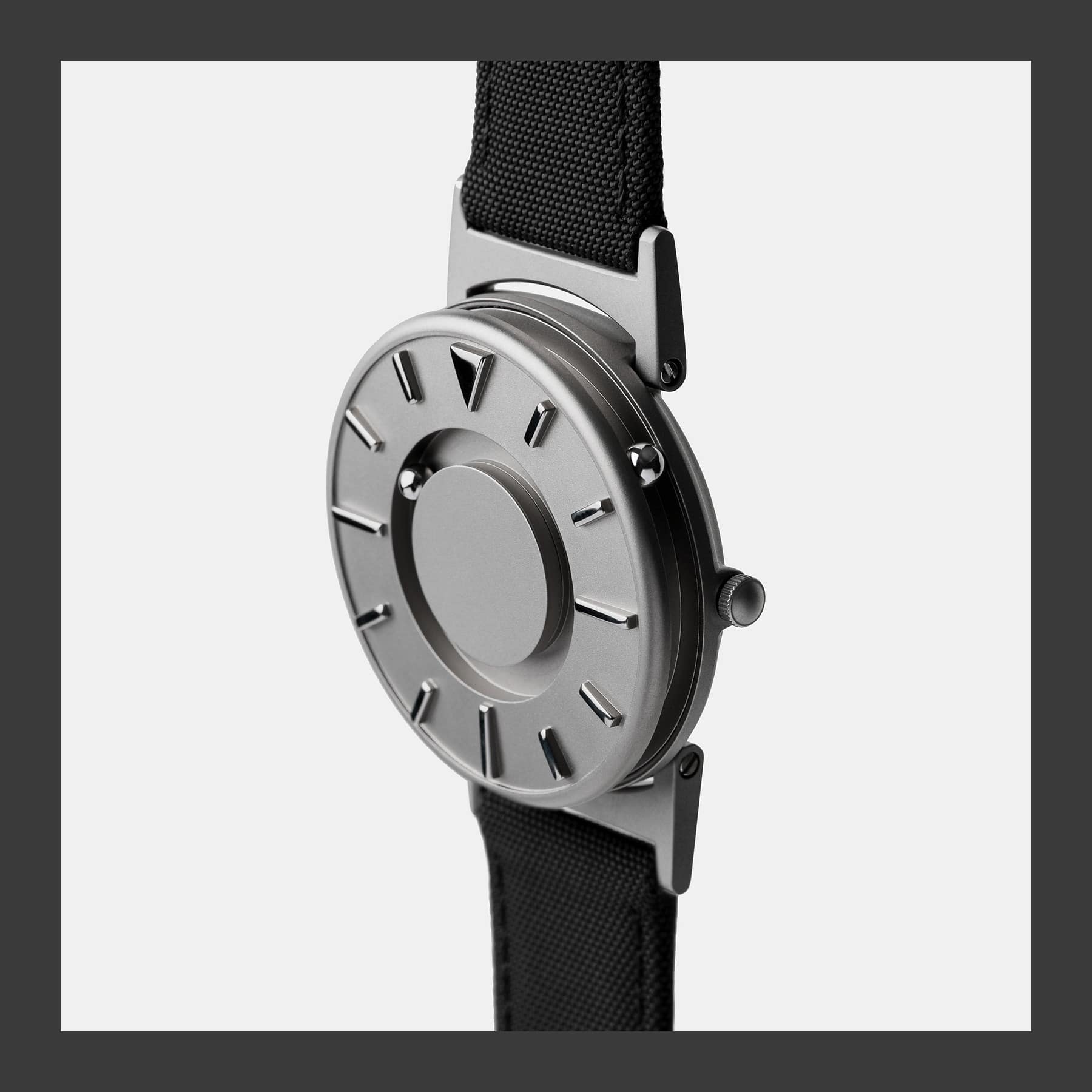
EONE Bradley tactile watch - from $225 (about £169)
Designer




Lechuza Classico 21 LS Self-Watering Planter - from £29
Gift
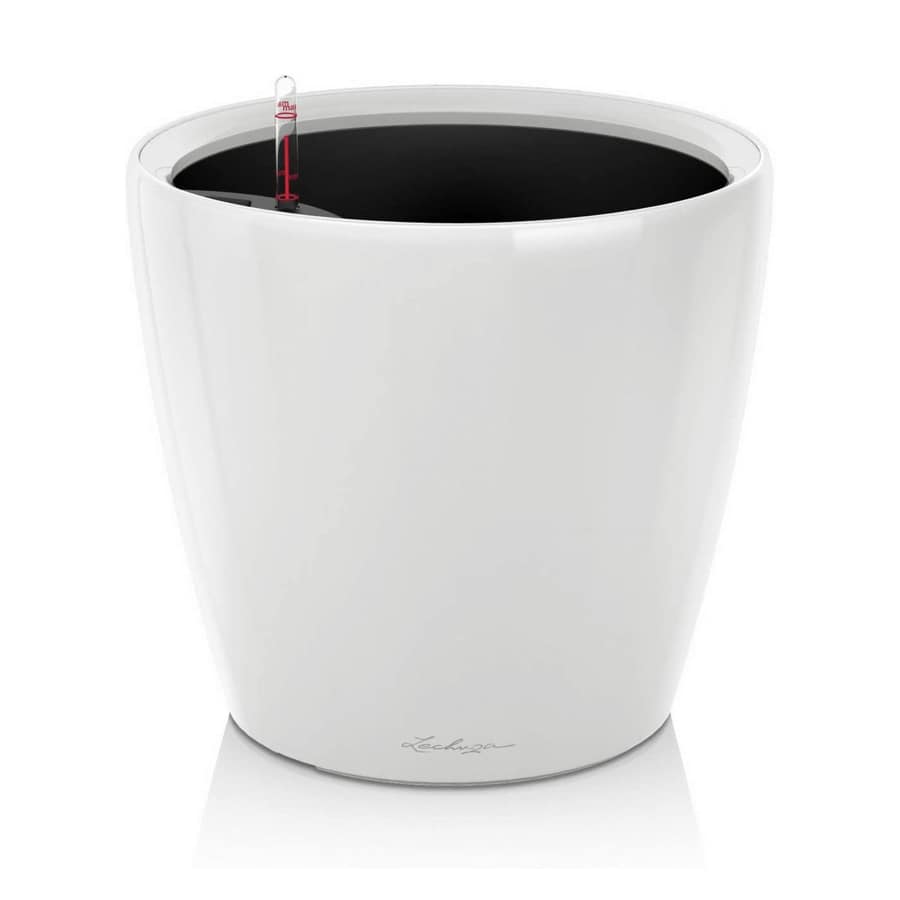
Flyte Lyfe Levitating Planter - $299 (about £224)
Gift


Follow us: Instagram
Copyright 2026 CoolCuration | Privacy Policy | Cookie Policy | Affiliate Disclosure | Cool Factor
-----------
We are proud supporters of a safer more private internet via encouraging people to use Brave browser and are actively taking on Spammers as part of ProjectHoneypot. This site is hosted on servers that run on 100% renewable energy in the UK thanks to GreenWebHosting.
This site contains affiliate links, including to Amazon.com and Amazon.co.uk. We may earn a commission if you make a purchase or sign up for a service via these links, at no extra cost to you. All offers and promotions are accurate at the time of publication but are subject to change or withdrawal by the businesses featured. We cannot guarantee their continued availability. Read our full affiliate disclosure.
Reviews and opinions on CoolCuration reflect the personal experience of our writers at the time of publication. They are not professional endorsements and your experience may differ. Scores use our Cool Factor rating system and are given independently of any commercial relationship.
All content on CoolCuration is provided for informational and entertainment purposes only. It does not constitute financial advice, investment recommendations or an endorsement of any product or service. We are not authorised by the Financial Conduct Authority and do not offer personalised financial guidance. You should always do your own research or consult a qualified financial advisor before making any financial decisions.