
Last updated: 7 October 2026
By Stiv · Design, technology and personal finance
This is an opinion piece. Views expressed are the author's own and do not constitute professional advice.
This article is for informational purposes only and does not constitute financial advice. Some features of Plum involve investing, which carries risk including the possible loss of capital. Always do your own research or consult a qualified financial adviser. CoolCuration is not authorised by the Financial Conduct Authority. This article contains affiliate and referral links, which are paid links. If you click one and buy or sign up, I earn a commission or referral bonus at no extra cost to you. Brands don't choose what I feature or what I say about them.
Keen to give Plum a go?
Our Plum referral page shows any current new-user offer and walks through the sign-up, .
Cool Factor
★★★☆☆
3 out of 5 · Cool
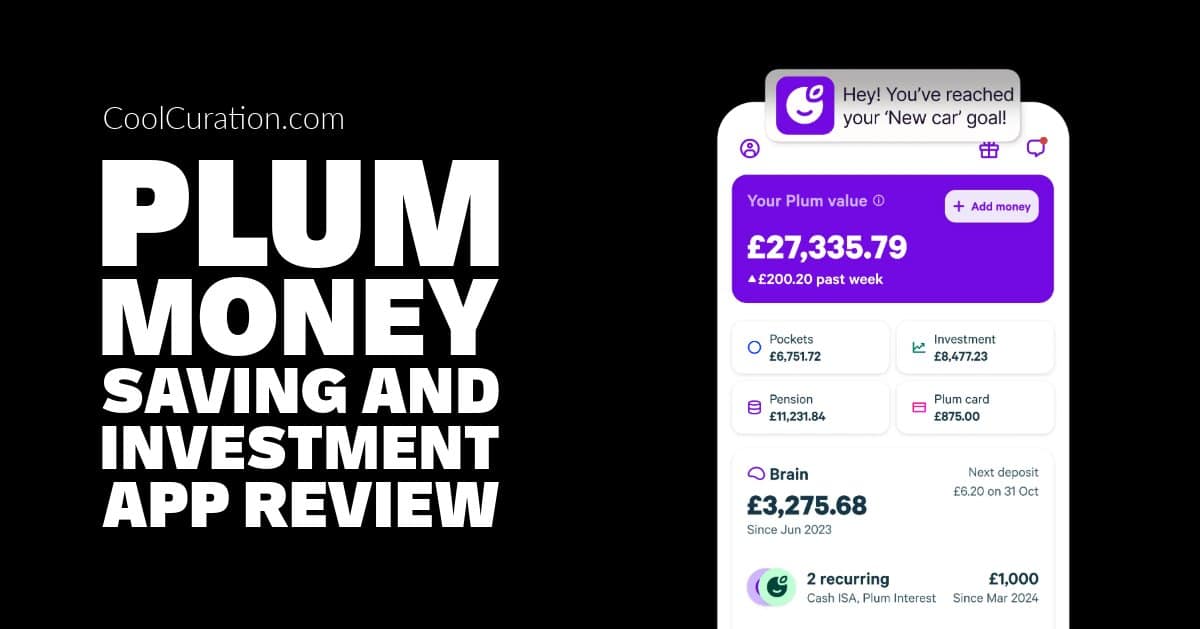
This Plum app review is based on three months of hands-on use. We set up Plum to run alongside our existing auto-saver to see whether it would earn a permanent place on our home screen. Plum is one of those apps that does a lot and wants you to know it. Auto-saving, round-ups, investing, bills management, cashback offers, interest-earning pockets. After three months of testing, here's whether all that activity translates into actually saving more money.
Read more