

Knockoff Amazon Brand Filter
Last updated: 12 October 2026
The Knockoff Amazon brand filter is a free browser extension that spots made-up brand names like SZHLUX and HORUSDY in your Amazon search results, then hides, dims or labels them. Established brands pass straight through. It works on amazon.co.uk and 22 other Amazon stores, in Chrome, Firefox and Safari, with no account. I checked the details on Knockoff's own site on 12 October 2026, when the Chrome Web Store showed 100,000 users and a rating of 4.7 out of 5.
What Knockoff does
Search Amazon for something ordinary, like a dog bed, and much of the first page comes from sellers with names nobody can pronounce. They are real registered trademarks, but they belong to sellers with almost no history and nothing to lose if the product is poor.
Knockoff runs the moment your results load. It checks the brand on every listing and decides whether it looks like an established company or a throwaway name. Then it acts on that verdict in the way you have chosen.
The developer, Josh Pigford, built it after struggling to find a well-made grass trimmer on Amazon. He told Fast Company that "everything I was finding were those nonsensical brandnames with almost no selling history." Knockoff launched in July 2026.
How the Knockoff Amazon brand filter decides
- The known-brands list: Knockoff keeps a register of more than 6,000 established brands, refreshed daily. A name on it passes untouched.
- The name score: Knockoff scores an unknown name on how much it looks like keyboard mashing, such as random capitals, missing vowels and consonant runs no word would have.
- The community list: one-click reports from users feed a shared list, and accepted fixes reach every install within a day.
Established Chinese companies such as Anker and DJI are on the known-brands list, so Knockoff treats them like any other real brand. Knockoff draws its line at whether a company has a reputation to lose, not at where it is based.
Knockoff's settings
- Filter level: Relaxed catches the worst offenders, Standard adds suspect and unbranded names, and Strict lets through only recognised brands.
- What happens to flagged items: hide them, dim them until you hover, or just add a warning label.
- Your own lists: mark any brand as trusted or junk from the results page, and your choice overrides every other signal.
- Sponsored listings: a separate switch strips Amazon's paid "Sponsored" results. It is off until you turn it on.
- Alexa promos: another switch hides Alexa banners and the assistant panel that opens on its own.
- Seller country: Knockoff shows where a seller is based on more listings, using the VAT number on European listings where Amazon publishes no address.
- Past orders: since version 0.10 it labels made-up brands in Your Orders, so you can see which past buys came from one.
Where it works
Knockoff runs on 23 Amazon stores, including amazon.co.uk. You can install it in Chrome from the Chrome Web Store, and Edge, Brave and Vivaldi use that same listing. There is a Firefox add-on for desktop and Android.
On a Mac, iPhone or iPad, it comes as a Safari extension from the App Store. It needs macOS 11 or iOS 15 and later, and you switch it on in Safari's settings after installing.
Privacy
Knockoff asks for one browser permission, storage, so it can remember your settings. It only runs on the shopping sites it supports, and your searches and orders stay in your browser.
Two features do send data, and both are on until you switch them off. Seller country sends seller IDs. "Help pick US alternatives" sends the product you open, meaning its title, brand and Amazon product number, but nothing that identifies you. The filtering still works with both switched off. The Knockoff FAQ lists every call it makes.
What the Knockoff Amazon brand filter will not do
Knockoff judges the brand behind a listing. It never reads reviews, so it cannot tell you whether a listing's five-star reviews are genuine. It also cannot spot a counterfeit, where a seller fakes a real brand's name. The tool deals with the opposite problem: a real trademark on generic goods.
Its verdicts are a best guess from lists and a name score, so expect the odd mistake. It could flag a small British maker with an unusual name. If that happens, mark the brand as trusted and it stays that way.
It does not track prices either. For price history and price-drop alerts on Amazon, you need a separate price tracker.
Fake reviews and pricing in the UK
UK consumer law bans fake reviews and misleading price claims. The Competition and Markets Authority sets out what counts in its unfair commercial practices guidance. Knockoff does not check either of those. What it does is cut down the number of throwaway sellers you have to judge in the first place.
How to get it
Install the Knockoff Amazon brand filter from your browser's add-on store, then search Amazon as normal. Flagged listings change at once, and a counter on the page tells you how many it filtered.
FAQs
Is the Knockoff Amazon brand filter free?
Yes. There is no account, no paid tier and no trial.
Does Knockoff work on Amazon UK?
Yes. It runs on amazon.co.uk and 22 other Amazon stores, with the same filtering on each.
Does Knockoff work on iPhone?
Yes, as a Safari extension from the App Store. It needs iOS 15 or later, and you switch it on in Safari's settings.
Does Knockoff detect fake reviews?
No. It judges the brand behind each listing in your search results and never reads the reviews.
Will Knockoff hide brands I trust?
It can, because the verdicts are a best guess. Mark the brand as trusted from the results page and Knockoff will leave it alone from then on.
Can Knockoff hide sponsored listings on Amazon?
Yes. A separate switch in its settings removes Amazon's sponsored results. It is off by default.
More from CoolCuration
- 1Blocker: block ads and trackers in Safari on iPhone and Mac.
- Back Market: refurbished tech with a warranty, often cheaper than new.
- Best cashback apps UK: the apps that pay you back when you shop.
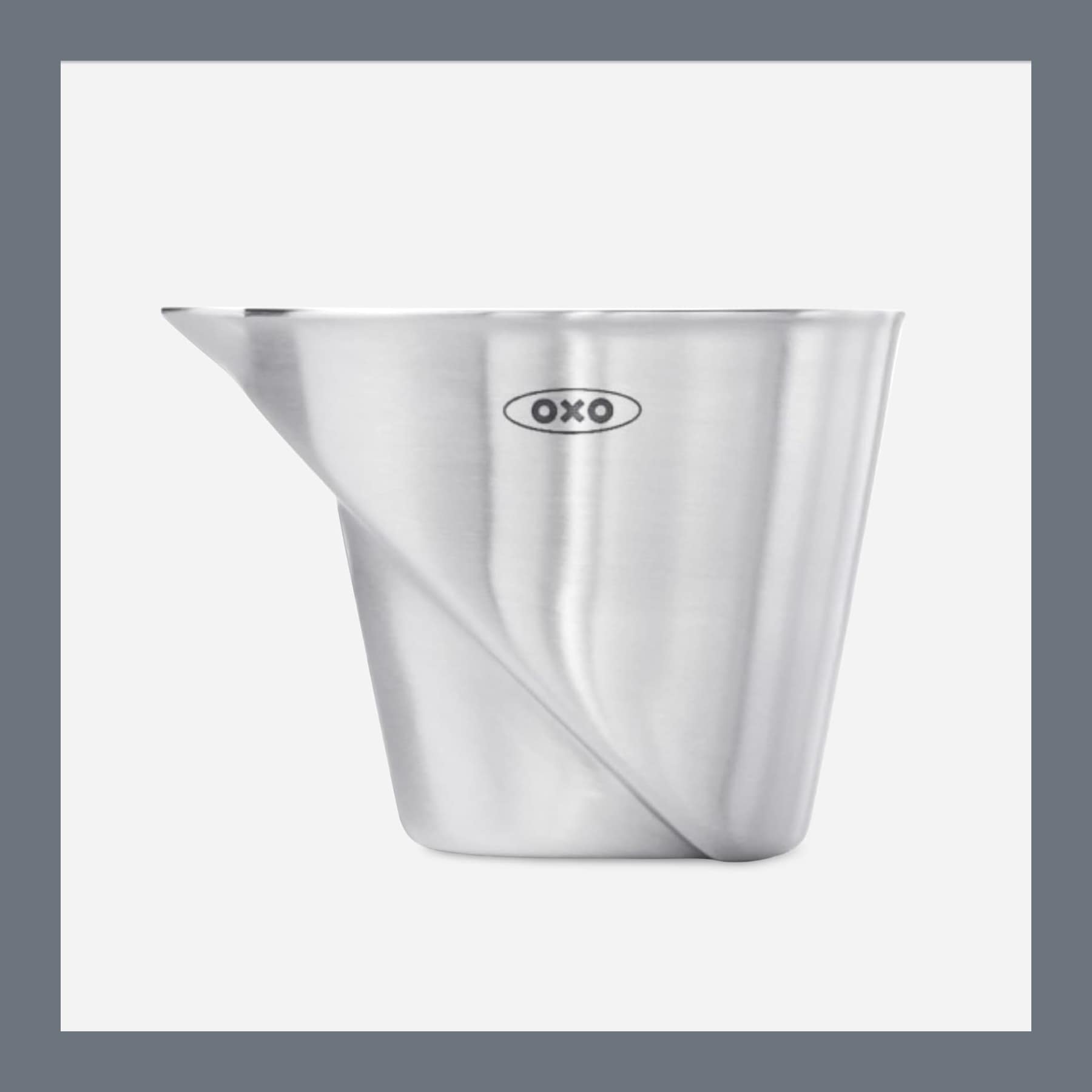
- OXO Steel Angled Jigger: a bar tool from a brand with a long track record.
- Gifts for techies: gadgets and tools for people who like the latest kit.
Get it from:
Free, with no account. Also on Firefox and Safari.

Follow us: Instagram
Copyright 2026 CoolCuration | Privacy Policy | Cookie Policy | Affiliate Disclosure | Cool Factor
-----------
We are proud supporters of a safer more private internet via encouraging people to use Brave browser and are actively taking on Spammers as part of ProjectHoneypot. This site is hosted on servers that run on 100% renewable energy in the UK thanks to GreenWebHosting.
This site contains affiliate links, including to Amazon.com and Amazon.co.uk. We may earn a commission if you make a purchase or sign up for a service via these links, at no extra cost to you. All offers and promotions are accurate at the time of publication but are subject to change or withdrawal by the businesses featured. We cannot guarantee their continued availability. Read our full affiliate disclosure.
Reviews and opinions on CoolCuration reflect the personal experience of our writers at the time of publication. They are not professional endorsements and your experience may differ. Scores use our Cool Factor rating system and are given independently of any commercial relationship.
All content on CoolCuration is provided for informational and entertainment purposes only. It does not constitute financial advice, investment recommendations or an endorsement of any product or service. We are not authorised by the Financial Conduct Authority and do not offer personalised financial guidance. You should always do your own research or consult a qualified financial advisor before making any financial decisions.