
Last updated: 31 October 2026
By Stiv · Design, technology and personal finance
This is an opinion piece. Views expressed are the author's own and do not constitute professional advice.
This article contains affiliate and referral links, which are paid links. If you click one and buy or sign up, I earn a commission or referral bonus at no extra cost to you. Brands don't choose what I feature or what I say about them.
Xerox sent me the C305 for this review free of charge, and I'm keeping it. When I accepted, I told Xerox the free printer would not change my view or the rating. Xerox did not ask to see this review and has not seen it.
A brilliant office printer with a frustrating setup
This Xerox C305 review covers just over a week with the new Xerox C305ae. It's a colour laser printer that also scans, copies and faxes. It replaced my HP Colour Laser 150nw, which I gave 1/5. Once it was running, the C305ae printed and scanned faster and more reliably than any printer I have owned. Setting it up was the hard part.
Cool Factor: 4/5
See the Xerox C305ae on Amazon
What is the Xerox C305ae?
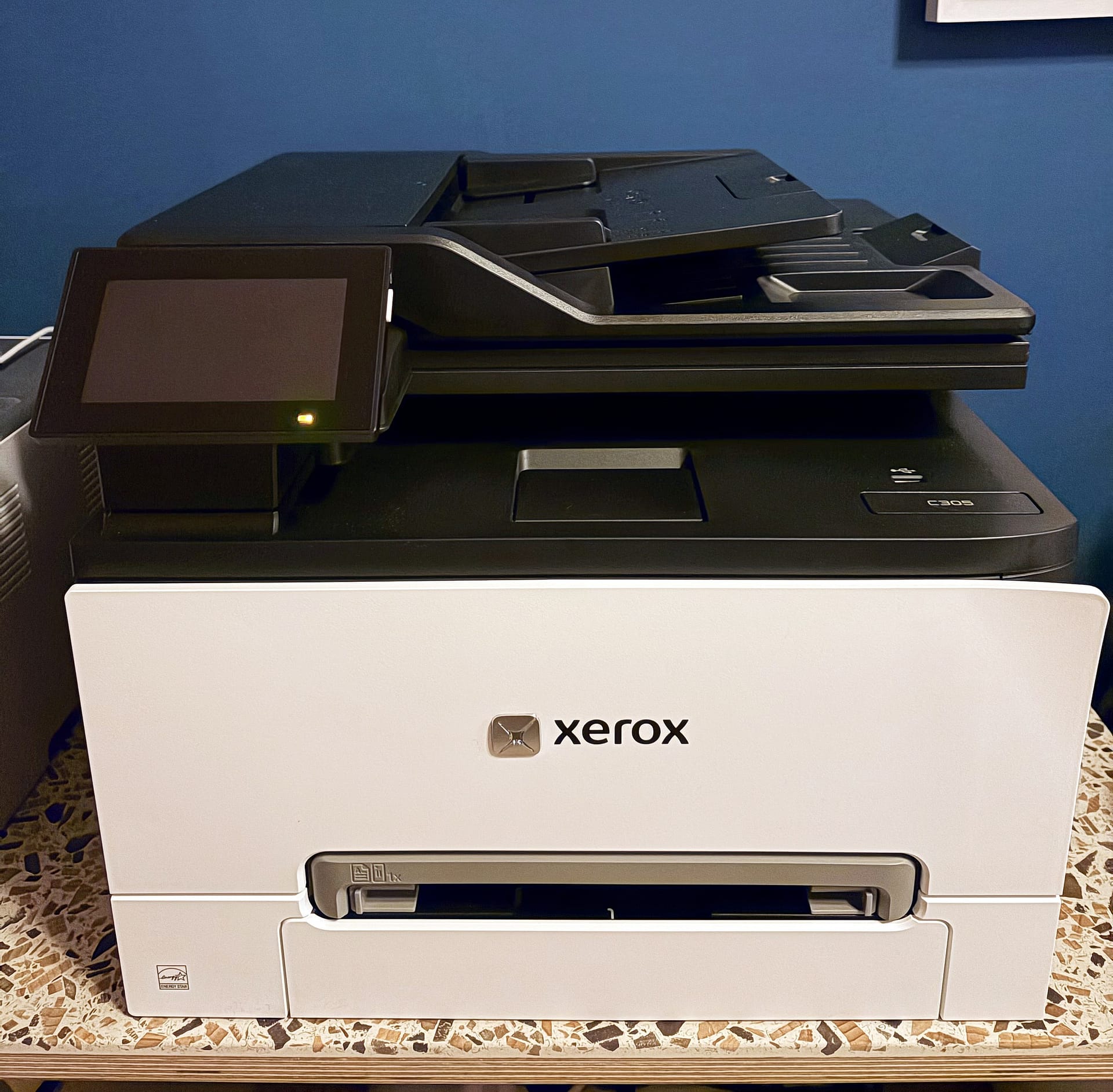
The C305ae is a colour laser multifunction printer from Xerox. It prints, scans, copies and faxes. It also sits at the top of a new small-office range alongside the C240, C245, C255a and C303a. According to Xerox's own specification sheet, it prints up to 30 pages a minute in A4, colour or mono. The first page comes out in 8.3 seconds.
On paper the hardware is generous for the money. There is a 250-sheet paper tray and a 4.3-inch touchscreen that tilts. The 50-sheet document feeder scans both sides of a page in a single pass. It connects over Wi-Fi, Gigabit Ethernet and USB, and supports Apple AirPrint and Mopria. Meanwhile, Xerox rates it for up to 75,000 pages a month.
Print speed: up to 30 pages a minute in A4, colour and mono
Scanning: 50-sheet single-pass duplex feeder plus flatbed glass
Paper: 250-sheet tray, one-sheet manual slot, room for two more 250-sheet trays
Connections: Wi-Fi, Gigabit Ethernet, USB, AirPrint, Mopria
Size and weight: 411 x 400 x 345mm, 20.2kg
Warranty: one year
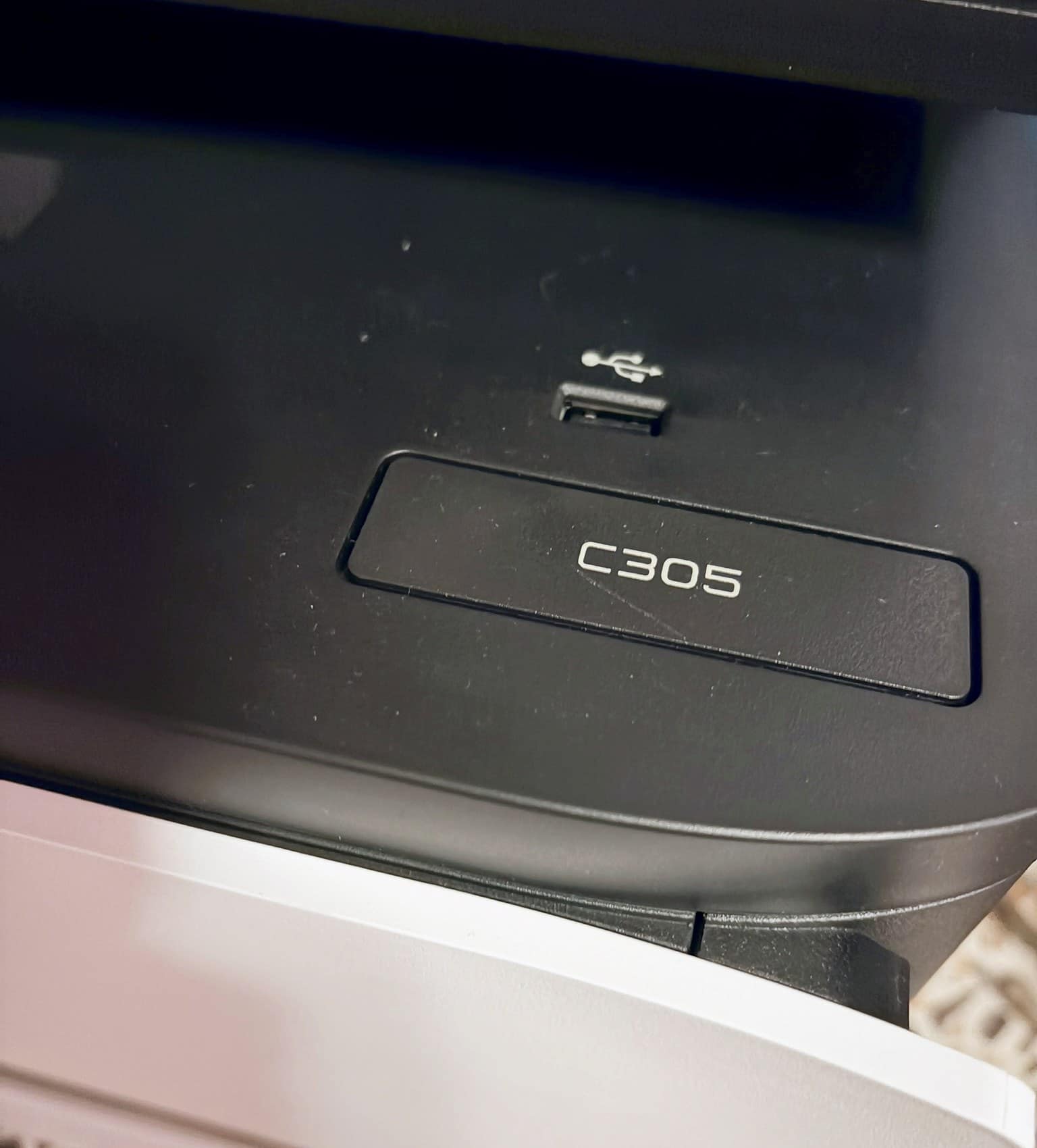
The box says C305, the printer says C305, and the app and AirPrint call it the C305ae. As far as I can tell, they are the same machine.
Xerox, Lexmark and a new range
This printer is one of the first products from the combined Xerox and Lexmark business. Xerox completed its $1.5 billion purchase of Lexmark in July 2025. This year's range is the first since. When Xerox got in touch, it said the range brings "together the combined strengths of Xerox and Lexmark to deliver a more competitive offering" for small workgroups.
The hardware in this range is solid and thoughtful. The software around it is weaker, as the setup section below shows.
02 / Unboxing
Xerox C305 review: unboxing 20kg in a very big box
The box is massive. Xerox puts the printer alone at 20.2kg, and with all the packaging it felt nearer 22kg. Inside the lid there is a nice touch: the cardboard says "Hello, thank you for choosing Xerox for your printing needs" in eight languages.
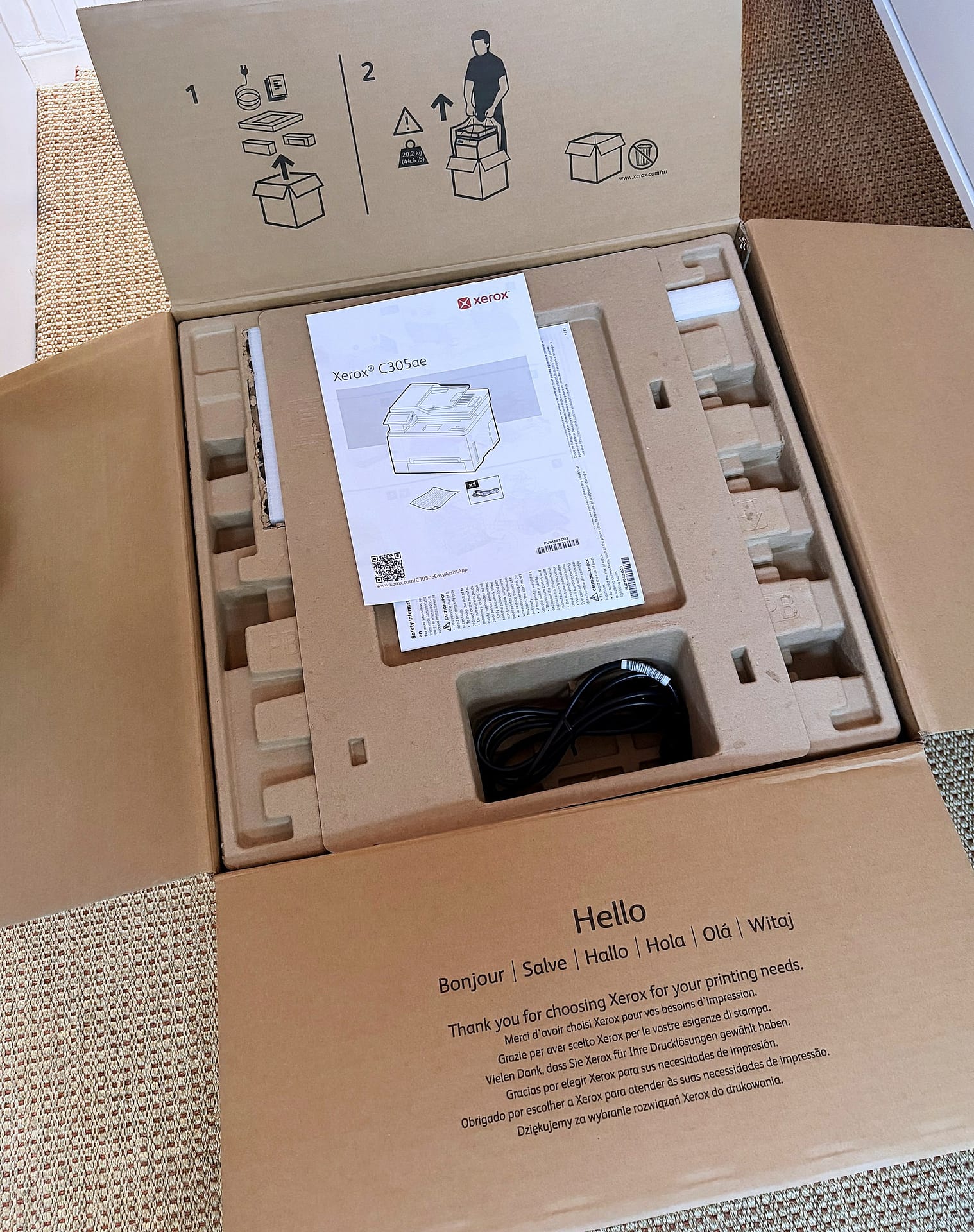
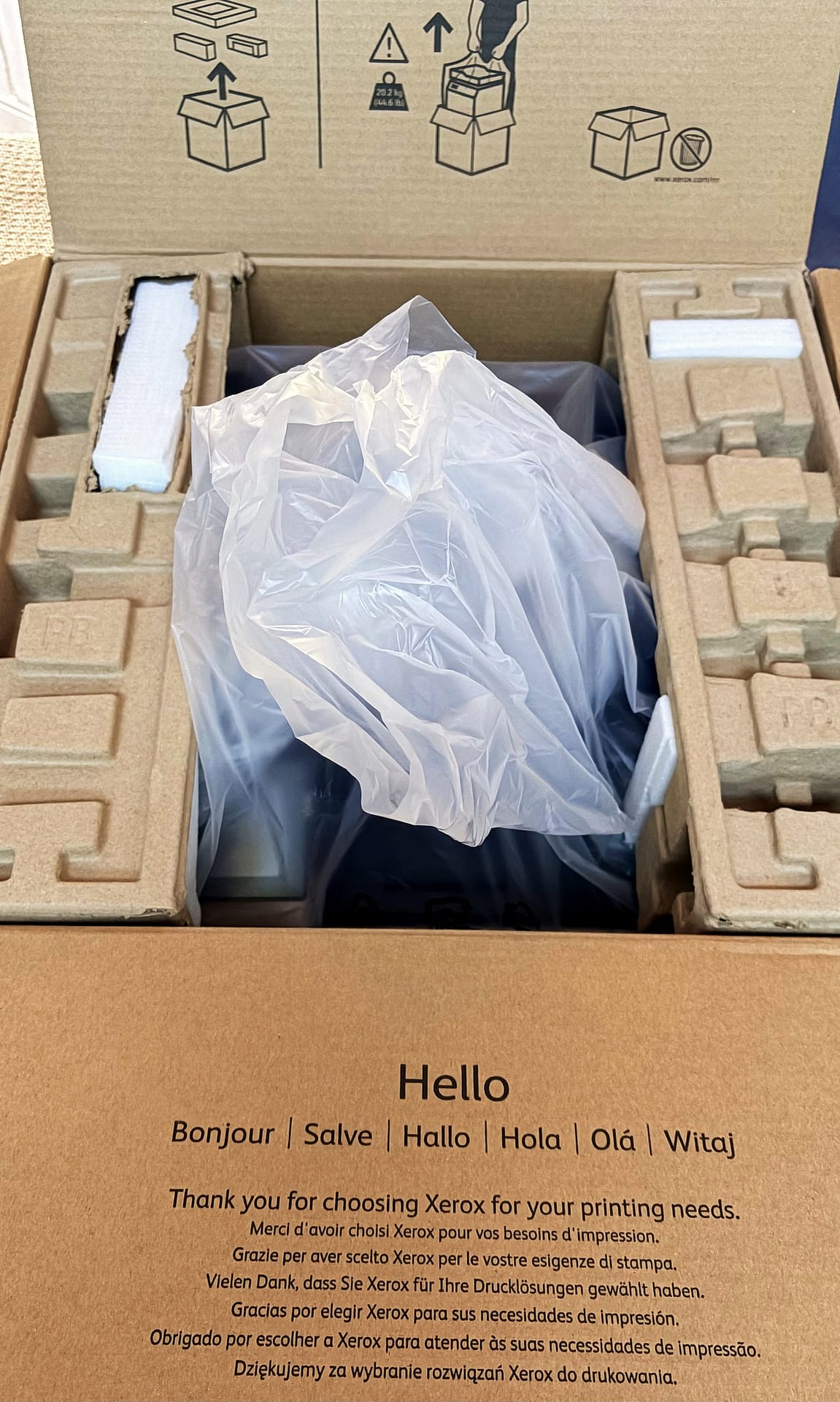
A pictogram on the lid shows one person lifting the printer out by its plastic bag, like a giant Santa sack. I tried, and the whole box came up with it. In the end someone had to hold the cardboard down while I lifted. I'm nearly six foot, and there was no way to lift 20kg out of a deep box with a straight back.
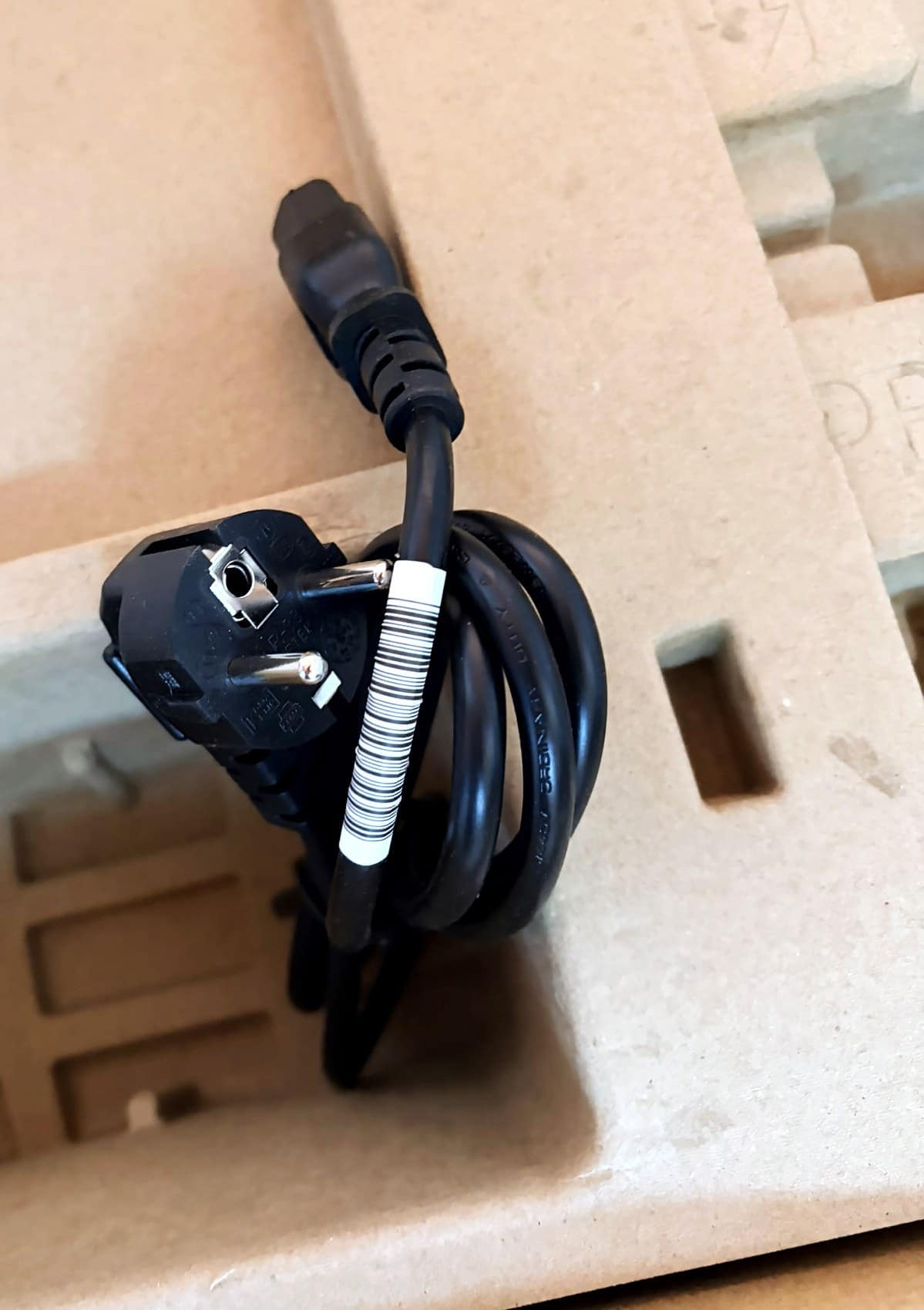
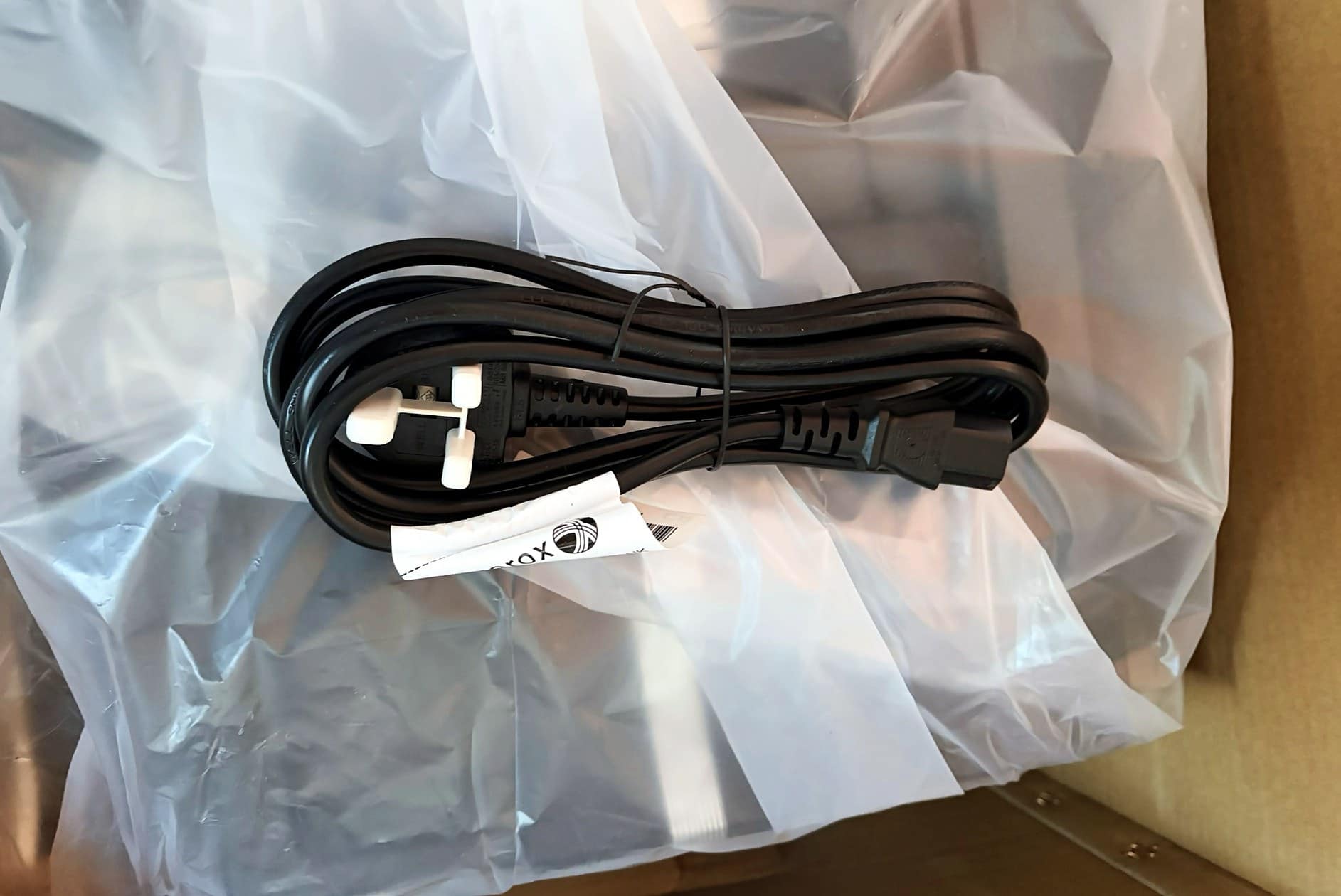
One of the box's carry handles had also been pushed through, so I could see the printer and its cables through the hole. That felt a bit careless for the more expensive model in the range. The cable sitting on top had a European plug, which worried me slightly, and the manuals were strewn in. Thankfully, the UK kettle lead turned up later, tucked down the side of the printer.
How packaging should be done
A week earlier I had unpacked an Apple Studio Display. That box was mostly card. I tore a few flaps by peeling them in the wrong order. Still, the only waste was a paper pull strip, and everything else went in the recycling. There was no plastic at all.
By contrast, the Xerox was packed the way printers have always been packed. The moulded pulp trays and the cardboard recycle fine, although breaking down the box took two trips to the bin. The trouble is everything else: a large sheet of red plastic, red pull tabs, strips of tape, and a lot of white foam.
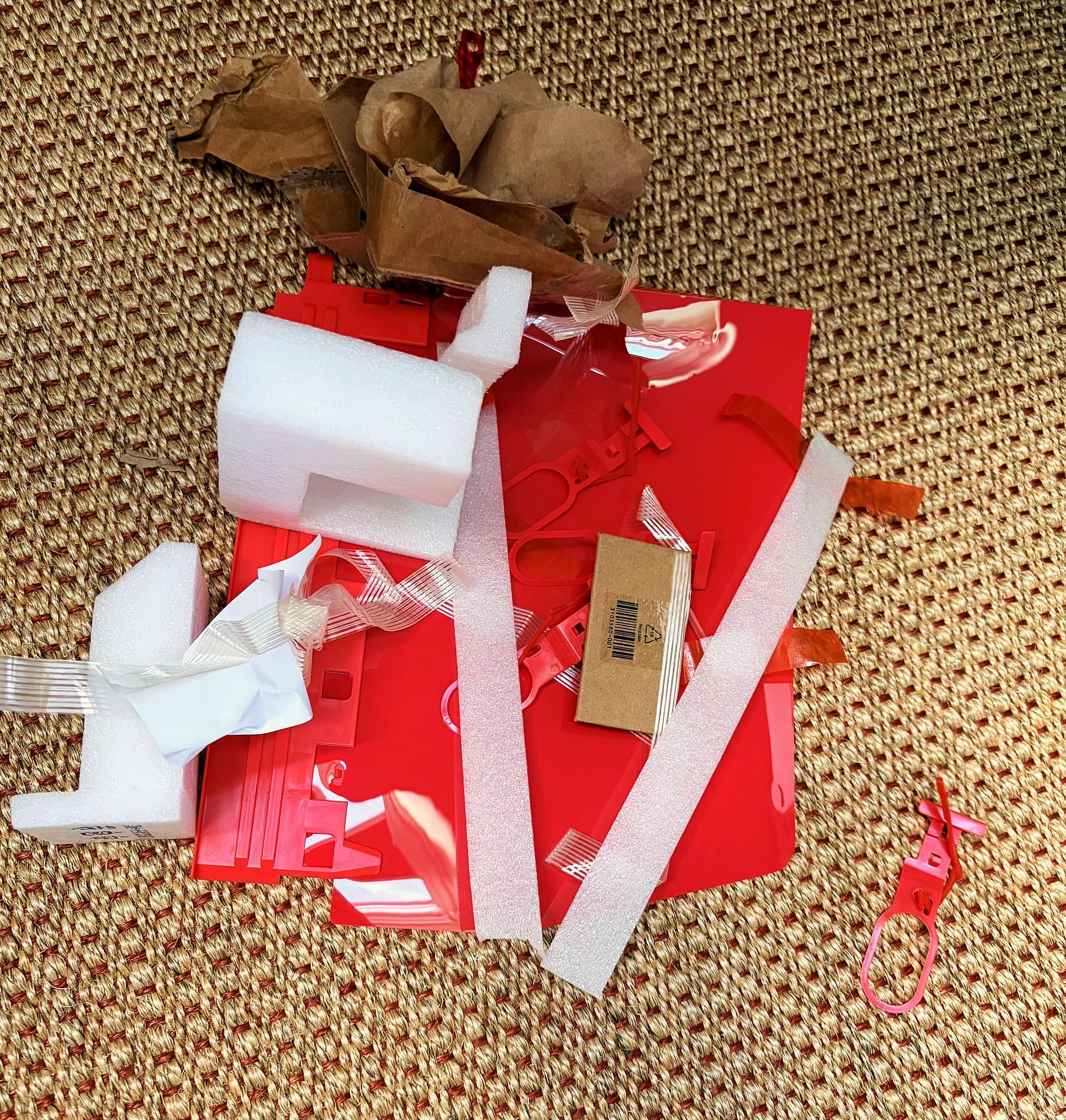
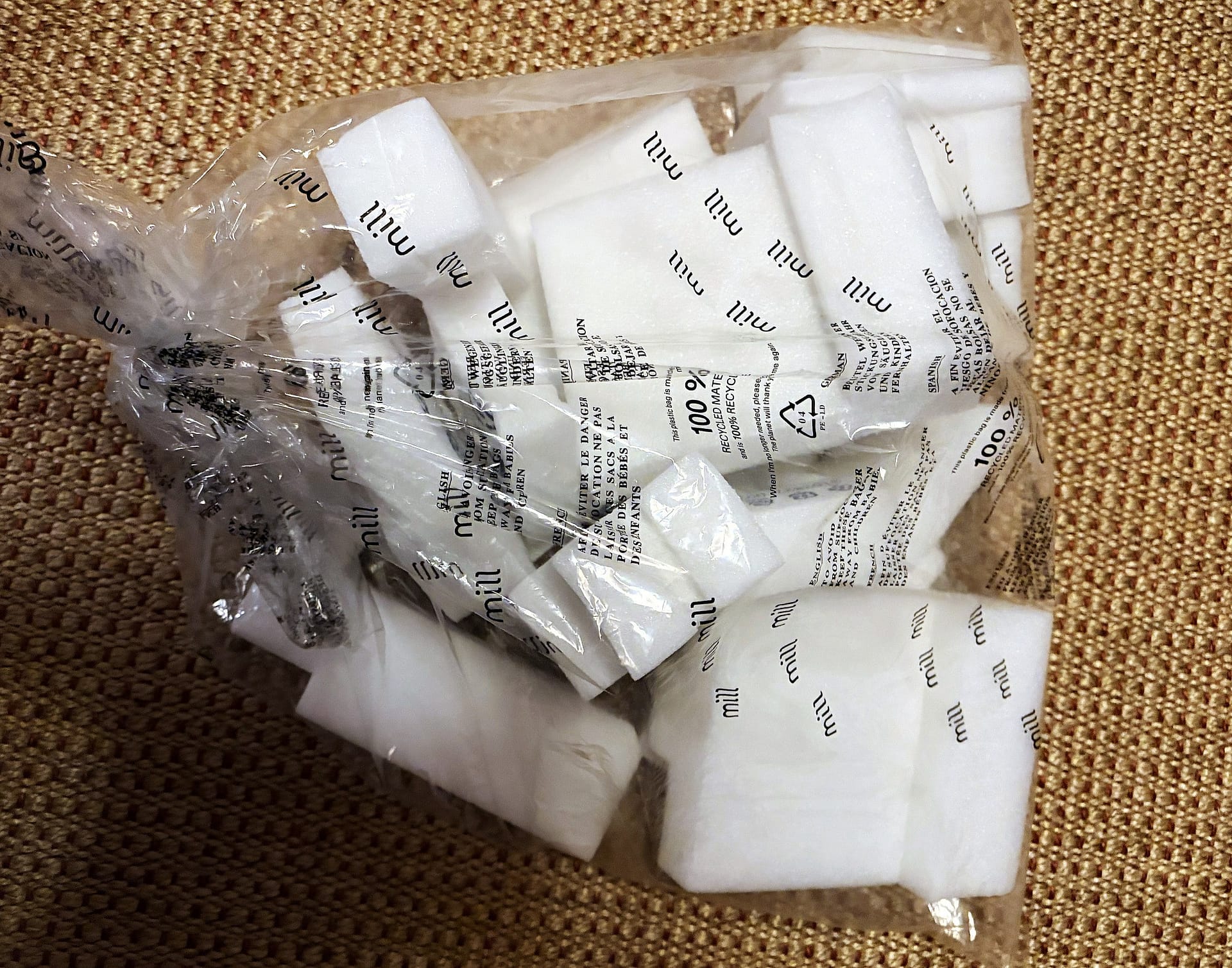
To Xerox's credit, the foam pieces are stamped with their plastic type. However, polyethylene foam can't go in a UK kerbside recycling bin. Currys didn't take it, although the soft plastics point at a large Sainsbury's did. The red plastic and the tape went in the bin. The spare EU cable went into the electronics recycling box at Currys.
03 / Setting up the hardware
Getting it out of transit mode
There were no instructions on what to remove. The box held warranty papers, legal leaflets and a single sheet of pictograms. It showed how to plug in, switch on and scan a QR code. Nothing said which tape, foam or tabs needed to come off, or why some tape was red and some striped grey. So I peeled off everything I could see.
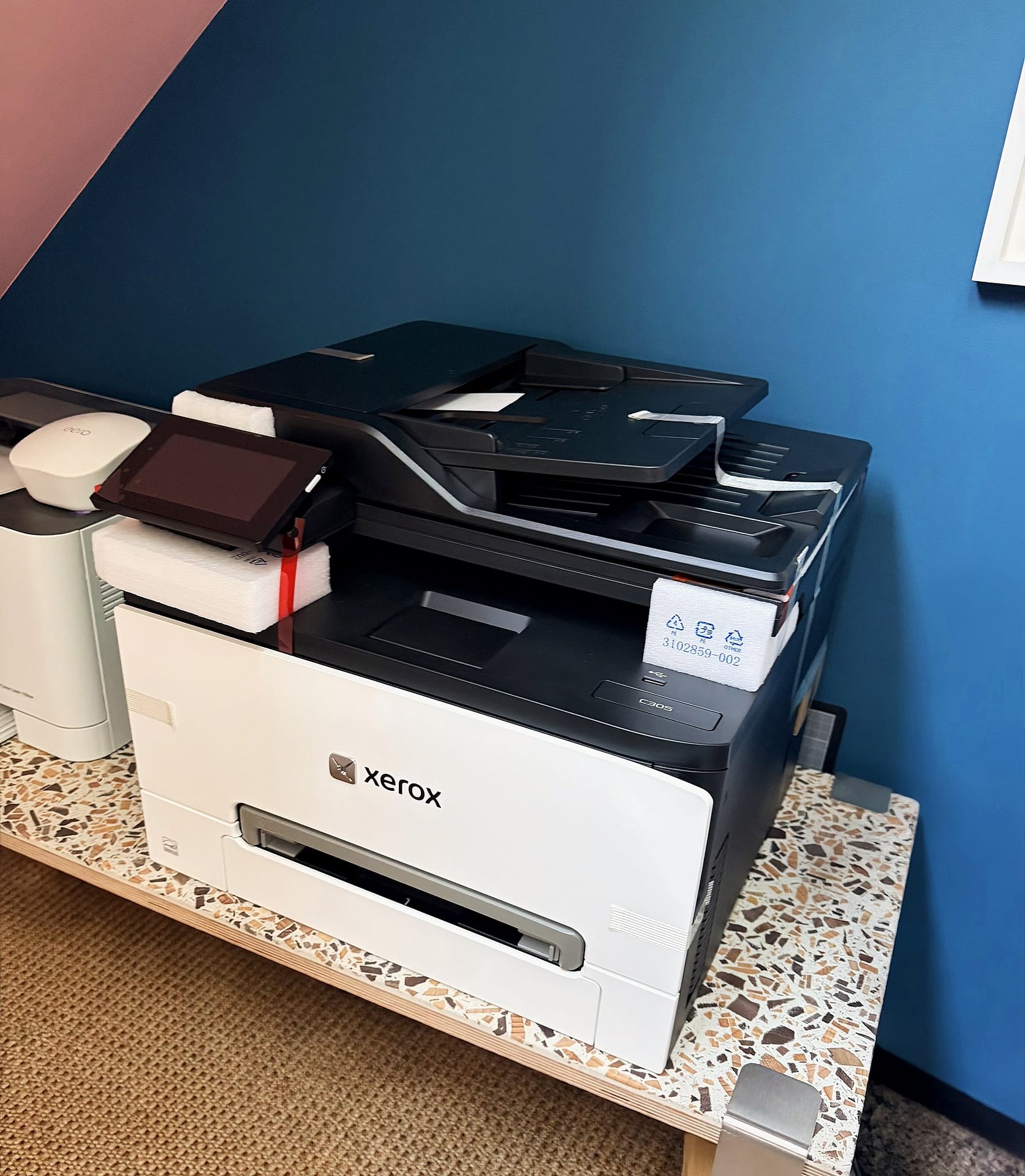
The front panel has a moulded curve, like the curl at the edge of a sheet of paper. Pulling on it opens the front door. Inside are more pictograms, a green handle, and a blue strip on the inside of the door that I still can't explain. The pictograms say step one is to open the door, which I had done. Step two is to pull the green handle. It wouldn't budge.
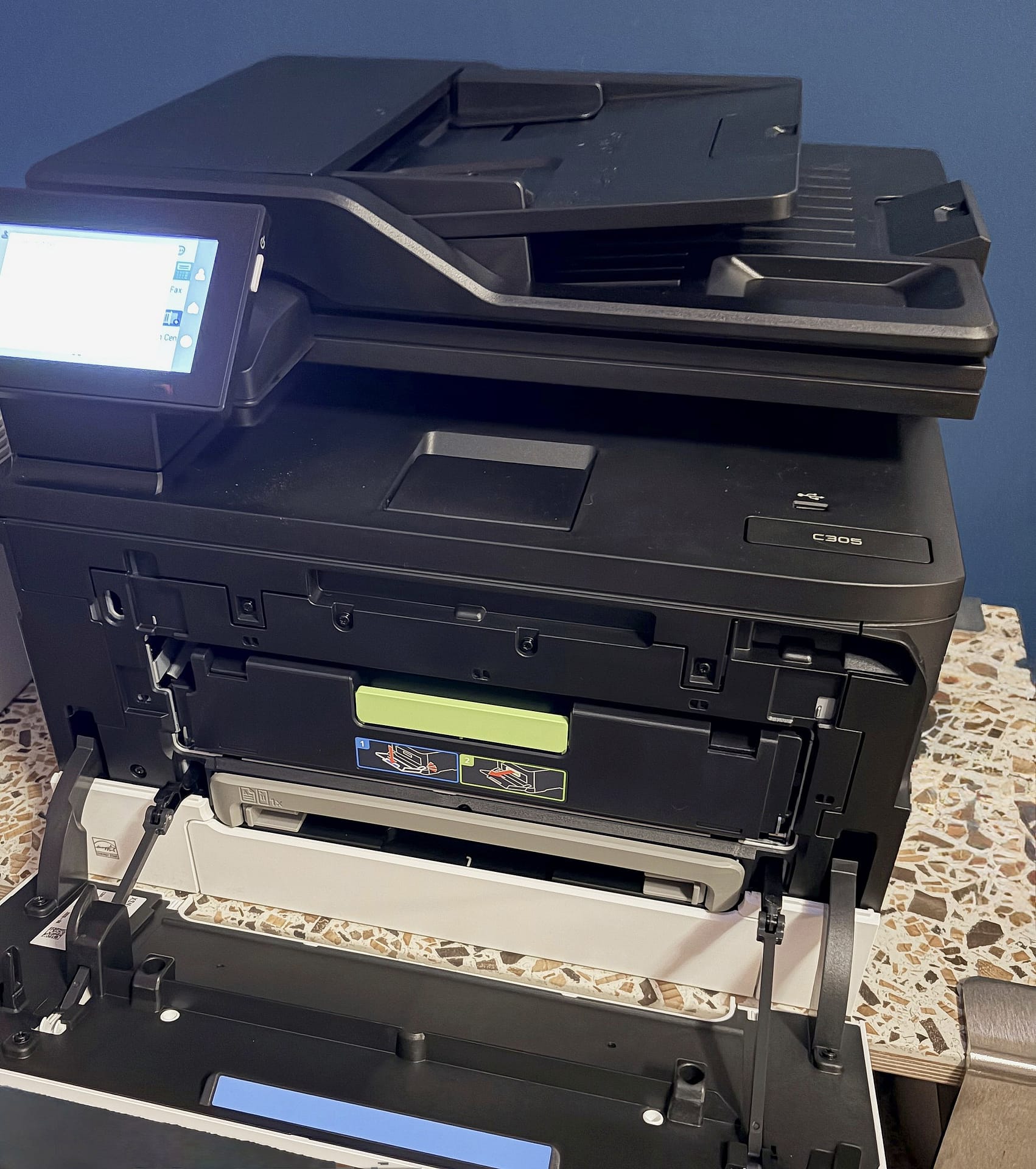
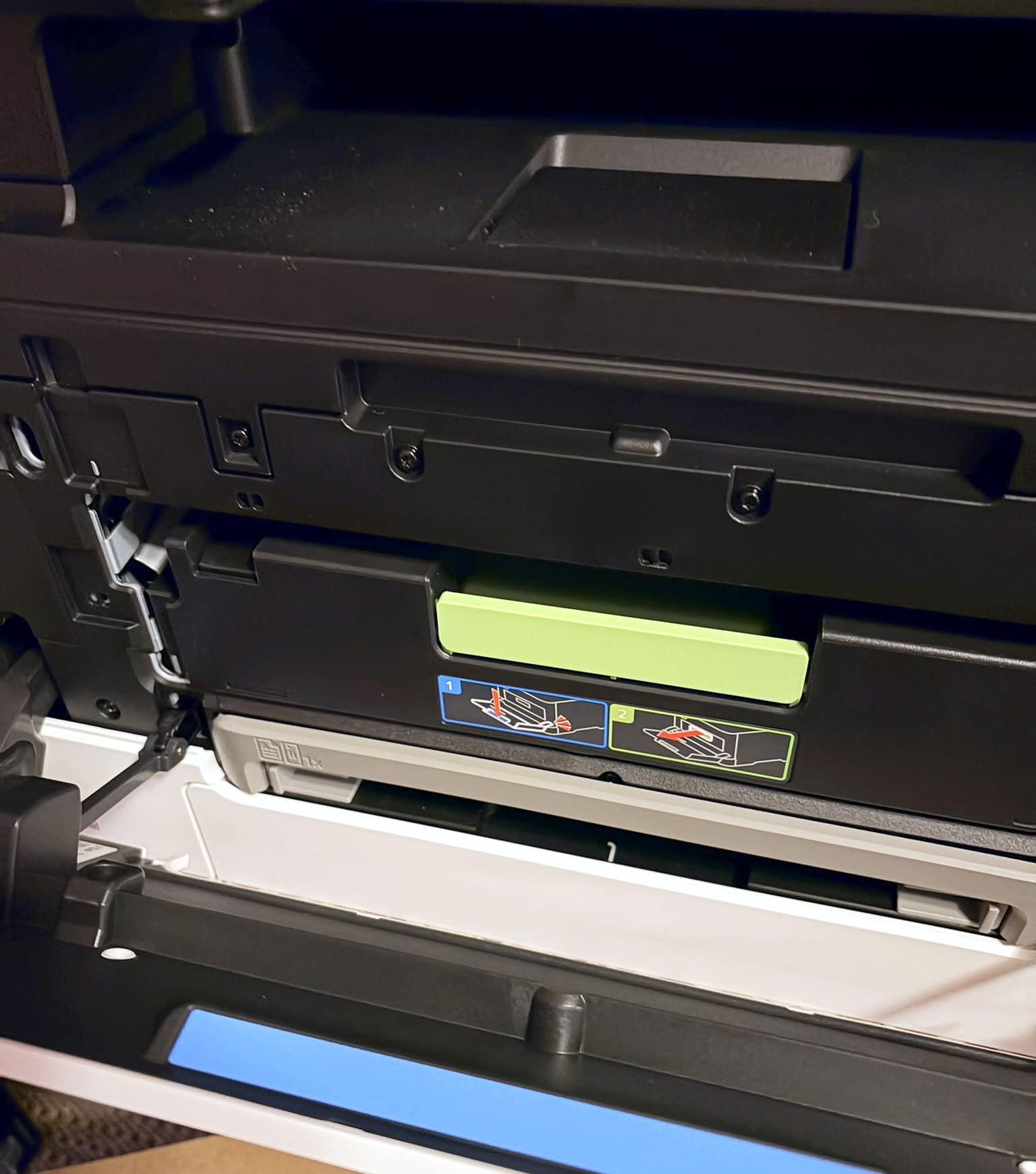
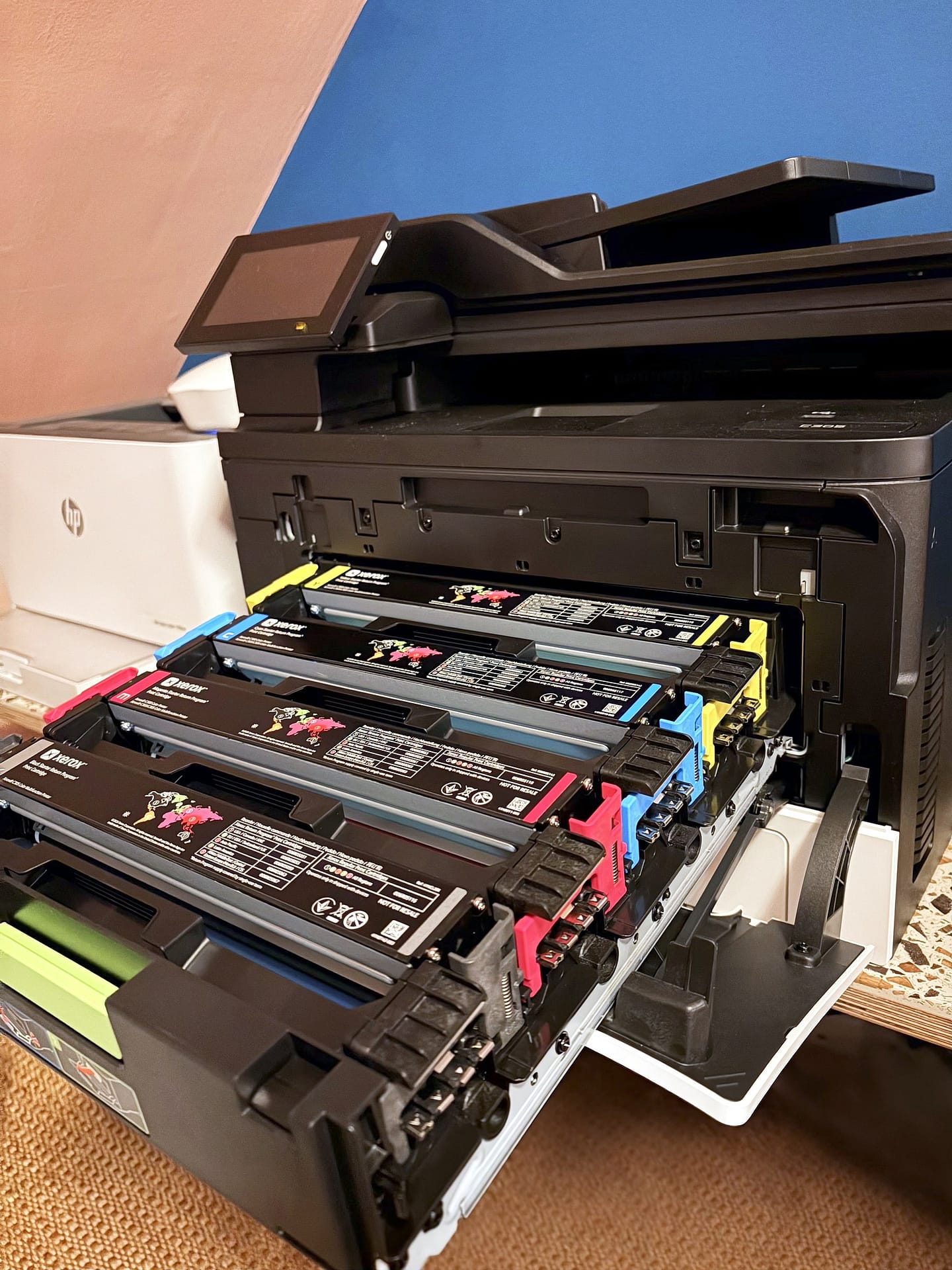
It turns out the door has to be pushed down further to release a lock. It's clunky, like the 90s tape decks I had as a kid, and it isn't explained anywhere, but it works. The handle then brings out a surprisingly large drawer holding all four toner cartridges. Each one has red pull tabs moulded to look like the ring pulls on a can, and they came away cleanly.
Up top there were more red tabs, a whole sheet of red plastic and a lot more foam, mostly around the screen. Even now I'm not sure I found everything. Since then, though, it has printed perfectly.
04 / Design
Xerox C305 review: design and build quality
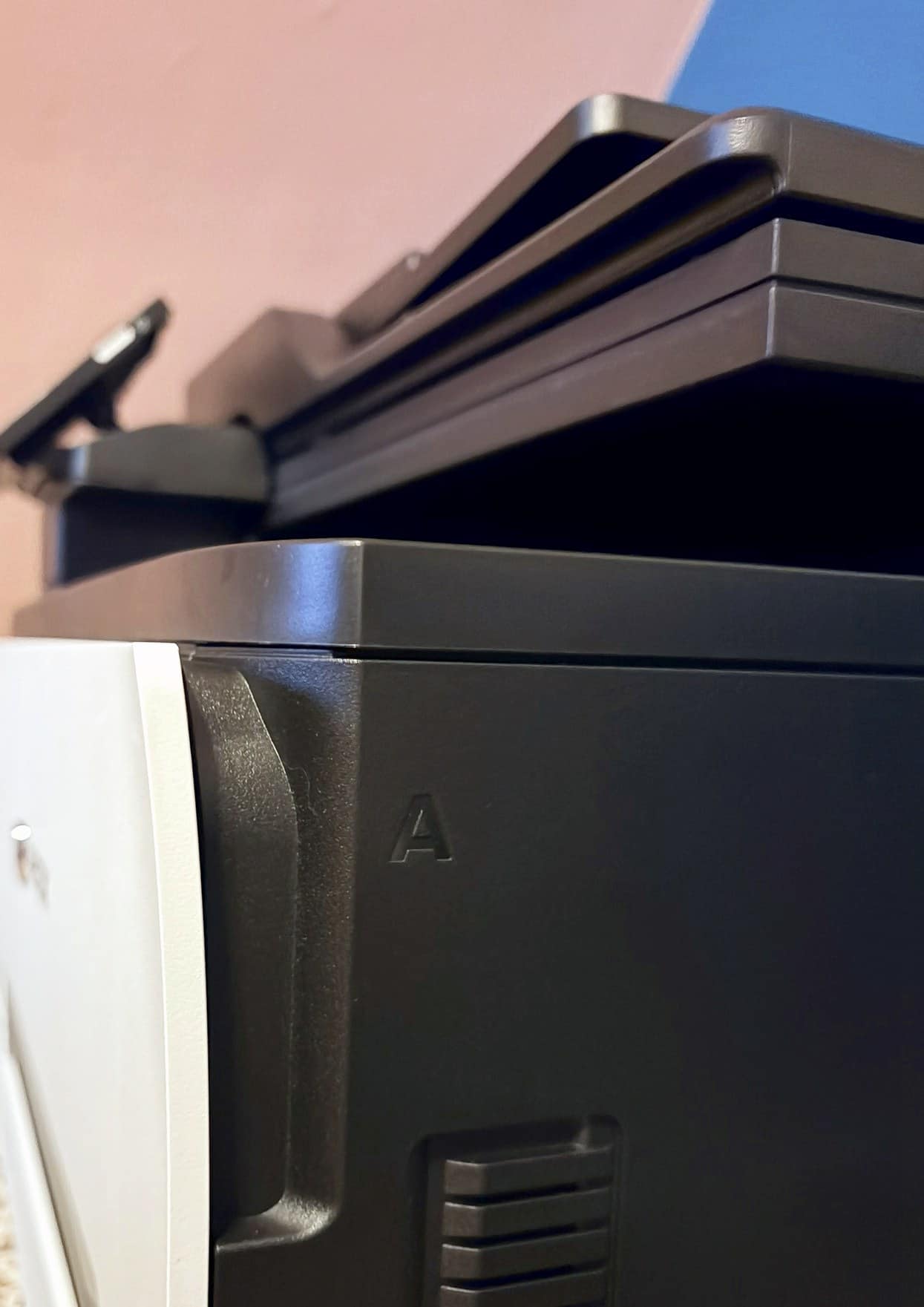
The build quality is the best I've had on a printer. The scanner lid has a good weight and doesn't flex when you move it. The front door is the same: well ribbed and solid.
That paper curl on the front panel feels like a designer somewhere fought hard for it. It reminds me of the moulded line on the original PlayStation. That line ran from the disc lid to its open button, showing you the two were connected. It also reminds me of the Peel wall light by the Tokyo studio YOY, which looks like peeling wallpaper. The printer is far less bold than that lamp, but the idea is the same. Paper goes into this machine, and the casing tells you so.
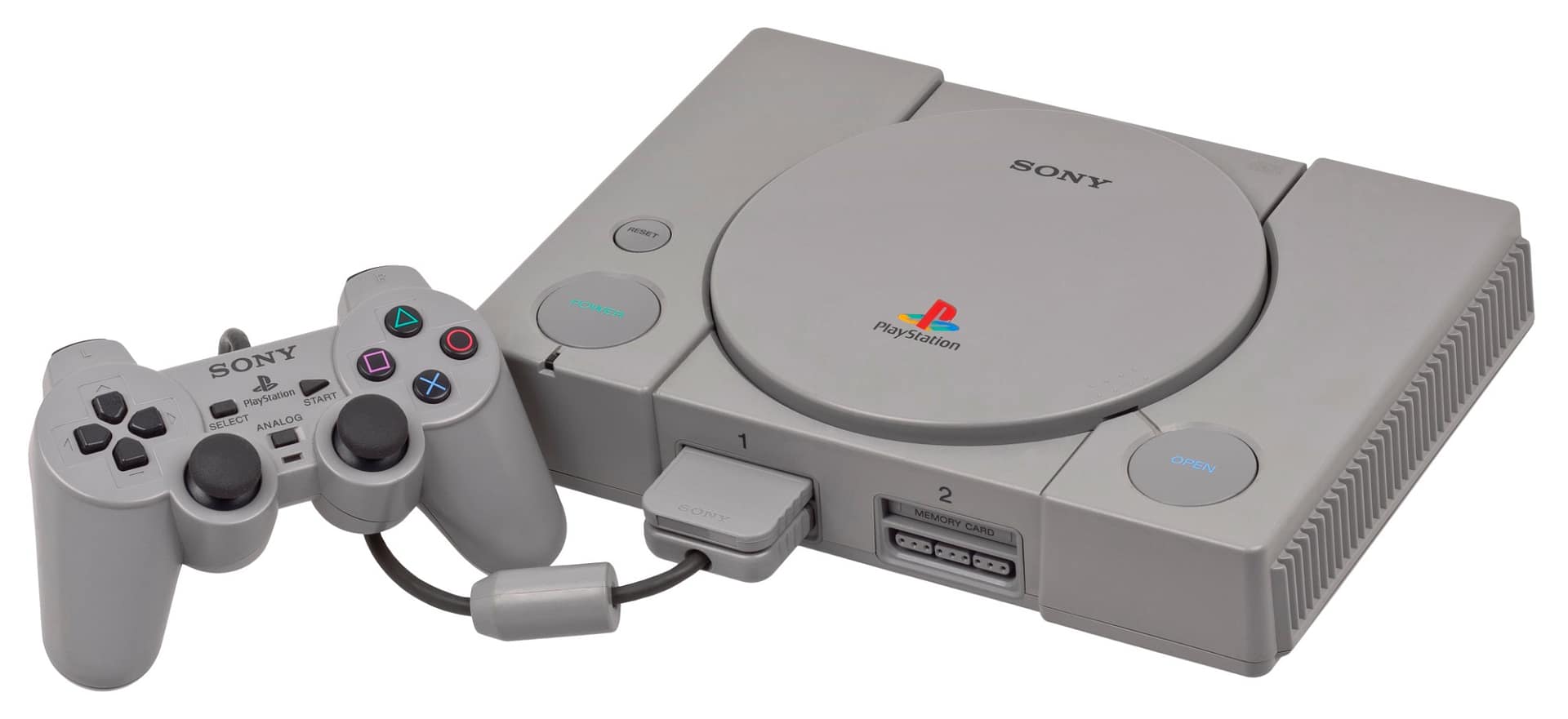
The original PlayStation. Photo: Wikimedia Commons, public domain.
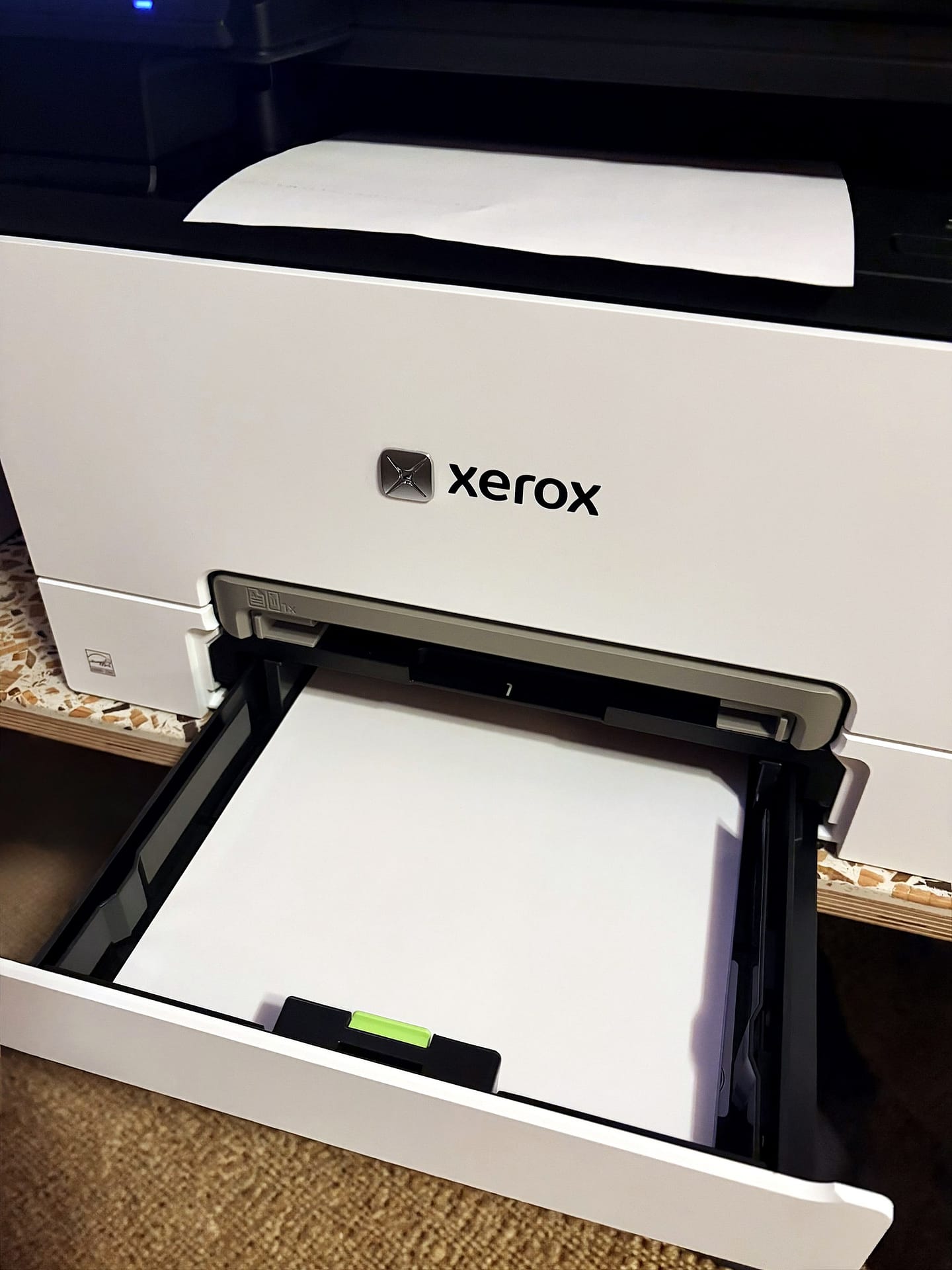
The paper tray is the other detail I like. Plenty of printers claim a small footprint because the tray tucks in, but only when it's empty. On the C305ae, a full tray of A4 sits flush with the front. The paper lives inside the printer rather than sticking out of it.
The power button is physical and white, a bit like the coloured buttons on a Pixel phone. It sits beside the screen, so it's easy to find. Personally I would have preferred a rocker switch. Still, it's a real button rather than a flat membrane, and my HP's membrane button failed at 11 months. The screen tilts for a better angle, which is a lovely touch and explains all the foam around it.
My one design complaint is the logo. The silver chrome finish is a bit car showroom. Printed matt black would have suited the rest of the machine better.
05 / Software
Xerox C305 review: setup, and an app between you and AirPrint
All I wanted was AirPrint, so I could print from my Apple devices without installing anything. First, I asked Siri, who said I could set it up without the Xerox app. That turned out to be wrong.
When I pressed the power button, the screen came on blindingly bright and the fans started up like a hairdryer. A dehumidifier running flat out next to it was quieter. That went on for three or four minutes, but it only happened on the very first start.
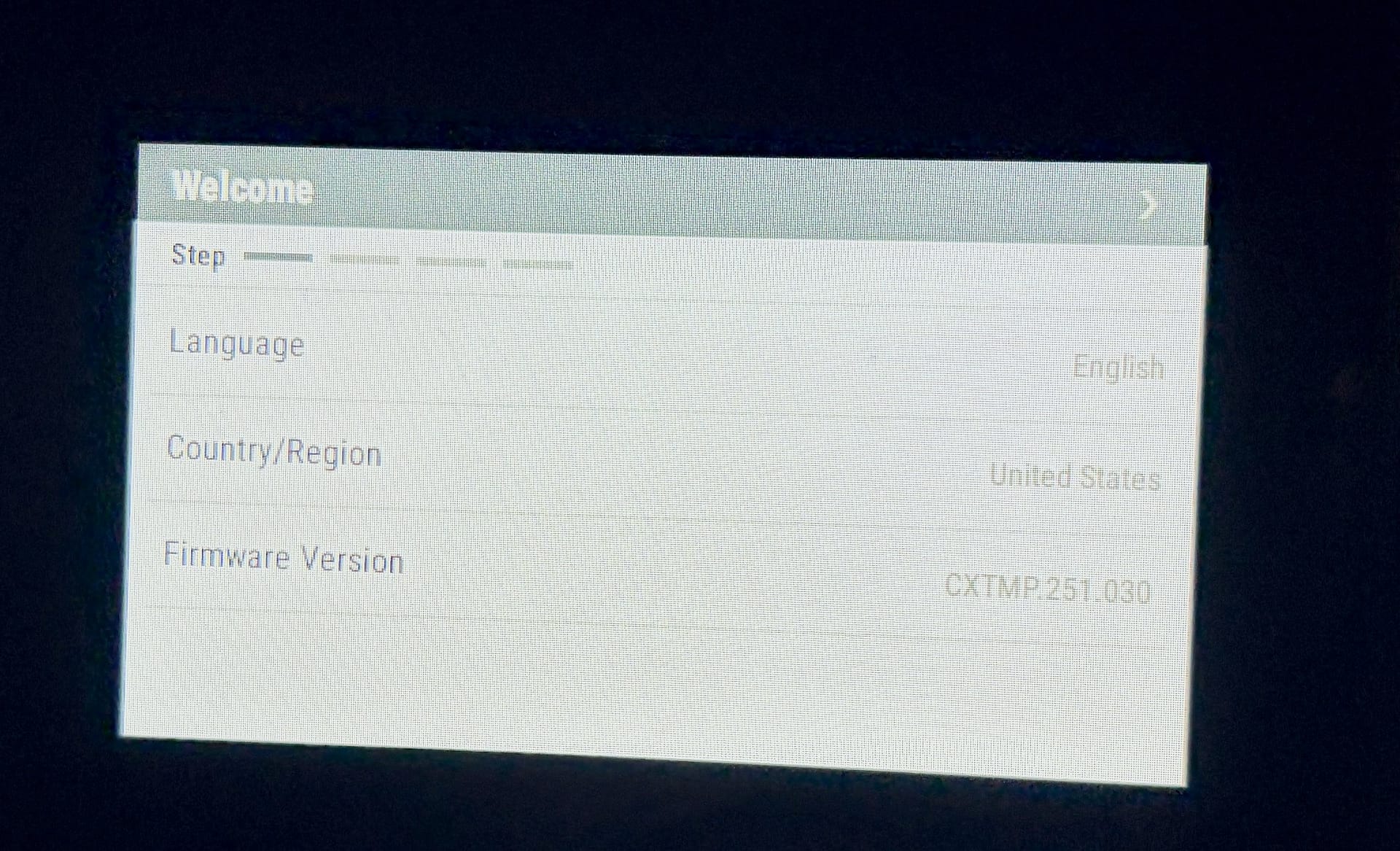
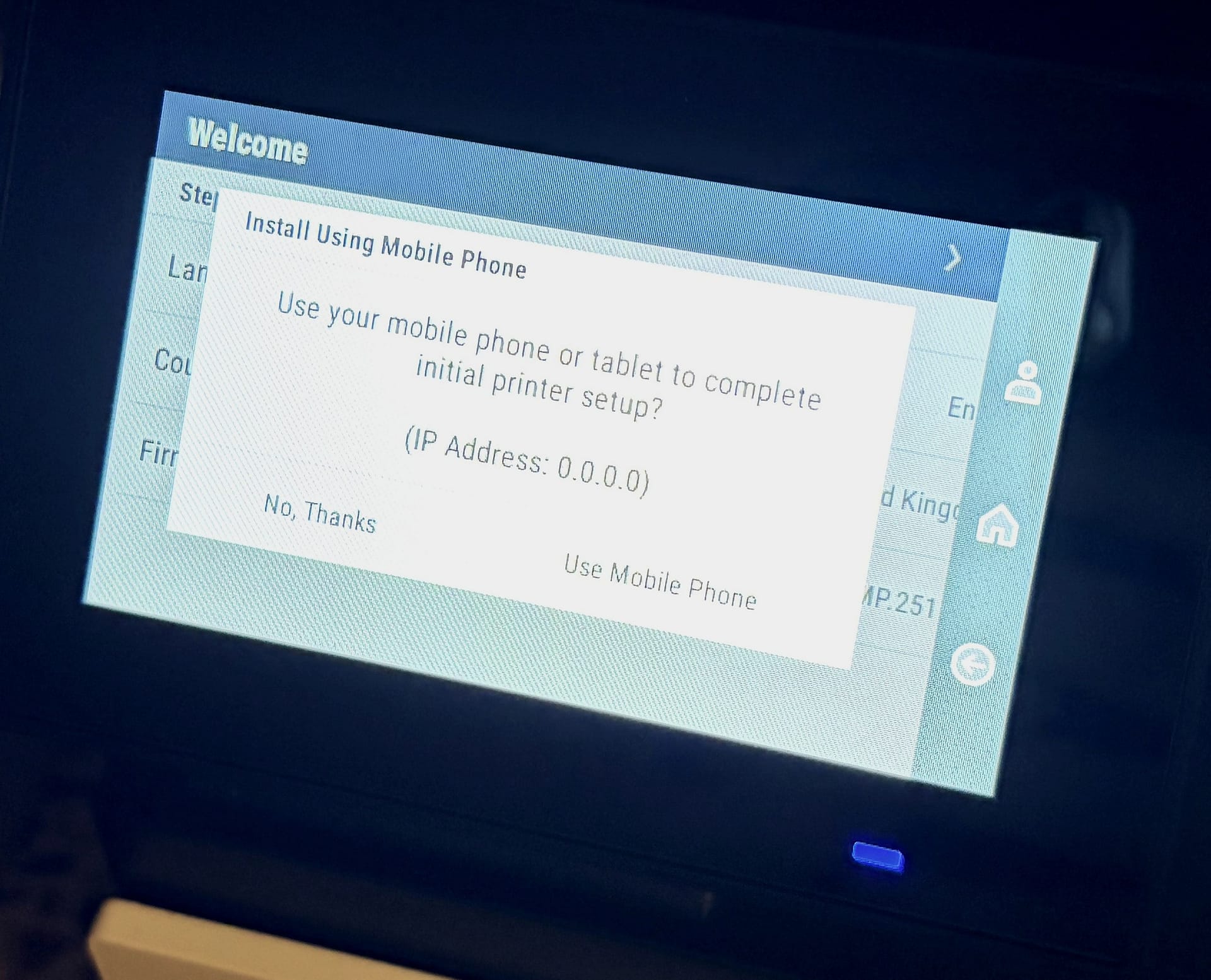
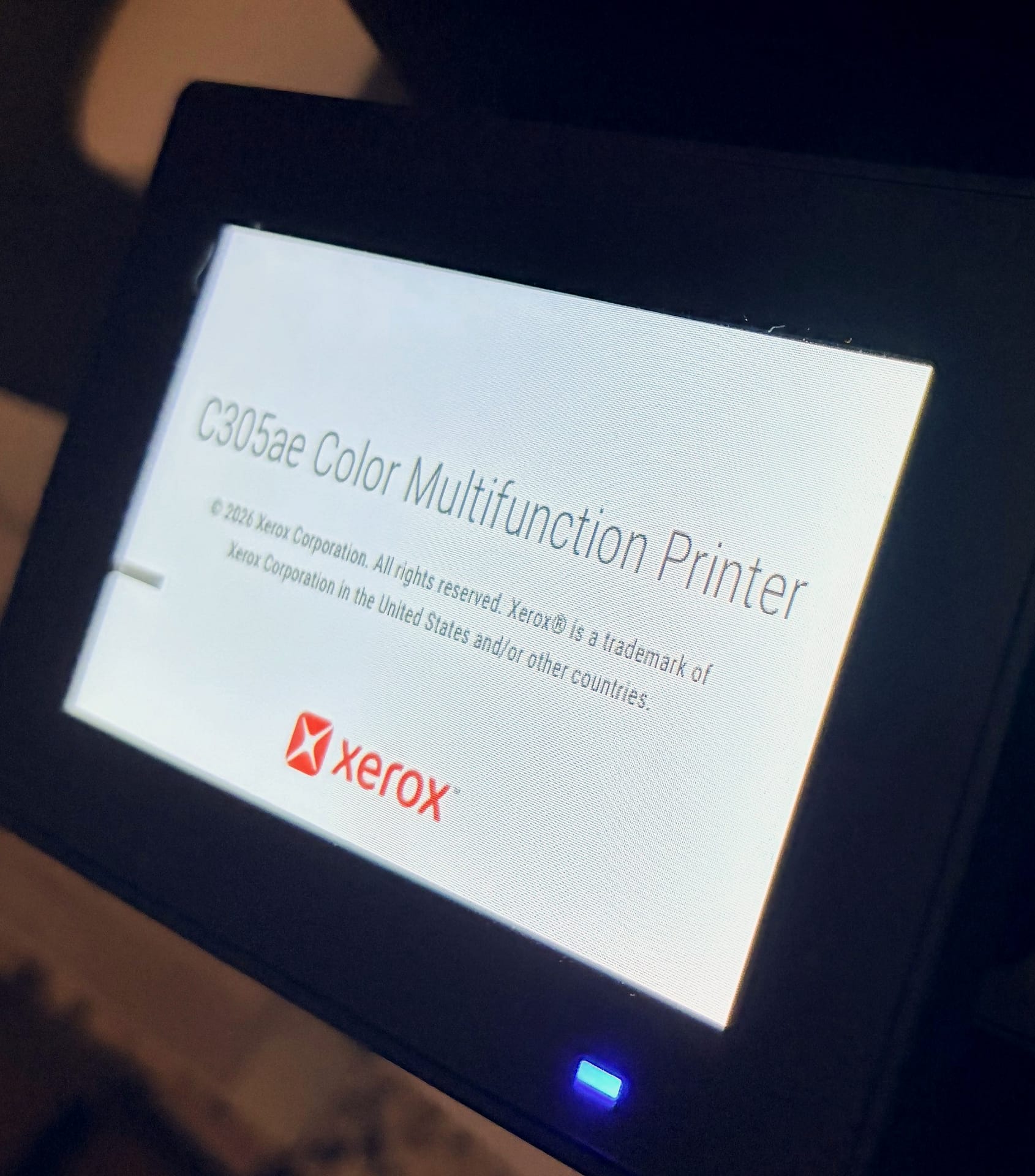
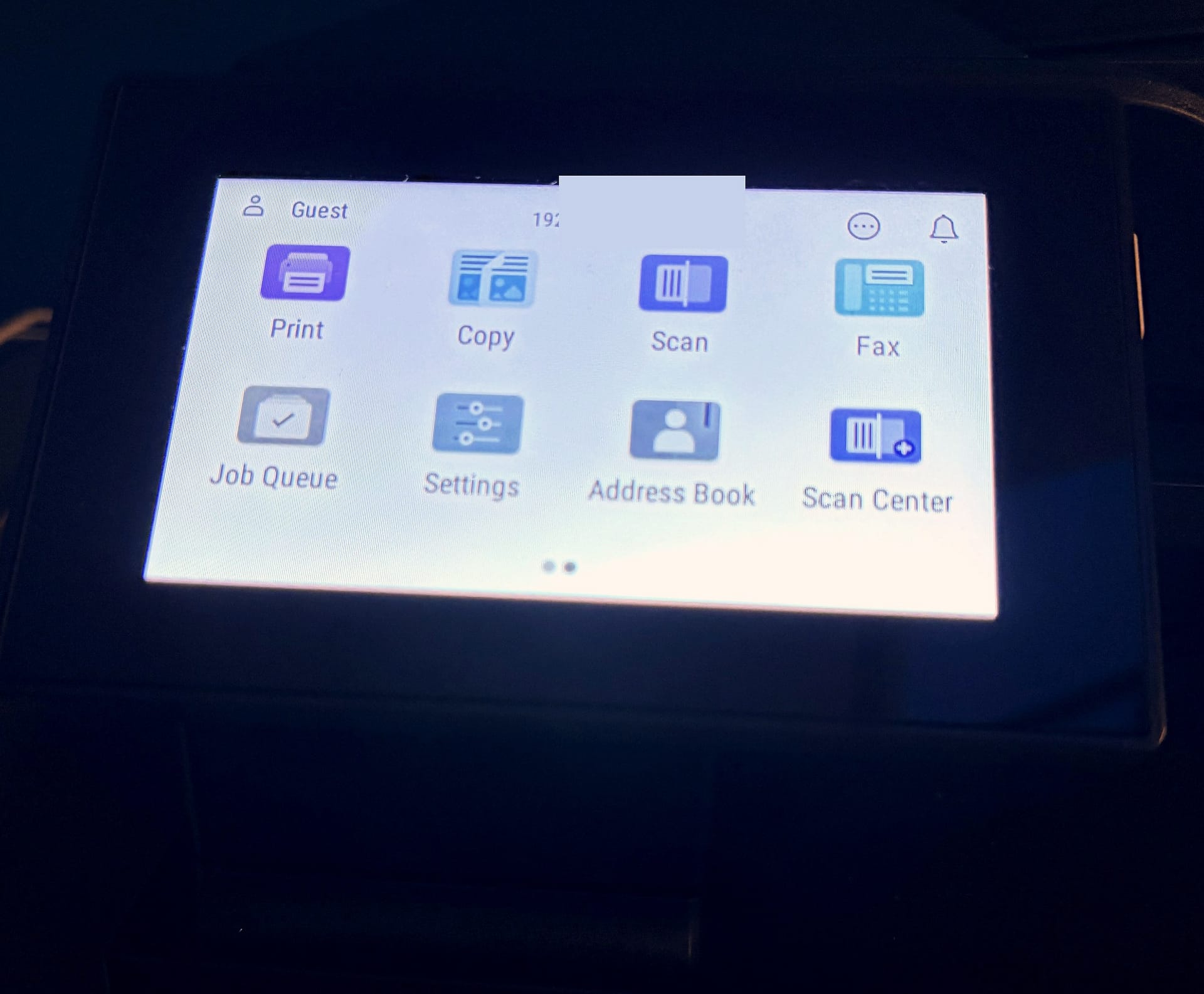
The first screen looks very dated, like an old Windows menu. It showed the language, the country (set to United States) and the firmware version, which is not information most people need. The touchscreen itself is responsive and doesn't distort when you press it. I changed the country to the UK, and it then took four taps on the arrow to move on. Next, a pop-up offered two choices: "No, thanks" or "Use mobile phone". I couldn't find a Wi-Fi option on the printer itself, so I went with the phone.
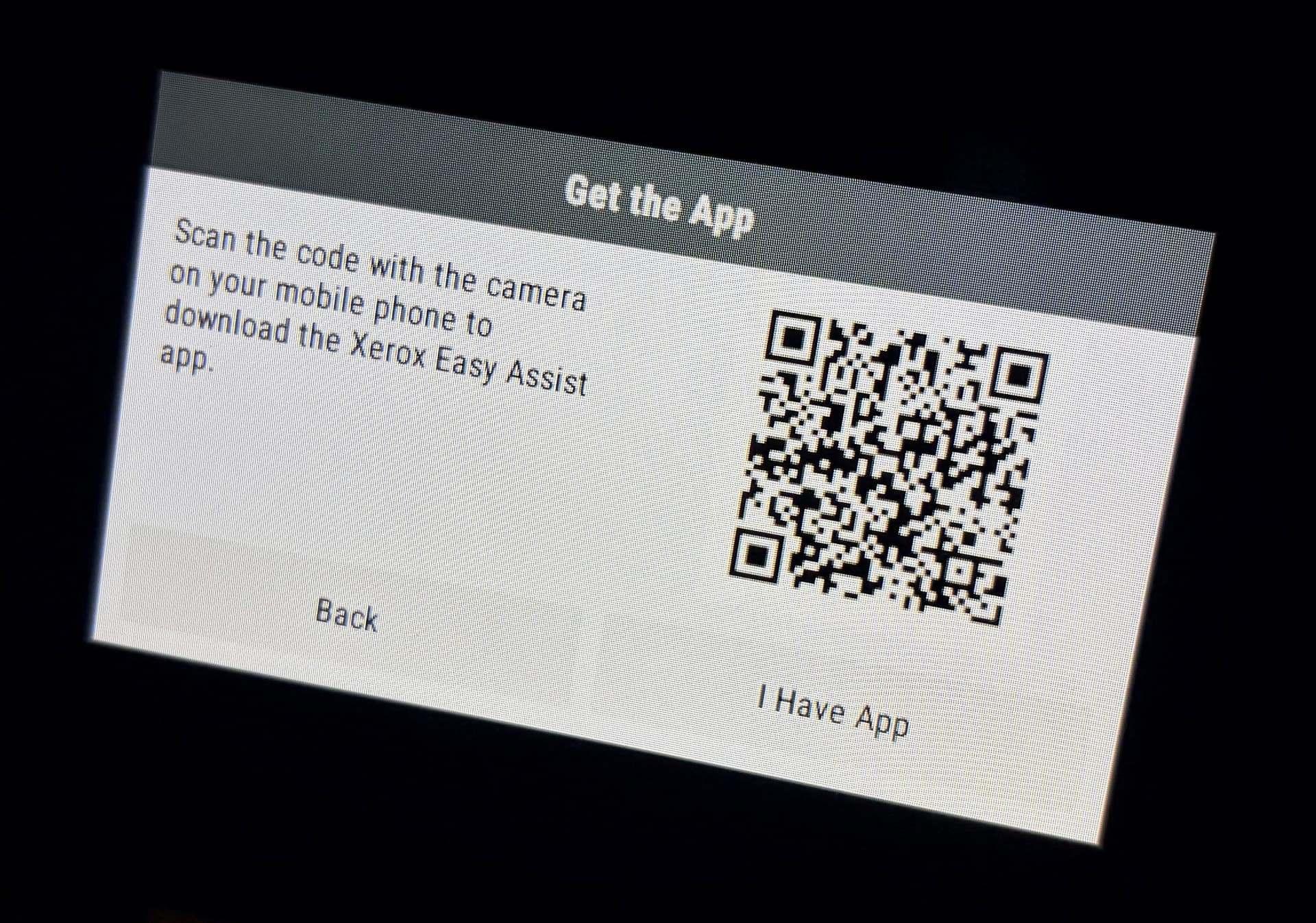
The printer showed a QR code for the Xerox Easy Assist app. Xerox's product page promises "easy device installation and management with the Xerox Easy Assist App". On the App Store, however, the app had a 1.6-star rating from 24 reviews when I downloaded it.
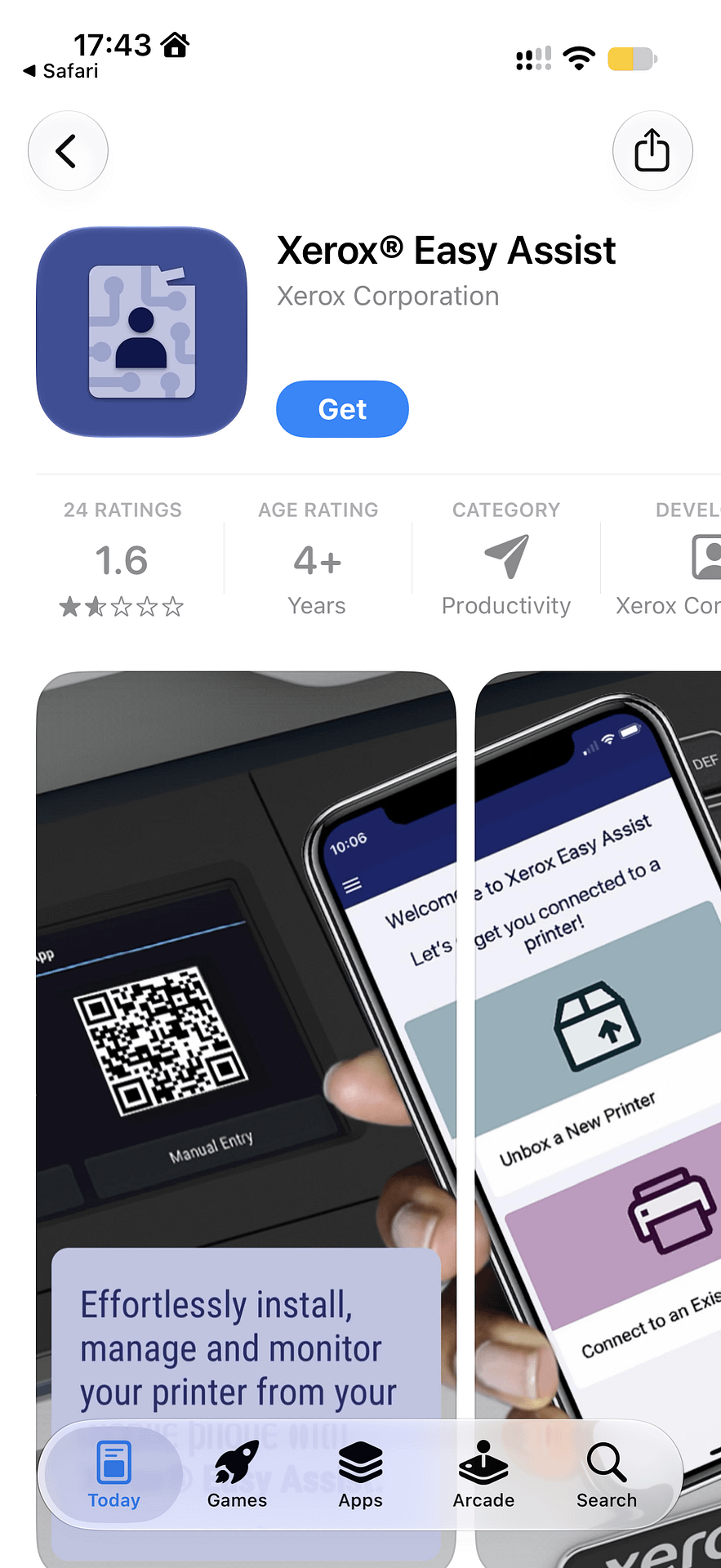
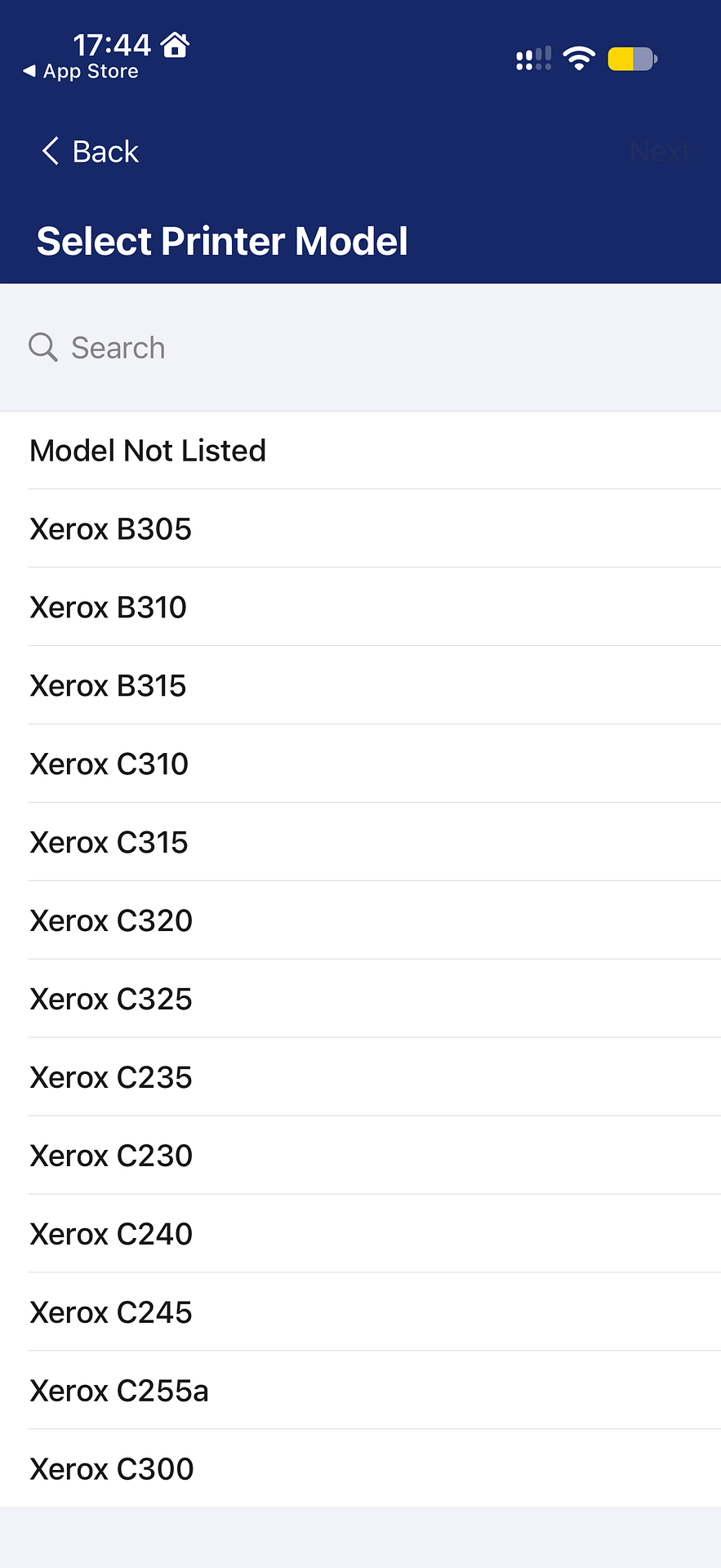
Searching the app for "C305", the name printed on the front, found nothing, because only "C305ae" is listed. The app then asked me to confirm I had unboxed the printer. After that it asked for my location, which I granted thinking it meant local network access. I regret that, and I still don't know why it needs it. Local network access came next. The camera wouldn't open for the QR scan until I backed out and tried again, and then the app said "Invalid QR". It turns out the code on the printer's screen only downloads the app. You have to tap "I Have App" to get the actual setup code.
I know a bit about tech, and Xerox could easily have used a deep link to device setup. If the app isn't installed, it would fall back to the App Store and then fill in the printer. It hasn't, and it should.
Naming Xerxes, and the five-minute spinner
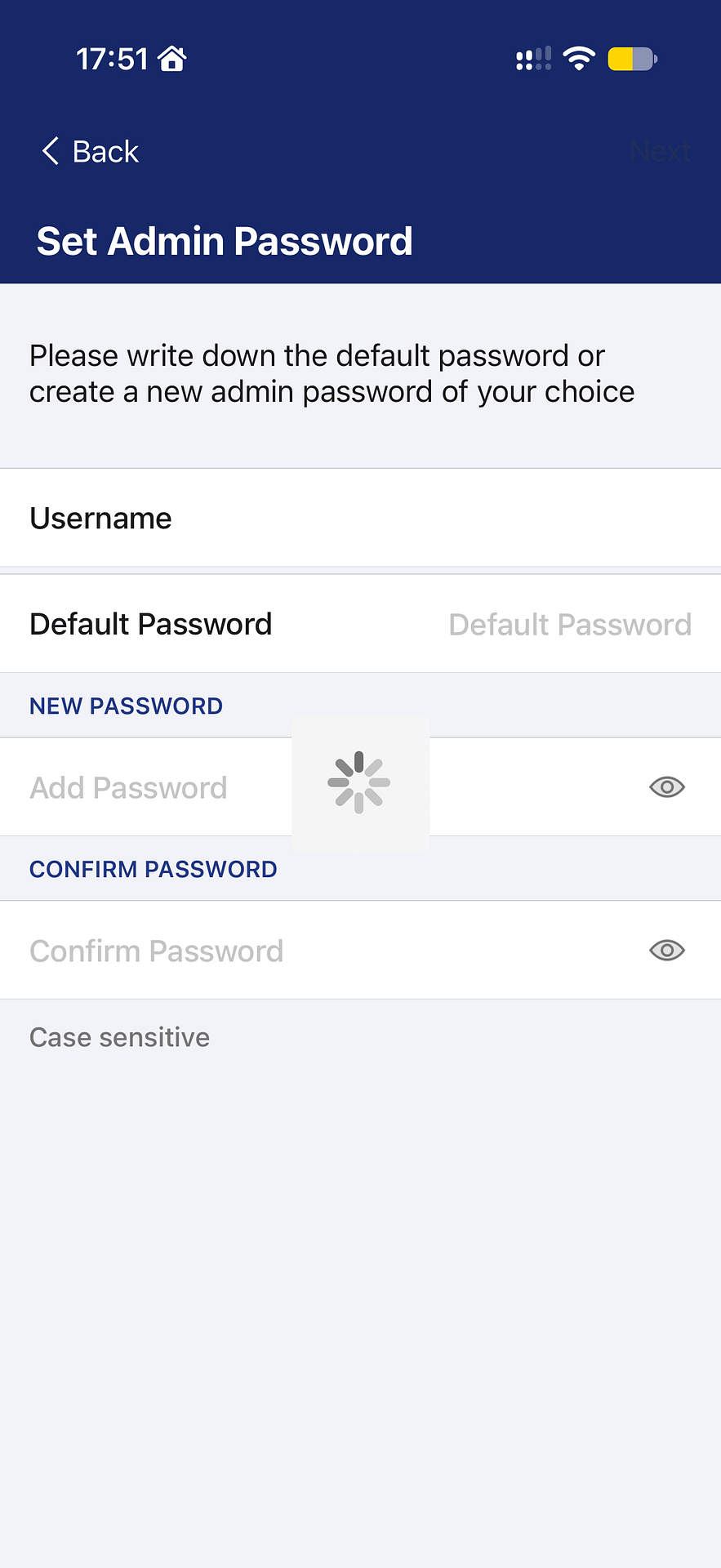
I named the printer Xerxes. He takes over from Henrietta Printalottle, the HP. With that shiny logo he clearly loves a bit of bling, like Xerxes in 300. The app pulled in my Wi-Fi network name but needed the password typed in. In fairness, that is an Apple problem as much as a Xerox one. Apps have no way to fetch a saved Wi-Fi password, even with your permission. Then, on the admin password screen, a loading spinner sat there for five minutes. In the end I force-quit the app and started again.
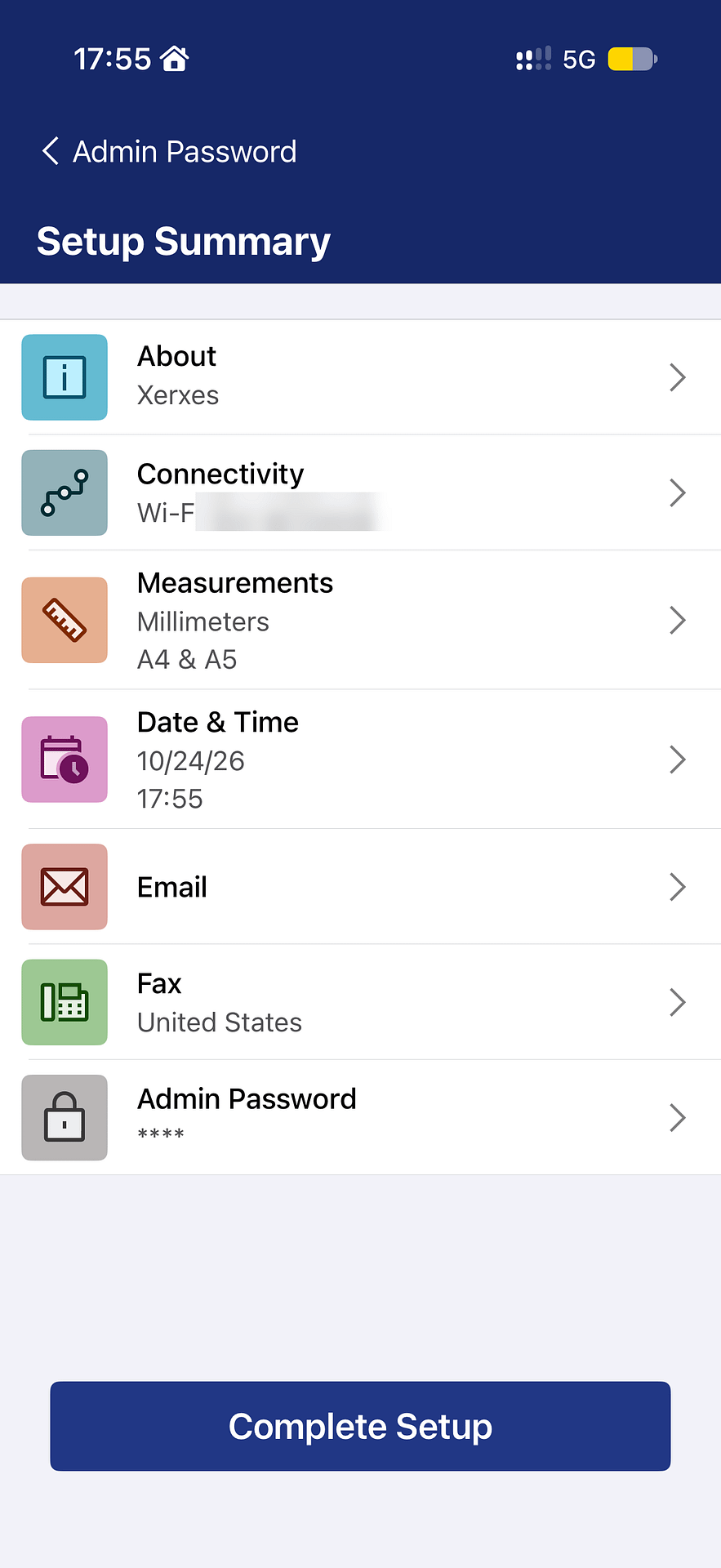
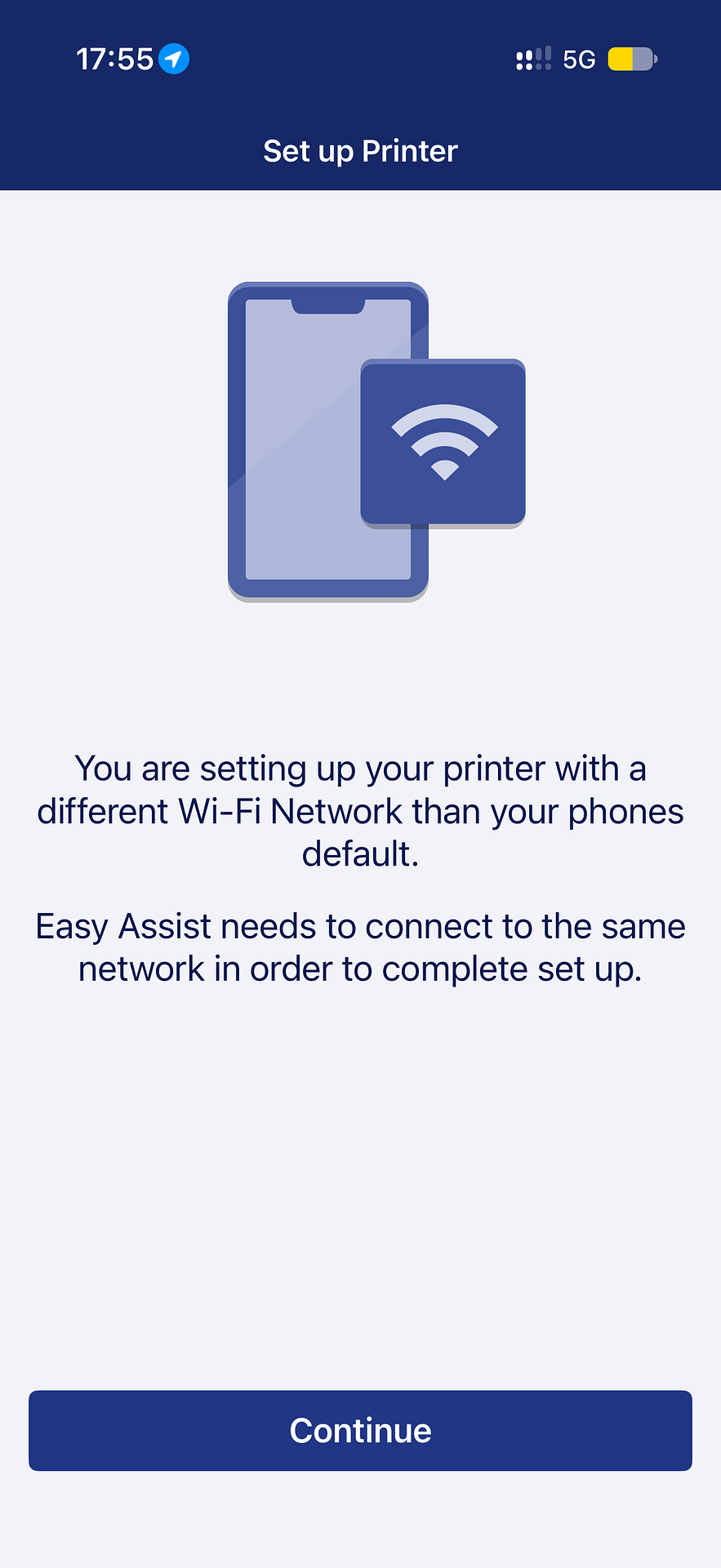
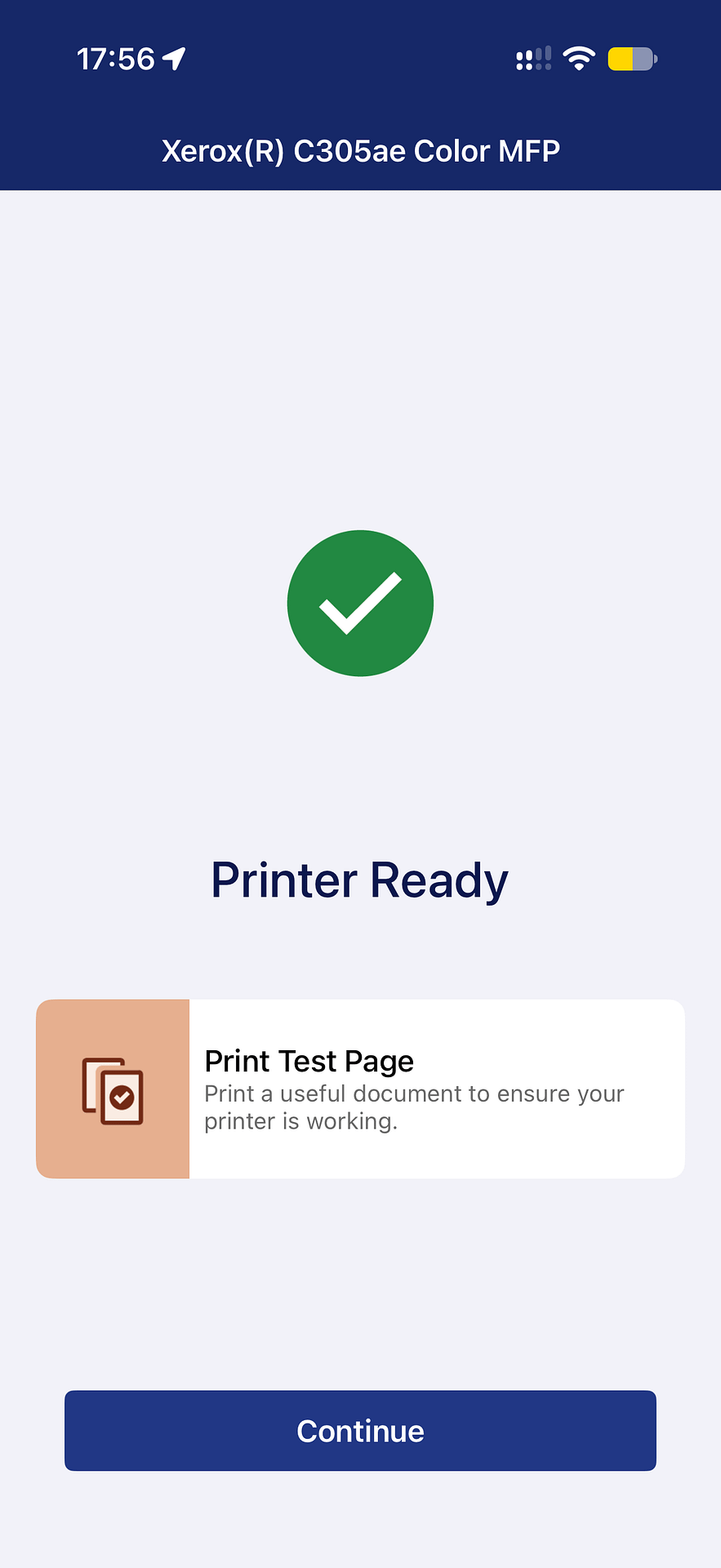
The second attempt went better. My iPhone asked to join the printer's own Wi-Fi network, and I set an admin password. I skipped fax setup because it wouldn't let me choose the UK. A "Connecting" screen then failed with "Easy Assist needs to connect to the same network in order to complete set up". I tapped Continue without changing anything and got a green tick and "Printer Ready". The test page came out crisp and clear.
Later I found a Settings app on the printer's home screen, with a Network and Ports menu behind an admin login. The Wi-Fi setting may well be in there. However, I didn't try typing the admin details on that small screen. I also can't tell whether that menu was there before setup.
This is a super solid, well made printer, and it does the job of printing exceptionally well.
06 / Daily use
Xerox C305 review: printing, AirPrint and noise
Once it was set up, printing was quick and reliable. From standby the C305ae wakes in about ten seconds. A full page of text and colour then comes out in about two seconds, and the fans stop as soon as it's done. It's silent when it isn't printing, and I soon got used to the noise when it is.
I've printed from my iPhone, MacBook and iPad over AirPrint with no failures. My old HP used to report AirPrint errors and sometimes printed strings of random text and numbers instead of the page. I haven't seen that here. The only quirk is the name. AirPrint lists the printer as "Xerox(R) C305ae Color MFP", so the name I chose in the app doesn't show up anywhere.
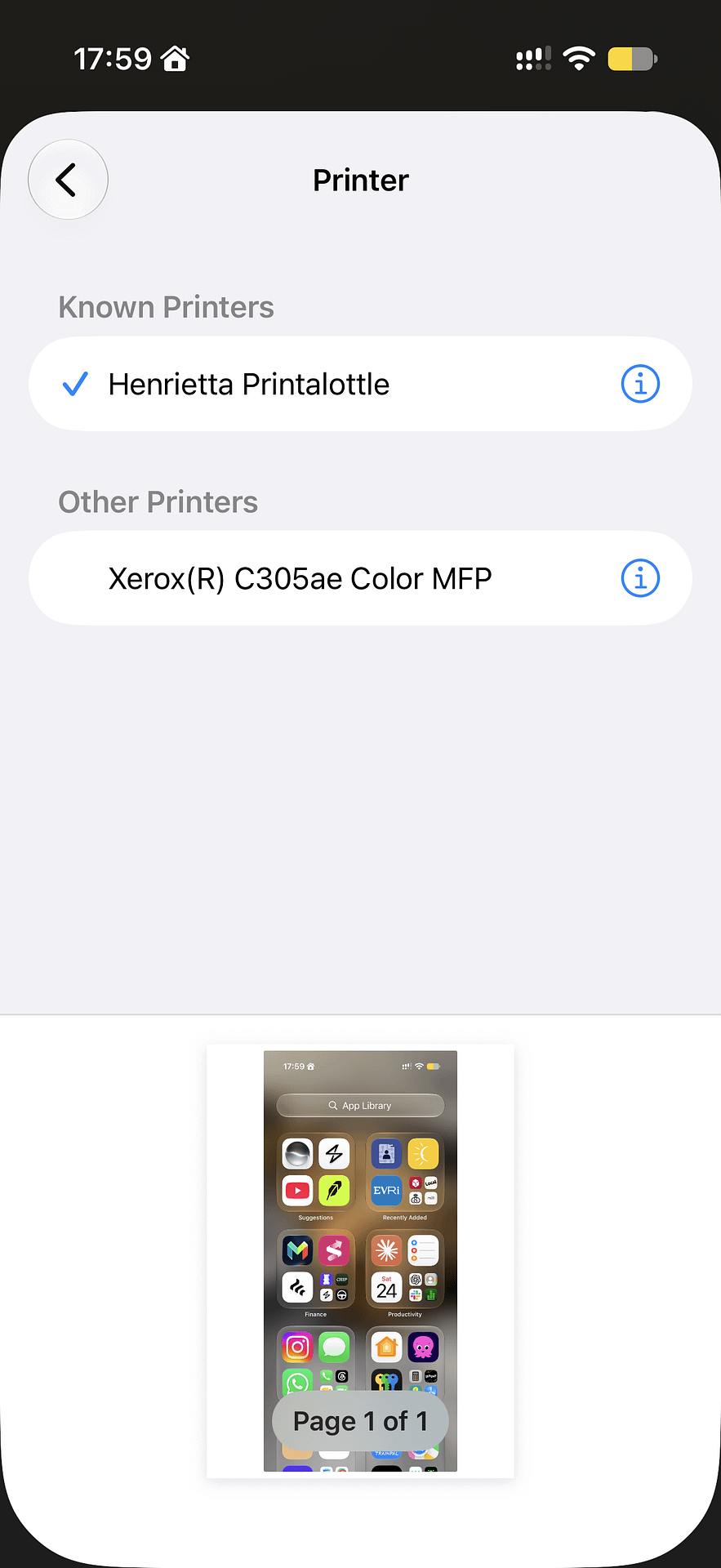
Double-sided printing is automatic and just as clean, which will cut my paper use. Colour on documents is rich and bold with sharp edges, and I've seen no streaks or toner drag marks. It's a laser printer, though, so I haven't printed photos, and I wouldn't expect it to match an inkjet for those. For photos worth framing, I would still send them to a lab such as theprintspace.
Xerox C305 review: scanning and copying
This is one of the better scanners I've used. I don't install printer software because it's usually bloated, so I scan with the Image Capture app that comes with every Mac. It found the C305ae straight away, and I've scanned straight to folders, including multi-page documents.
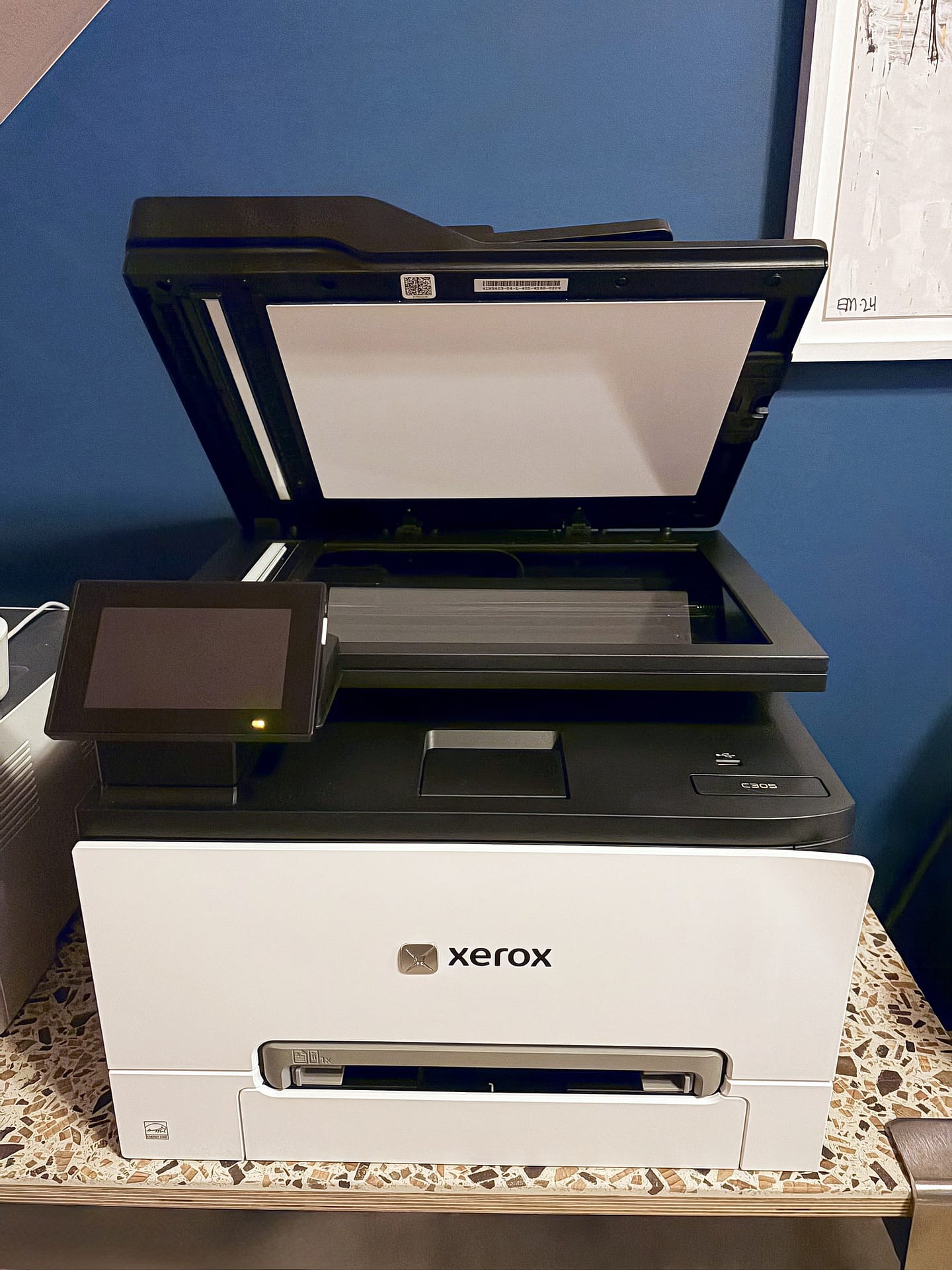
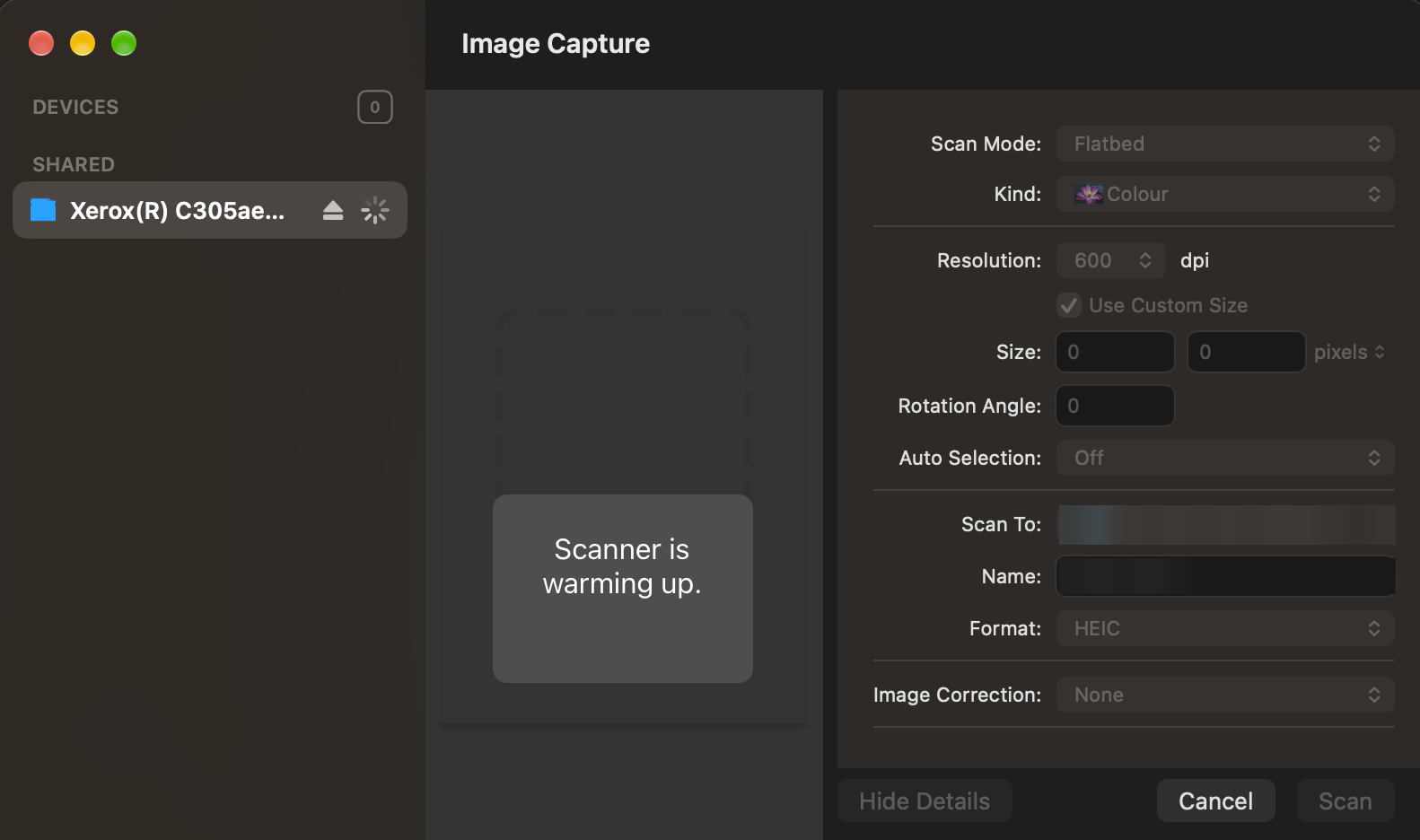
The document feeder took an 18-page stack in one go and scanned both sides in a single pass. Being able to load it and walk away has already saved me time. Copying is just as fast. I haven't tested fax or scan to email.
07 / The honest bit
What Xerox needs to fix
The hardware is excellent. The problems all sit around it, and most of them land on day one.
- Packaging. There is too much plastic, much of it can't go in a kerbside bin, and the lift-out method needs two people.
- No setup instructions. Nothing in the box says which tape, foam or tabs to remove, or how the front door lock works.
- The app is effectively mandatory. In my experience it's basic and buggy. It asks for location access without explaining why, and the two QR codes are confusing. Now that the printer is connected, I'll delete it.
- US defaults. The printer starts on United States settings, and fax setup wouldn't accept the UK.
- Admin controls. These suit an office, but no home printer, even a family one, needs this much setup.
- The logo. The chrome finish doesn't match the rest of the design.
Xerox could fix most of this list. Cut the plastic, add a simple Wi-Fi option on the printer and drop the compulsory app.
Who is the Xerox C305ae for?
To me, the C305ae is an office printer rather than a home one. If you print and scan a lot, or have kids printing homework, it's great at home, if a bit over-specced. It suits a home office well, and I'd say a team of up to about 30 people. The speed is what makes it work for a team, because nobody waits around for their pages. It also feels like it will last.
If you only print the odd ticket or form, a small mono laser is a better fit. My best home printer UK guide covers those.
08 / The numbers
Xerox C305 review: price and running costs
Xerox lists the C305ae at £396.94 including VAT on its UK price page. The same page links to retailers selling it for less, from £258.99 excluding VAT, which is about £311 including VAT. On Amazon UK it was £361.90 when I checked on 25 October 2026, sold and shipped by Printerland. Under £350, I think it's an excellent deal for what you get, so it's worth watching for a dip.
Xerox also runs its own Xerox store on Amazon UK, which is handy for toner, paper and the rest of the range.
The printer comes with starter toner, which Xerox rates for 2,000 black pages and 1,200 pages per colour. After that, the cost per page depends on which cartridges you buy. These are the figures at Cartridge Save, worked out at 5% page coverage:
| Toner | Pages (black / each colour) | Cost per page |
|---|---|---|
| Standard four-colour set, £224.84 | 1,300 / 1,200 | 4.6p |
| High capacity cartridges | 3,000 / 2,500 | 3.2p |
| Extra high capacity cartridges | 6,200 / 6,400 | 2.5p |
| HP 117A set for my old HP, £164.47 | 1,000 / 700 | 5.3p |
So the Xerox set costs more upfront than the HP's, but it lasts longer and works out cheaper per page. The bigger cartridges bring that down further. Xerox also lists the C305ae as ENERGY STAR certified and EPEAT registered, with over 50% post-consumer recycled plastic in the printer itself.
Xerox C305 review: the verdict
The Xerox C305ae's hardware is excellent. It prints, scans and copies fast and cleanly, it's built better than any printer I've owned, and AirPrint has worked every time. Xerox has always been a hardware company that also makes software, and it shows. The packaging, the instructions and the setup app all let the printer down on day one.
Cool Factor
★★★★☆
4 out of 5
Overall, my Xerox C305 review score is 4/5 Stone cold. The Xerox C305ae is a superb printer and scanner once it's running. At around £311 it's also good value for a home office or a small team. It falls short of Ice cold because setup is harder than it should be. The packaging is also more wasteful than it needs to be.
Xerox C305 review FAQs
Is the Xerox C305ae good for home use?
Yes, if you print or scan a lot. For occasional printing it's more machine than you need, and it's big: 411 x 400 x 345mm and 20.2kg.
Does the Xerox C305ae work with AirPrint?
Yes. I print from an iPhone, iPad and Mac with no extra software. However, you'll need the Xerox Easy Assist app, or an Ethernet cable, to get it onto your network first.
How much does the Xerox C305ae cost in the UK?
Xerox lists it at £396.94 including VAT, and its UK price page links to retailers from £258.99 excluding VAT, about £311 including VAT. On Amazon UK it was £361.90 on 25 October 2026.
How much does Xerox C305 toner cost?
At Cartridge Save's prices, a standard four-colour set works out at about 4.6p a page. Extra high capacity cartridges bring it down to about 2.5p.
Can the Xerox C305ae print photos?
It prints colour well on documents. As a laser printer, though, it won't match an inkjet or a photo lab for photographs.
What's the difference between the Xerox C303a and C305ae?
According to Xerox, the C305ae has a faster processor, double the memory, a TPM security chip, an extra USB port and a bigger starter black cartridge. Speed, the scanner and paper handling are the same.
Is this Xerox C305 review based on real use?
Yes. I've used the printer every day for just over a week, printing from an iPhone, iPad and Mac and scanning with Image Capture.
Do you need the Xerox Easy Assist app?
In my experience, yes, at least to get it onto Wi-Fi. There may be a network option behind the admin login in the printer's Settings app. Even so, the setup flow pushes you to the app.
More from CoolCuration
- HP Colour Laser 150nw review, the printer the Xerox replaced, and why it scored 1/5.
- eero Wi-Fi, the mesh system that keeps the printer and everything else in my office online.
- Back Market, for refurbished tech that costs less than new.
- LibreOffice, a free office suite for the documents you print.
- Gifts for designers, objects with the kind of detail the C305ae's front panel hints at.
What's trending






Recent posts
- Xerox C305ae Review: A Brilliant Office Printer With a Frustrating Setup
 I spent a week with the Xerox C305ae colour laser printer. The printing and scanning are excellent; the packaging and setup app are not.
 - Is English Heritage Membership Worth It? The Break-Even MathsIs English Heritage membership worth it? How many paid visits cover the fee for a single adult, a couple, a family and a senior.
- Best Book Gifts UK: What to Give a ReaderLast updated: 13 October 2026 By Tristan · Arts, exhibitions and creative culture This article contains affiliate and referral links, which are paid links. If you click one and buy or sign up, I earn a commission or referral bonus at no extra cost to you. Brands don't choose what I feature or what I… Read more: Best Book Gifts UK: What to Give a Reader


No Comments.