
Last updated: 2 July 2026
By Stiv · Design, technology and personal finance
This post contains affiliate or referral links. If you click through and sign up I may earn a commission or referral bonus at no extra cost to you. It does not affect my editorial view.
What's new on Mobbin this July
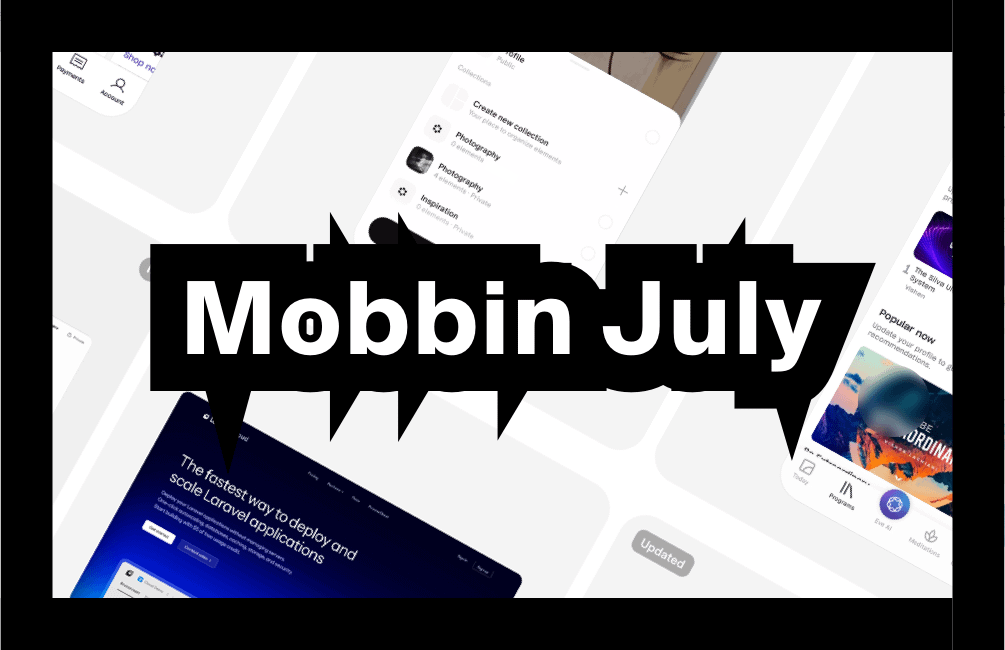
Here is everything new on Mobbin this month, pulled straight from the Latest feeds I keep open like a second inbox. July is a proper mixed bag, too. AI muscles onto the web feed, fintech quietly gets calmer, and the wellness crowd keeps softening every edge in sight.
So grab a coffee, because there is plenty worth stealing. If Mobbin is new to you, start here first with our full Mobbin review, then come back for the picks.
Want a deal on Mobbin Pro?
The current saving on Mobbin's paid plans always lives on our promo code page, kept up to date so you never miss it.
What was new on Mobbin July 2026? The picks are below. For every edition of the series in one place, see our Mobbin new apps hub, updated each month.
This month's picks at a glance
So here is what's new on Mobbin this July, ranked loosely by how much I want to nick from each one.
Section 01 / AI
The AI land grab continues
First, the headline act. AI is now a fixture on both feeds, and this month it landed a genuine heavyweight.
 01
For the prompt-slingers
01
For the prompt-slingers
Grok
For the designer who wants AI to feel friendly, not frightening.
Grok arrived on Mobbin's web feed, and it is the clearest sign yet that AI now owns the home screen. The left rail keeps things calm, with Chat, Voice and Imagine stacked like old friends. Imagine is the party piece, though. It opens on a wall of Featured Templates, from Funky Dance to Spaghetti Western, so you always have a starting point. Meanwhile, the History panel quietly logs your past Audio Conversations. In short, it shows how to make a powerful tool feel welcoming rather than intimidating.
Free, with paid tiers · Web · Updated
Section 02 / Money
Fintech learns to whisper
Next, the money apps. Buy now, pay later and banking both got slicker this month, and the theme is the same: calmer dashboards and friendlier numbers.

Zip
Zip refreshed its buy now, pay later flow, and the numbers do the talking. The home screen leads with your Spending Power, then nudges you along with an Estimated Spending Power card. Tabs split things into Pay in 2, Bills and Food and Beverage, so the app feels organised rather than pushy. Naturally, BNPL still means borrowing, and the design keeps the terms in plain view. Still, this calm dashboard is a small masterclass in making money feel manageable.
For the app that turns a scary topic into a tidy to-do list.
Free · iOS · Updated

Marcus by Goldman Sachs
Marcus updated its banking flows, and the tone is reassuringly grown-up. First, a friendly Welcome header sits above a bold FDIC banner, which names Goldman Sachs Bank USA in plain language. Below that, your Online Savings balance leads the Accounts list, followed by a Discover more row with Fixed rate and Refer a friend cards. Therefore the hierarchy is obvious: your money first, the upsell second. Over on the web feed, Quicken gave its personal-finance dashboard the same calm treatment, so the trend clearly runs across platforms.
For the bank that leads with your balance, not its brochure.
Free · iOS · Updated
If money apps are your thing, our roundup of the best banking apps in the UK is well worth a look.
The apps worth studying this month share one trick: they make a complicated job feel like a single, calm tap.
Section 03 / Calm
The quiet wellness wave
Then there is the softer end of the feed. Two apps lean hard into gentle onboarding, soft palettes and unhurried pacing.

Mindvalley
Mindvalley leans hard into the wellness aesthetic, and it wears it well. Then the home splits into Discover, Masteries, Recordings and Courses, with a Trending Globally rail up top. Programmes like The Silva Ultramind System get poster-style cards, so learning feels aspirational rather than like homework. Moreover, the soft palette sets the mood before you tap a single thing. In short, here the vibe is the feature.
For the app that sells calm before it sells a course.
Free, with paid content · iOS · Updated

Cosmos
Cosmos calls itself your space for inspiration, and it plays that role beautifully. So think of it as Pinterest with taste, where a single line drawing can rack up hundreds of saves. Above all, the whole app is built around collecting and revisiting, so the save action sits front and centre. Consequently, it feels less like a feed to scroll and more like a gallery to curate. For anyone building a swipe file, it is quietly addictive.
For the app that treats saving as the main event, not an afterthought.
Free · iOS · Updated
Section 04 / Build
Developer tools go consumer-grade
Finally, a treat for the people who ship the software. Devops rarely looks this good.

Laravel Cloud
Laravel Cloud arrived tagged New, and it drags proper design polish into devops. Also, across its 191 screens, the deploy-and-scale dashboard looks more like a consumer app than a control panel. It even earned a rare 5.0 rating from early reviewers, which tells you plenty. Because good design should not stop at the login screen, this one is worth a browse even if you never touch Laravel. Developer tools can be beautiful too, and here is the proof.
For proof that developer tools deserve great design too.
Free tier · Web · New
The pattern to watch: paywalls grow up
Beyond the individual apps, one theme keeps surfacing. Subscribing and Upgrading now sits near the top of Mobbin's discover taxonomy, so paywall and onboarding craft is clearly having a moment. Clearly, across these picks, the sign-up screens feel calmer, the pricing feels clearer, and the friendly nudges arrive at sensible moments. As a result, the money moment stops feeling like an ambush.
The lesson for designers is simple, too. When you strip a paywall back to the essentials, it converts better and annoys people less, which chimes with Jakob Nielsen's aesthetic and minimalist design heuristic. For the platform-native details, meanwhile, Apple's Human Interface Guidelines remain the reference worth keeping open in a second tab.
How Mobbin works: free versus Pro
So how does the platform itself shake out? A free account lets you browse the newest apps and build a small handful of collections, which is plenty for a casual skim. To unlock the full searchable library, advanced filters and every flow, though, you will want a paid plan. Pro costs £8 per month billed yearly, which Mobbin frames as roughly £0.26 per day. Better still, it currently trims 33% off the quarterly rate, with cancel-anytime terms. Team, meanwhile, runs to £12 per member each month on yearly billing. Do check the live pricing before you commit, since plans can change.
For the full rundown of how every feature works, our Mobbin service guide walks through the lot. And if you would rather save a few pounds first, our promo code page is the place to look.
Catch up on the series
Prefer to see how the picks are evolving? Last month's edition covered Lumy, Hype and the Liquid Glass wave, and you can read it in full over on the June Mobbin roundup. Then track it alongside July, and everything new on Mobbin starts to point the same way.
FAQs
What is Mobbin?
Mobbin is a design reference library of real, shipped app and website screens, hand-curated and updated constantly. So designers use it to study proven flows rather than reinventing them. In practice, it is a swipe file that never runs dry.
What's new on Mobbin in July 2026?
The standout arrivals are Grok, Zip and Marcus by Goldman Sachs. Mindvalley, Cosmos and the New Laravel Cloud round the list out. Together, they show off the platform's range rather nicely.
Is Mobbin free?
Yes, up to a point. A free account lets you browse recently added apps and build a small number of collections. However, the full searchable library and advanced filters sit behind a paid plan, so serious users tend to upgrade.
Is Mobbin Pro worth it?
If you design apps for a living, most likely yes. Pro unlocks the entire library and proper search for around £0.26 per day, which is easy to justify against the hours it saves. For a casual browse, though, the free tier may be enough.
How often does Mobbin add new apps?
Constantly. The Latest feeds refresh throughout the month with new and updated apps, which is exactly why tracking what's new on Mobbin each month keeps your references fresh. Consequently, you spend less time hunting through app stores yourself.
More from CoolCuration
- Penpot, the open-source design tool that keeps getting better.
- Affinity by Canva, the design suite worth knowing about before you renew Adobe.
- Gifts for designers, thoughtful picks for the person with strong opinions on fonts.
- The Daylight Computer, a calmer, glare-free screen for focused work.
- Switching AI assistant, how to jump ship from ChatGPT to Claude without the faff.
What's trending



Recent posts
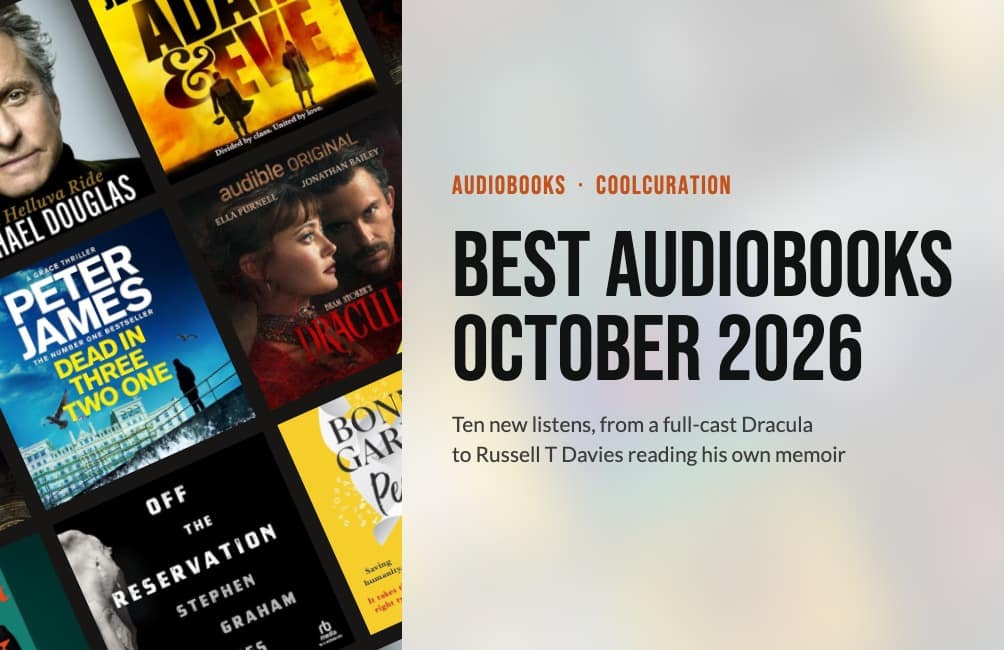
- Best Audiobooks October 2026: 10 UK Listens Ranked
 Ten new audiobooks for October 2026, from a full-cast Dracula with Jonathan Bailey to Russell T Davies reading his own television memoir.
 - Louis Fratino at David Zwirner ReviewLast updated: 4 October 2026 By Tristan · Arts, exhibitions and creative culture This is an opinion piece. Views expressed are the author's own and do not constitute professional advice. Exhibition reviewMayfair Saunas, subway cars and a lot of skin in Mayfair Louis Fratino at Zwirner is the American painter's first solo show in London,… Read more: Louis Fratino at David Zwirner Review
- What Is a Sprive Boost? Seven Days, and What It Actually PaysA Sprive boost lifts your cashback rate for seven days, and it arrives on its own. What mine paid, and why Supercharge is a display toggle rather than extra cashback.


No Comments.