

NextDNS
Last updated: 27 October 2026
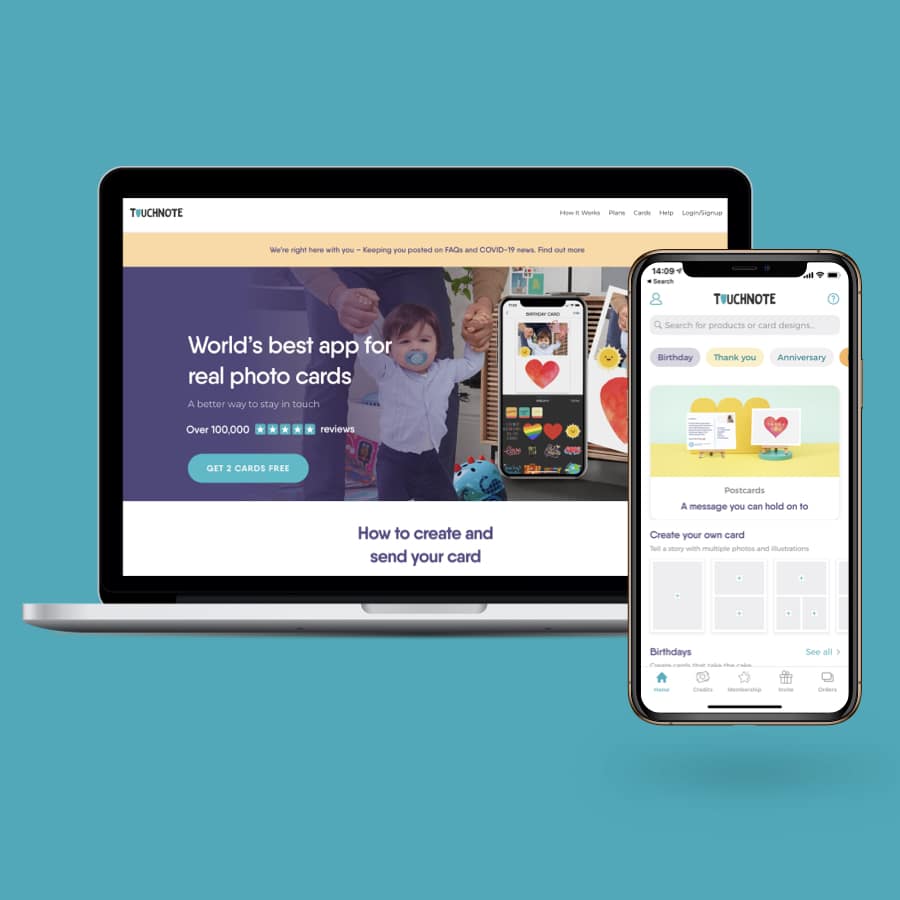
NextDNS is an ad blocker and security filter that works at the DNS level, so one setting covers every app on a phone, laptop or router. The free plan handles 300,000 lookups a month, and NextDNS Pro costs £1.79 a month or £17.90 a year for unlimited use. It also adds parental controls, and Firefox has offered it as a built-in secure DNS option since 2019.
Try the NextDNS ad blocker free
The NextDNS link on this page is a referral link. If you sign up through it, I may get a reward at no extra cost to you. NextDNS does not choose what I say about it.
What NextDNS is
Every time a device opens a website or an app talks to a server, it asks a DNS service for that server's address. NextDNS answers those questions for you. When the address belongs to an ad network, a tracker or a known scam site, it refuses to answer, so the content never loads.
Because the blocking happens before anything downloads, it works inside apps as well as browsers. NextDNS Inc was founded by Romain Cointepas and Olivier Poitrey, who previously worked at Dailymotion and Netflix.
What the NextDNS ad blocker does
- Security: blocks malware, phishing and cryptojacking sites using threat lists, including Google Safe Browsing.
- Privacy: blocks ads and trackers on websites and in apps, using blocklists you choose.
- Parental controls: blocks adult and violent sites, forces SafeSearch and YouTube Restricted Mode, and can block apps such as TikTok or Fortnite.
- Recreation Time: allows chosen apps and games only at set times of day.
- Logs: keep them from one hour to two years, store them in the UK, EU, US or Switzerland, or switch them off.
- Encryption: supports DNS-over-HTTPS and DNS-over-TLS, so your network provider cannot read the lookups.
Key facts
- Free plan: 300,000 queries a month, unlimited devices, every feature
- Pro plan: £1.79 a month or £17.90 a year, unlimited queries, for personal and family use
- Business and education: £17.90 a month or £179 a year for every 50 staff or 250 students
- Payment: card, PayPal or cryptocurrency, charged in pounds
- Works on: all major phone and computer platforms, plus routers
- Sign-up: you can try it without an account, then sign up to save your settings
Who NextDNS suits
- Parents: one profile can filter a child's phone on wifi and on mobile data.
- Households with smart devices: set NextDNS on the router and the TV, speakers and cameras are covered too.
- Anyone who wants fewer trackers: the logs show which companies each device contacts.
If your router lets you change its DNS settings, that is the quickest way to cover the house. Our page on the eero 6 mesh wifi 3-pack covers the eero mesh system and its UK price.
The limits
The free plan stops blocking once you pass 300,000 queries in a month. NextDNS keeps answering like an ordinary DNS service, so the internet still works, but ads and trackers come back until the month resets. If you hit the limit regularly, Pro at £17.90 a year removes it.
DNS blocking works by domain name. So it cannot remove ads that come from the same address as the content you want.
Support on the Free and Pro plans comes from the community forum. Email support is only for business and education plans.
Setting it up on each device or on the router takes some care. Get it wrong and a device just uses its normal DNS without any filtering.
Where to get NextDNS in the UK
NextDNS sells direct from its website, priced in pounds. Firefox added it to its Trusted Recursive Resolver programme in December 2019. That means NextDNS signed up to Mozilla's rules on how much data a DNS provider may keep.
FAQs
Is the NextDNS ad blocker free?
Yes, for up to 300,000 queries a month with every feature included. Pro removes the limit for £1.79 a month or £17.90 a year.
Does NextDNS block ads in apps?
Yes. It blocks ad and tracker domains at the DNS level, so it works inside apps as well as in the browser.
Can NextDNS block TikTok or other apps for children?
Yes. Its parental controls can block specific apps and games, and Recreation Time allows them only at set times.
What happens when the free NextDNS quota runs out?
NextDNS keeps answering lookups like a normal DNS service, but it stops blocking until the next month.
Can I use NextDNS on my router?
Yes, if the router lets you change its DNS settings. That covers every device on your wifi at once.
More from CoolCuration
- Brave browser: a free browser with its own ad blocker built in.
- 1Blocker: a Safari ad blocker for iPhone, iPad and Mac.
- eero mesh wifi review: what eero is like to live with in a UK home.
- TP-Link wifi 7 travel router: a pocket router for hotels and holiday lets.
- Gifts for techies: presents for people who like their gadgets.
Link last checked on 27 October 2026. Prices can change, so check the current plans on the NextDNS website. The referral link on this page may earn me a reward at no extra cost to you.


AJ Bell Referral Code: £100 Amazon Gift Card (UK)
App
MUBI UK Membership and MUBI GO, Prices and Free Trial - from £12
Service


Free Mortgage Overpayment Calculator UK - See Your Savings
Service

Rover Pet Sitting UK: £15 Off Your First Booking
Service
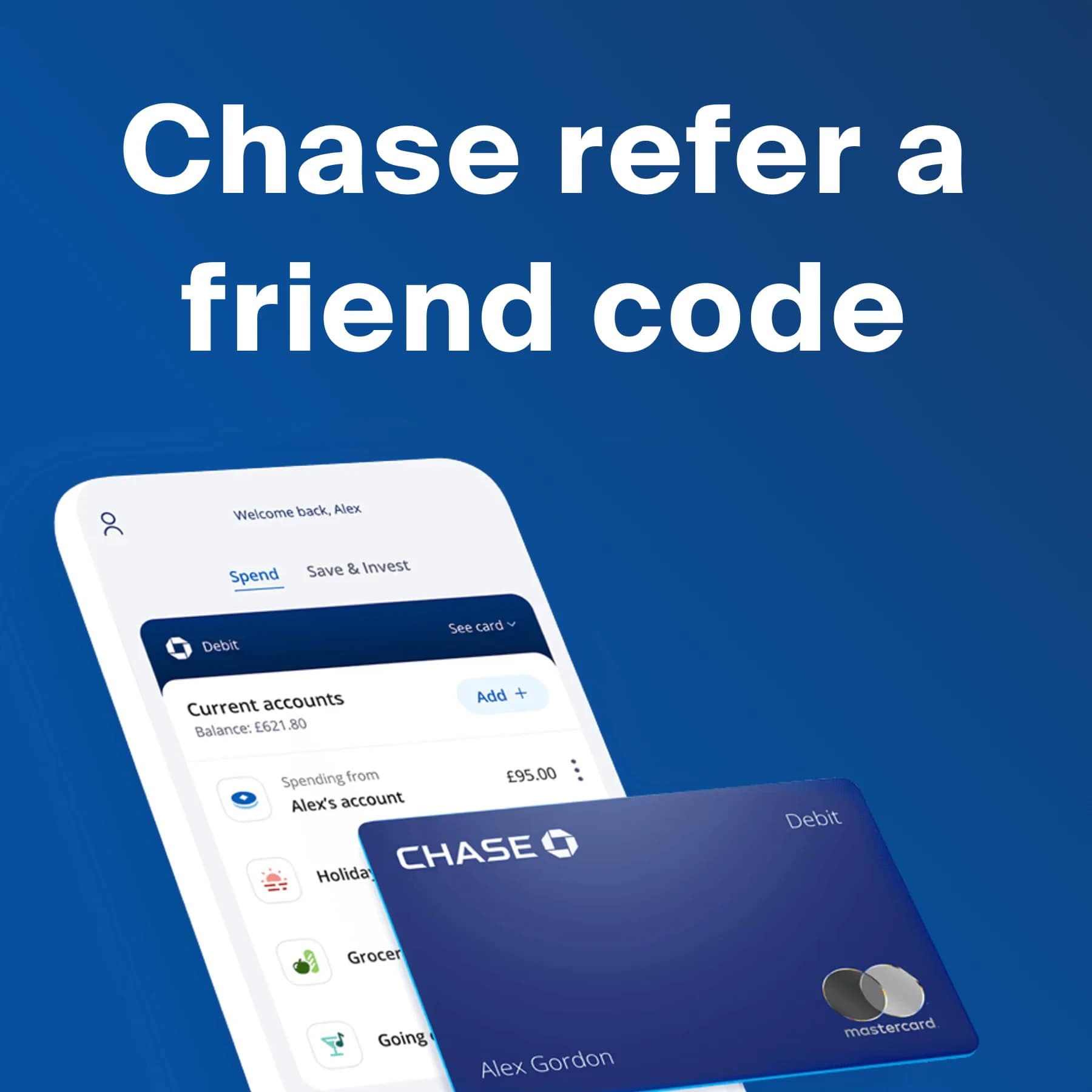
Chase Refer a Friend Code: Get £50 When You Pay In £1,000
App
Quidco Referral Code: Get a £10 Cashback Bonus (UK)
Service


Trading 212 investment app: free share up to £100 (UK)
App



GAIL's Promo Code: Free Coffee or Loaf with the App
Gift

TrainPal Referral Code - up to £11 off when you sign up
Service


Who Gives a Crap – Get 15% Off Eco Toilet Paper
Gift

ManyPets Discount Code - Up To £45 Amazon Voucher
Service
TopCashback Referral Code – Get £10 Free Bonus
Service

JamDoughnut Cashback App: Up to £8 Sign-up Reward
Service



Sprive Mortgage Saving App - Money Off Your Mortgage
Service
Simplyhealth Health Plans - From £20 - £10 voucher
Service

Scrumbles Cat Food Discount Referral Code – Get 33% or 40% Off
Service

Chip Savings App UK: How It Works, Rates and Fees
App
Greatest Books of All Time - A CoolCurated List
Service

Hometree Home Cover UK: Boiler Cover + £50 Voucher
Service

Giffgaff Referral Code UK: Get £5 to £10 Free Credit
Service
American Express Referral: Sign Up for Any Card and Get Rewarded
App



Taxfix Discount Code UK: Up to 35% Off Your Tax Return
Service
Onestream Broadband Referral Code – Get £20 Off Your First Bill
Service

Robinhood Free Shares UK: Claim a Free Stock ($7 to $175)
App
Waggel Pet Insurance UK: Get Your First Month Free
Service

Wise Referral: Fee-Free Transfer up to £500 or Free Card
App


Itch Flea Treatment: First Month Free - from £8.50 a month
Service







Libreria Book Subscription (Price Shown at Sign-up)
Service


Jasper AI (formerly Conversion.ai) - $69 a month (about £52)
Service

Tiiny Host: Easy File Sharing & Website Hosting Simplified
Service

Franco Manca App Promo Code: Get a Free Bonus Stamp
Gift



NextDNS Ad Blocker and DNS Firewall - Free, Pro from £1.79 a month
Service





Follow us: Instagram
Copyright 2026 CoolCuration | Privacy Policy | Cookie Policy | Affiliate Disclosure | Cool Factor
-----------
We are proud supporters of a safer more private internet via encouraging people to use Brave browser and are actively taking on Spammers as part of ProjectHoneypot. This site is hosted on servers that run on 100% renewable energy in the UK thanks to GreenWebHosting.
This site contains affiliate links, including to Amazon.com and Amazon.co.uk. We may earn a commission if you make a purchase or sign up for a service via these links, at no extra cost to you. All offers and promotions are accurate at the time of publication but are subject to change or withdrawal by the businesses featured. We cannot guarantee their continued availability. Read our full affiliate disclosure.
Reviews and opinions on CoolCuration reflect the personal experience of our writers at the time of publication. They are not professional endorsements and your experience may differ. Scores use our Cool Factor rating system and are given independently of any commercial relationship.
All content on CoolCuration is provided for informational and entertainment purposes only. It does not constitute financial advice, investment recommendations or an endorsement of any product or service. We are not authorised by the Financial Conduct Authority and do not offer personalised financial guidance. You should always do your own research or consult a qualified financial advisor before making any financial decisions.