
Lloyds Bank Referral Code: Get £30 When You Join
Last updated: 14 October 2026
This article contains affiliate and referral links, which are paid links. If you click one and buy or sign up, I earn a commission or referral bonus at no extra cost to you. Brands don't choose what I feature or what I say about them.
This page is information only. It is not financial advice.
At a glance
Most people search for a Lloyds bank referral code, but Lloyds runs a link rather than a code. Open a qualifying Lloyds current account through the link below and you get £30. You need to be new to Lloyds, you have 14 calendar days to use the link, and Lloyds pays within 35 calendar days of you signing up. The amount has been higher in the past, so check the offer on Lloyds' own page before you apply. Club Lloyds also gives you one lifestyle perk a year, and twelve months of Disney+ Standard With Ads is one of the choices.
Use the Lloyds referral link
The steps are short, and the whole thing happens in the Lloyds app.
- Open the link on your phone. On a laptop it shows a QR code instead, which you scan to carry on where Lloyds wants you, on mobile.
- Apply for a qualifying Lloyds current account and pass the usual checks.
- Wait for the £30. Lloyds pays within 35 calendar days of you signing up, and the two sides can be paid at different times.
Who qualifies
Lloyds keeps the rules short, so they are easy to check before you start.
- New Lloyds customers only, and the application is subject to approval.
- Student, Under 19s and Smart Start accounts are excluded. Everything else in the current account range counts.
- The link lasts 14 calendar days from being shared, so use it or ask for a fresh one.
- Payment lands within 35 calendar days of the account being opened.
- Lloyds pays a maximum of five referrals per calendar year to any one referrer, although there is no cap on how many people can be referred.
Source: Lloyds refer a friend, checked 14 October 2026.
Another reason to open one: the 6.25% Monthly Saver
The £30 is the smaller half of this. Club Lloyds unlocks the Club Lloyds Monthly Saver at 6.25% AER/gross fixed for twelve months on £25 to £250 a month. Lloyds cut it from 8.00%, so check the rate on the day you apply. Withdrawals are unlimited and penalty-free, which is unusual for a regular saver, so the money is not locked away.
The catch sits on the current account rather than the saver. Club Lloyds costs £5 a month, refunded in full each month you pay in £2,000 or more. The test is money paid in during the month rather than a balance you have to keep, so a standing order in from another account, and straight back out again, is how plenty of people cover it. Check the account terms before you rely on that, because Lloyds sets the rules and can change them. You also cannot have opened a Monthly Saver in the previous twelve months. Consequently the sensible order is to open the account through the referral link first, then open the saver inside the app.
Our best savings account UK guide compares that rate with the rest of the market, and our Zopa Regular Saver page explains why the old 7.10% Zopa pot is no longer an option for new savers.
What else Club Lloyds gives you
The saver is not the only reason to hold the account, and the extras go some way to answering the £5 fee.
- One Lifestyle Benefit a year: twelve months of Disney+ Standard With Ads, six Vue or ODEON cinema tickets, a magazine subscription, or Coffee Club and Gourmet Society membership. You choose one, and you need an open Club Lloyds account to pick it.
- Up to 3.00% AER (2.96% gross) variable on balances up to £5,000, provided two different Direct Debits leave the account each month.
- No Lloyds debit card fees abroad. If you choose to pay in sterling overseas, the retailer's own provider can still add its own charge.
Lloyds puts the package at over £133 a year. Sources: Club Lloyds and Club Lloyds Lifestyle Benefits, both checked 7 September 2026.
Things to be aware of
Naturally, there are trade-offs. First, the £30 is smaller than the £50 Lloyds has paid before, so check the live figure rather than an old guide. Second, you have to be new to Lloyds, which rules out anyone already holding a Lloyds credit card, loan or mortgage.
Third, Lloyds is also running a £200 switch offer until 9 December 2026. It needs a full switch from another bank through the Current Account Switch Service with at least three active Direct Debits, and it excludes anyone who has had a Lloyds, Halifax or Bank of Scotland switching offer since 1 January 2023. Finally, opening the account does not guarantee an arranged overdraft, which is assessed separately.
Is Lloyds safe?
Yes. The deposit-taker is Lloyds Bank plc, which is authorised by the Prudential Regulation Authority and regulated by the Financial Conduct Authority under firm reference number 119278. Eligible deposits are protected up to £120,000 per eligible person per UK-authorised bank, building society or credit union by the FSCS (since 1 December 2025).
Lloyds referral: FAQs
Is there a Lloyds bank referral code?
Not as such. Lloyds uses a referral link rather than a code, and the link carries the tracking. The link on this page is ours.
How much is the Lloyds refer-a-friend bonus?
It is £30 for each side, down from the £50 Lloyds ran previously. Lloyds can change or end the scheme at any time.
Why does the link show a QR code?
Because you opened it on a laptop. Lloyds wants the application finished on a phone, so it shows a code to scan. Opening the link on your phone in the first place skips that step.
How long does the £30 take?
Within 35 calendar days of the account being opened. The two sides are not always paid on the same day, so wait out the full window before chasing.
Link last checked on 14 October 2026.
More from CoolCuration
- Best savings account UK: where the Club Lloyds Monthly Saver sits against the rest of the market.
- Zopa Biscuit referral: another live bank bonus, currently £20.
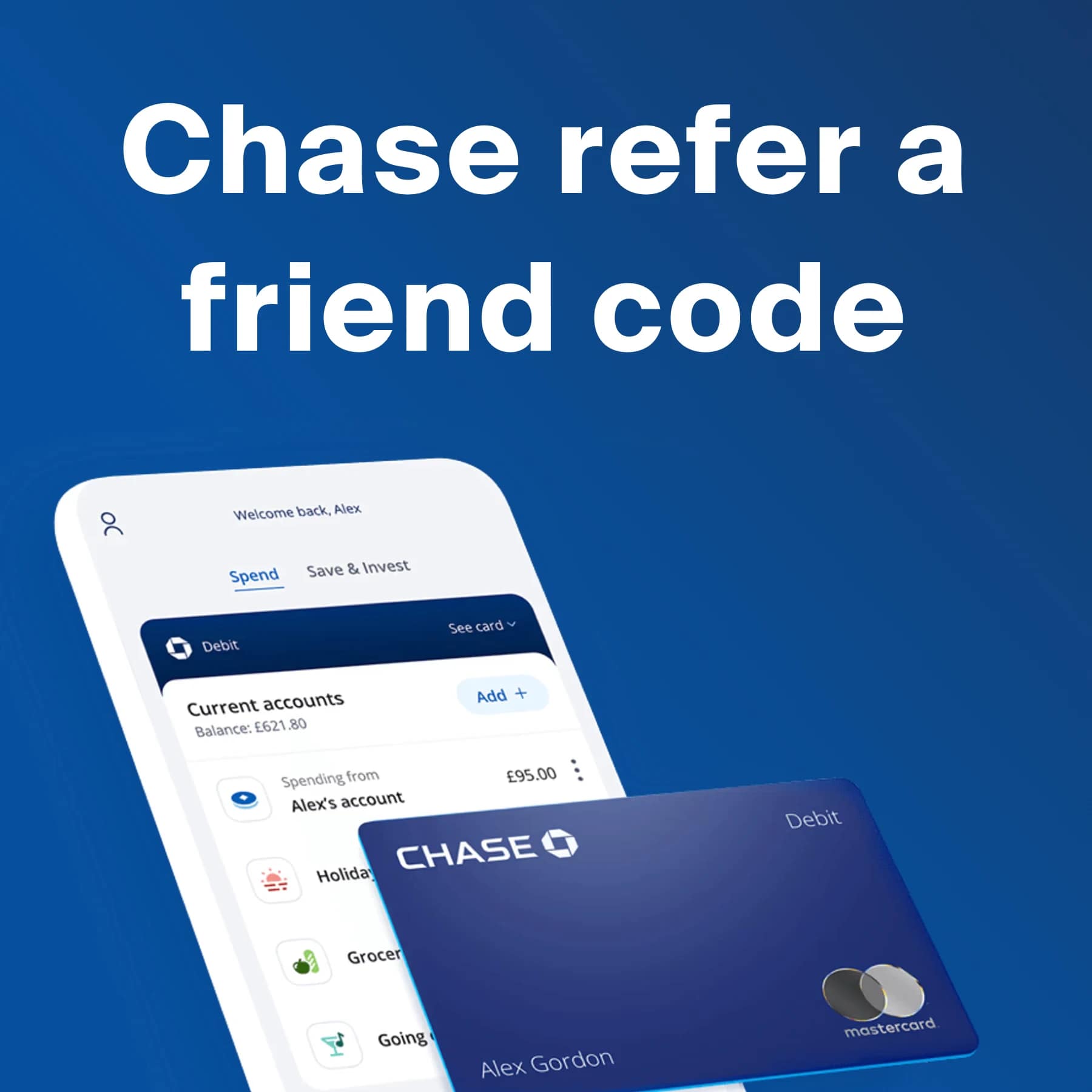
- Chase refer a friend code: the other big current account offer to compare.
- Chip app referral code: automatic saving with a sign-up bonus attached.
- Gift guide for a new home: for when the saving turns into moving.
This content is for information only and does not constitute financial advice. Offers, rates and terms can change at any time, so always check the latest details directly with Lloyds before applying. CoolCuration is not authorised by the Financial Conduct Authority and does not offer personalised financial guidance, so consider speaking to a qualified adviser if you are unsure. This article contains affiliate and referral links, which are paid links. If you click one and buy or sign up, I earn a commission or referral bonus at no extra cost to you. Brands don't choose what I feature or what I say about them.
This content is for information only and does not constitute financial advice. CoolCuration is not part of Lloyds Bank and is not authorised by the Financial Conduct Authority to give financial advice. Any promotional offer mentioned here is subject to the terms and conditions set by Lloyds Bank, which can change at any time. Always check the current offer with Lloyds before you apply, and consider speaking to a qualified adviser if you are unsure.
(Not Boring) Camera App: Free, Plus from £15 a Year
App

Structured Daily Planner App - Free vs Pro Guide
App
Chase Refer a Friend Code: Get £50 When You Pay In £1,000
App
Trading 212 investment app: free share up to £100 (UK)
App
Affinity by Canva – The Free All-in-One Design App That Rivals Adobe
App
Sprive Mortgage Saving App - Money Off Your Mortgage
Service
Chip Savings App UK: How It Works, Rates and Fees
App
American Express Referral: Sign Up for Any Card and Get Rewarded
App
Robinhood Free Shares UK: Claim a Free Stock ($7 to $175)
App



Shop App by Shopify: Order Tracking and Shop Pay
App
Follow us: Instagram
Copyright 2026 CoolCuration | Privacy Policy | Cookie Policy | Affiliate Disclosure | Cool Factor
-----------
We are proud supporters of a safer more private internet via encouraging people to use Brave browser and are actively taking on Spammers as part of ProjectHoneypot. This site is hosted on servers that run on 100% renewable energy in the UK thanks to GreenWebHosting.
This site contains affiliate links, including to Amazon.com and Amazon.co.uk. We may earn a commission if you make a purchase or sign up for a service via these links, at no extra cost to you. All offers and promotions are accurate at the time of publication but are subject to change or withdrawal by the businesses featured. We cannot guarantee their continued availability. Read our full affiliate disclosure.
Reviews and opinions on CoolCuration reflect the personal experience of our writers at the time of publication. They are not professional endorsements and your experience may differ. Scores use our Cool Factor rating system and are given independently of any commercial relationship.
All content on CoolCuration is provided for informational and entertainment purposes only. It does not constitute financial advice, investment recommendations or an endorsement of any product or service. We are not authorised by the Financial Conduct Authority and do not offer personalised financial guidance. You should always do your own research or consult a qualified financial advisor before making any financial decisions.