How Sprive AutoSave decides what to move each month
Last updated: 13 October 2026
By Stiv · Design, technology and personal finance
I have overpaid my mortgage through Sprive since October 2021, with Nationwide and now Halifax, making regular overpayments through the app. Because of that, this guide to Sprive AutoSave comes from steady real use rather than a quick demo.
This article contains affiliate and referral links, which are paid links. If you click one and buy or sign up, I earn a commission or referral bonus at no extra cost to you. Brands don't choose what I feature or what I say about them.
This is general information, not financial advice. Sprive deals with your mortgage, so your circumstances matter and it is worth doing your own research.
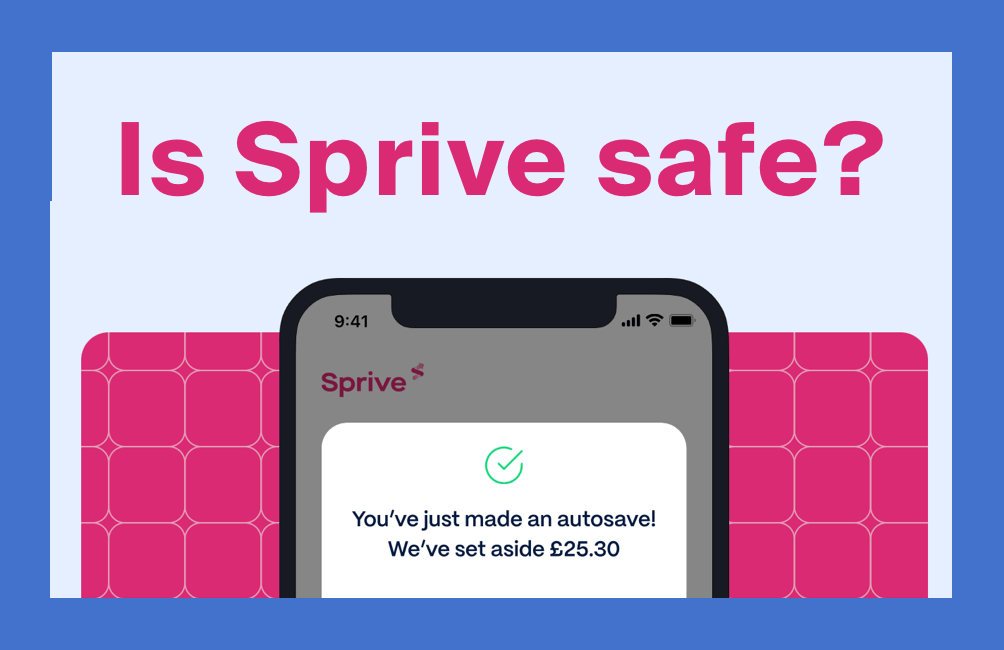
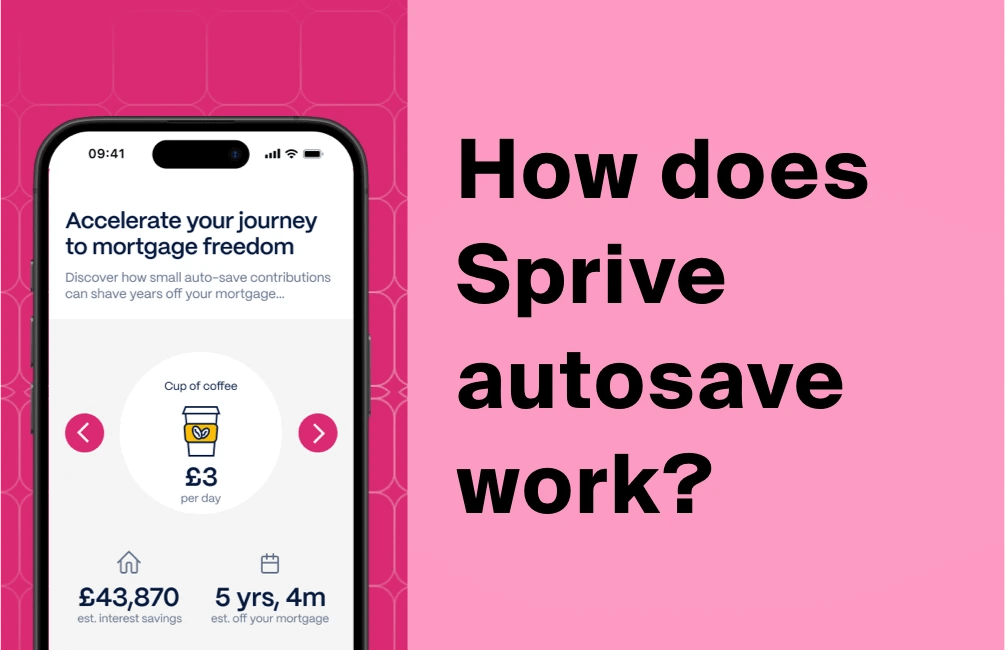
So what actually happens when you switch on Sprive AutoSave? In short, you set an amount, and each month it quietly moves that money into a holding pot inside the app, ready for your mortgage. Above all, you stay in control, because nothing reaches your lender until you tap to send it. Below, I walk through exactly how Sprive AutoSave works, where the money sits, and how to pause or switch it off, with notes from my own use since 2021.
Setting up AutoSave? The walkthrough is below. For every Sprive guide in one place, see our Sprive guides hub, updated as the app changes.
Read more