
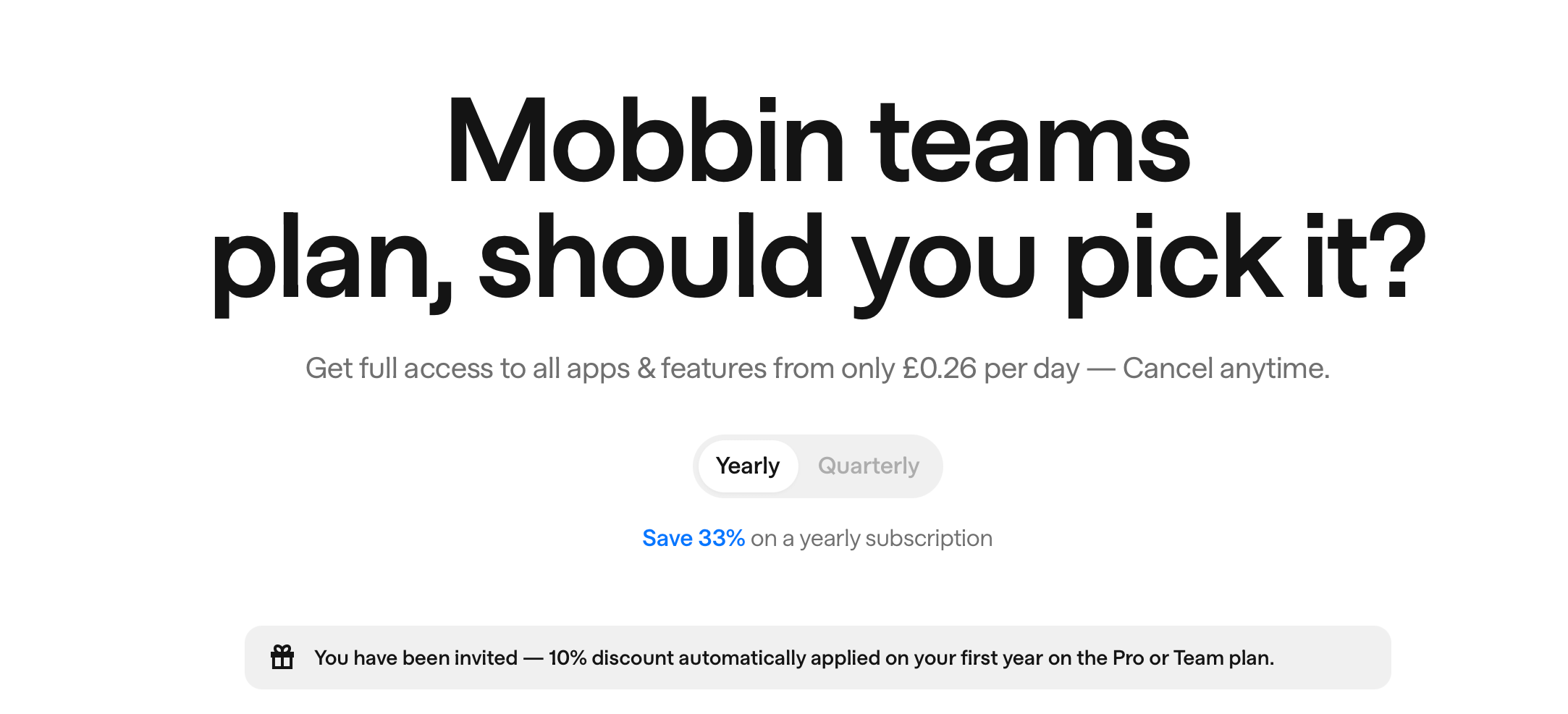
Mobbin Teams Plan: Should You Pick Team or Pro?
Last updated: 14 October 2026
Quick summary: Pick the Mobbin Teams plan if you need shared collections, comments and admin control across multiple designers. If you mainly want personal reference, Pro is usually enough. Want it cheaper? Our referral link gets you 10 to 20% off Pro or Team: Mobbin promo code.
This is not the general Mobbin review. It is a Teams-only decision page: should you pick the Mobbin Teams plan, or will Pro do the job? If you want the overall verdict on Mobbin itself, start here: Mobbin review: is it worth it?
What the Mobbin Teams plan is (in one minute)
Mobbin positions Pro as the plan for individuals and Team as the plan for teams and agencies. Pro is £8/month on yearly billing. Team is £12/member/month on yearly billing. The price difference per seat is small. The real difference is what Team adds on top: shared workspace features that turn Mobbin from a personal research tool into a team resource. Source: Mobbin plan comparison.
The real reason people upgrade to Team
Most teams do not upgrade because they want "more screens". They upgrade because they want a shared reference library that stays organised over time. If your current system is Slack links, scattered Figma frames and someone saying "I saw a great example somewhere", the Teams plan can fix that by giving everyone a single place to save, annotate and revisit real product examples.
What you get with Team (the bits that actually matter)
Team includes everything in Pro, plus several collaboration features worth understanding before you commit.
Team collections are shared, reusable pattern libraries that the whole team can contribute to and reference. This is the core feature. Build collections around flows you design regularly (onboarding, checkout, subscriptions, search, settings) and they become institutional memory rather than disposable bookmarks.
Comments and mentions attach collaboration directly to specific examples. This is useful for teardowns, design reviews, and keeping context where it belongs instead of scattered across Slack threads.
Admin tools cover seat management and centralised billing. This matters more for agencies and larger teams where someone needs to manage who has access.
SOC 2 reports provide security and compliance documentation. Useful if your organisation requires vendor security assessments before approving subscriptions.
Always verify the current feature list on the Mobbin pricing page.
Should you pick Team? The decision checklist
Pick Team if you can tick at least two of these
You want a shared library of patterns and flows that the whole team can reuse. You do frequent teardowns and want collections to become institutional memory. You want comments attached to examples rather than lost in other tools. You need admin control for seats and billing. You are an agency and want one workspace across client projects.
Stick with Pro if this sounds more like you
You work solo or as the only designer on a team. You mainly need personal reference and do not share collections with others. You want to test Mobbin before committing to a team subscription. Budget is tight and individual access is enough for now.
Pro to Team: the upgrade path
If you start with Pro and later decide you need Team, Mobbin handles the upgrade with prorated billing. According to their help centre, you will be charged a prorated rate based on the unused time on the Pro plan when you switch. So there is no penalty for starting small and scaling up.
Team for agencies
If you run an agency, Team is usually the better fit because you can build a reusable library and keep it consistent across projects. The admin and billing side also tends to matter more for agencies. We have written a dedicated guide on this: Mobbin for agencies: is it worth it?
How to save on Team
Our referral link takes 10 to 20% off when you sign up, and you can stack that with yearly billing to cut the cost further:
Mobbin Teams plan FAQs
Is Team worth it for a two-person team?
It depends on whether you will actually use shared collections. If both designers actively save and reference patterns together, Team pays for itself in alignment alone. If you mainly work independently, two Pro seats might be simpler.
Can I mix Pro and Team seats?
No. Mobbin's pricing structure is plan-based, not seat-based mixing. Everyone in a team workspace is on the Team plan. You cannot have some members on Pro and others on Team within the same workspace.
Does Team include everything in Pro?
Yes. Team includes all Pro features plus shared collections, comments, admin tools and SOC 2 reports. Always confirm the current comparison on the Mobbin pricing page.
What about Enterprise?
Enterprise is a separate tier with advanced security, priority support and standard legal agreements. It is quote-based and aimed at larger organisations. If you have strict compliance requirements, Enterprise might be the conversation to have. Mobbin lists it separately on the pricing page.
Is there a student discount for Team?
No. The education discount applies to Pro only. If you are a student, start here: Mobbin student discount UK.
Prices and the referral discount checked on mobbin.com on 14 October 2026.
More from CoolCuration
- Lightyear review UK: a clear review of a UK investing app.
- Gift guide for techies: gadgets and gear that actually get used.
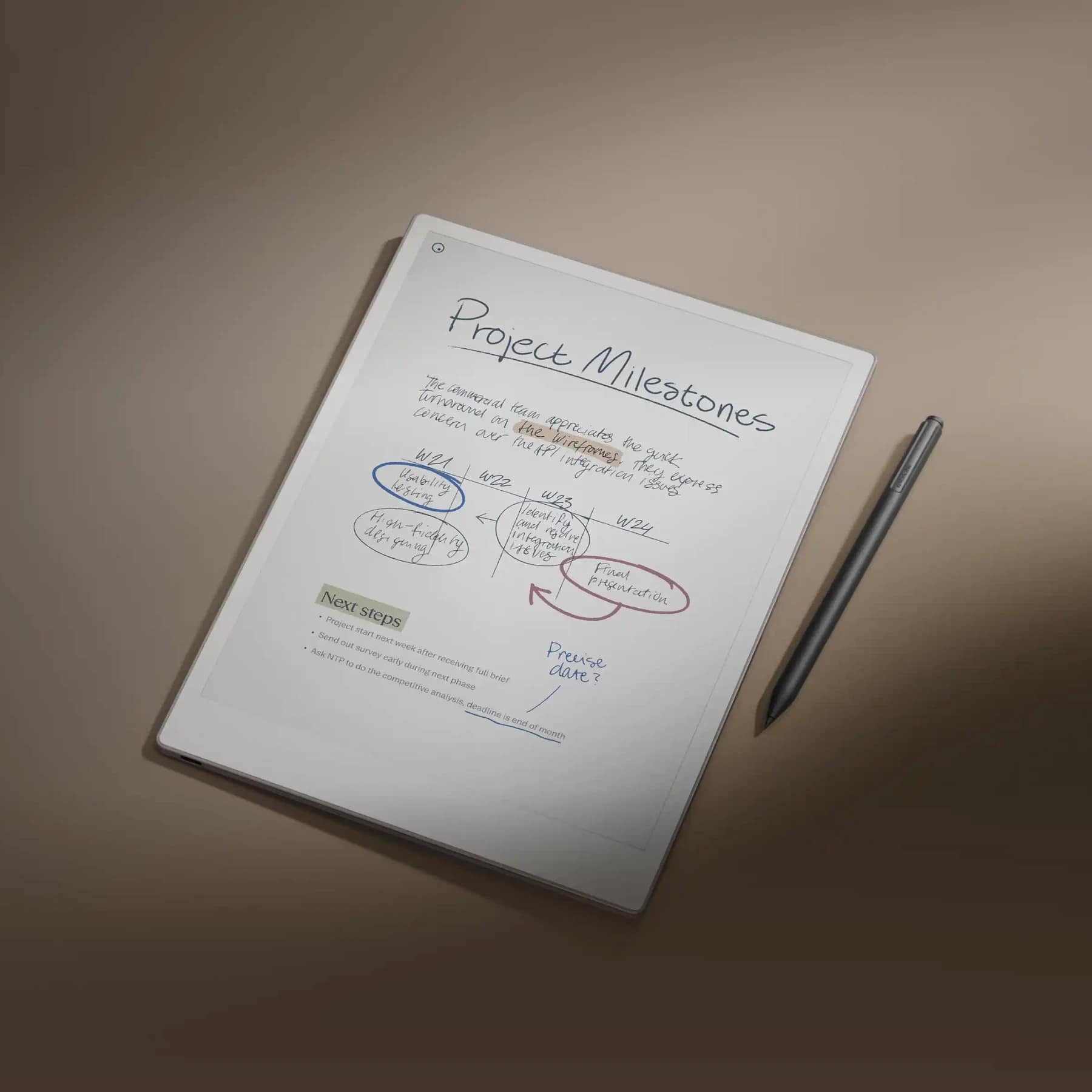
- reMarkable Paper Pro: a focused e-ink tablet for people who think on paper.
- TrainPal: up to £11 off your first trip with this cheaper train ticket app.
- Parallels Desktop: run Windows on a Mac without the headaches.
This page is for general information only. Features and pricing can change. Always verify current plan details on Mobbin's official pages before purchasing.
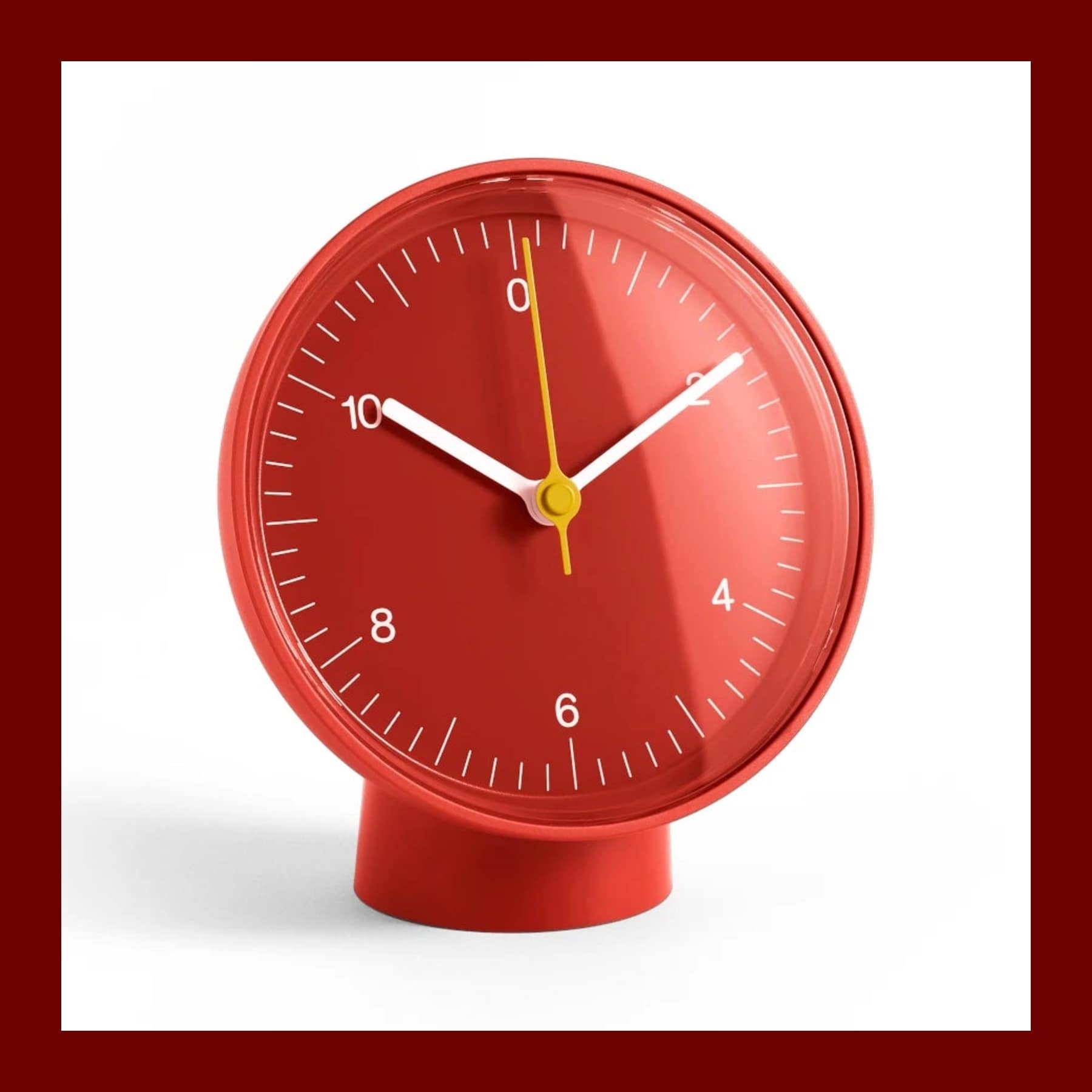


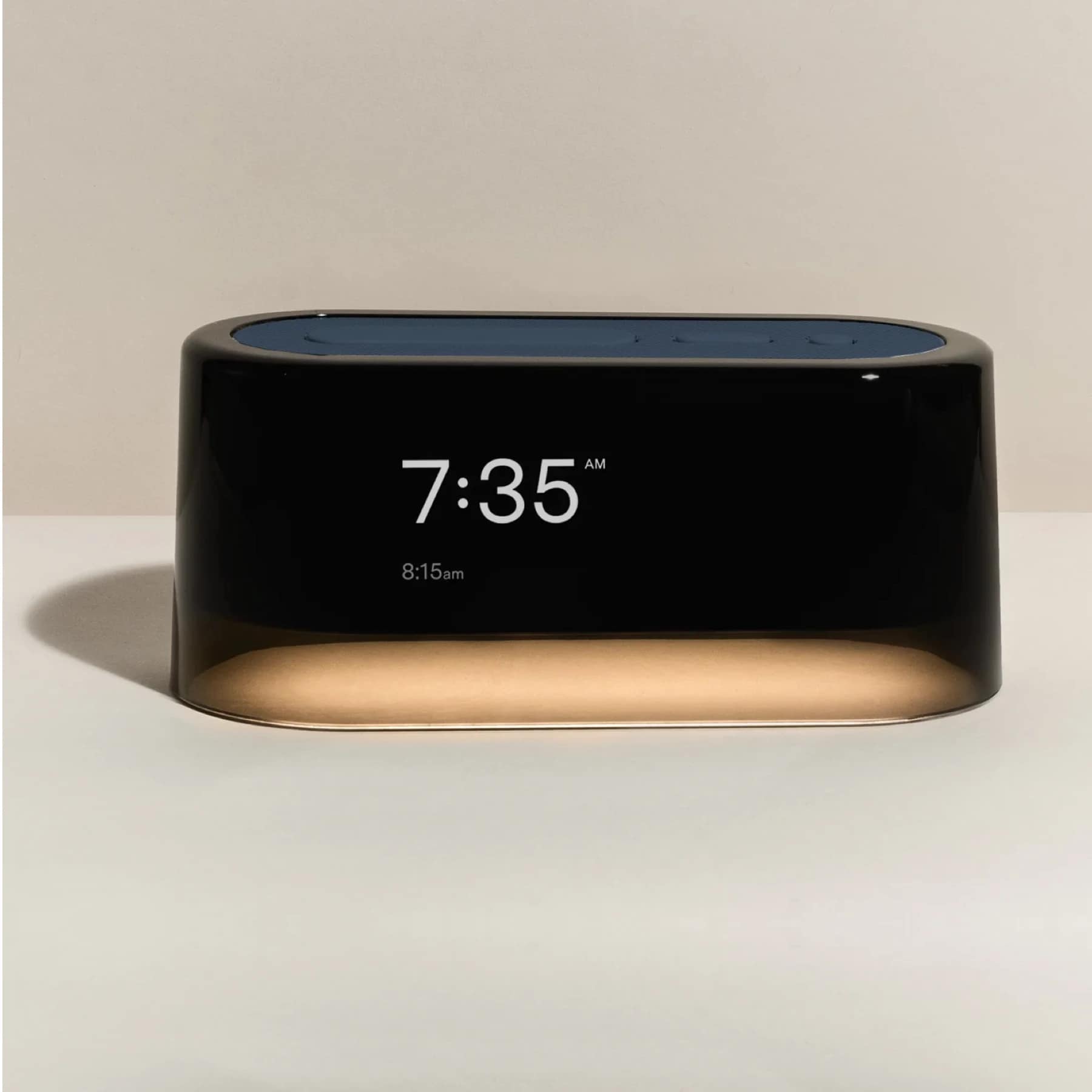
Georg Jensen Koppel Alarm Clock with Holder - from £105
Gift

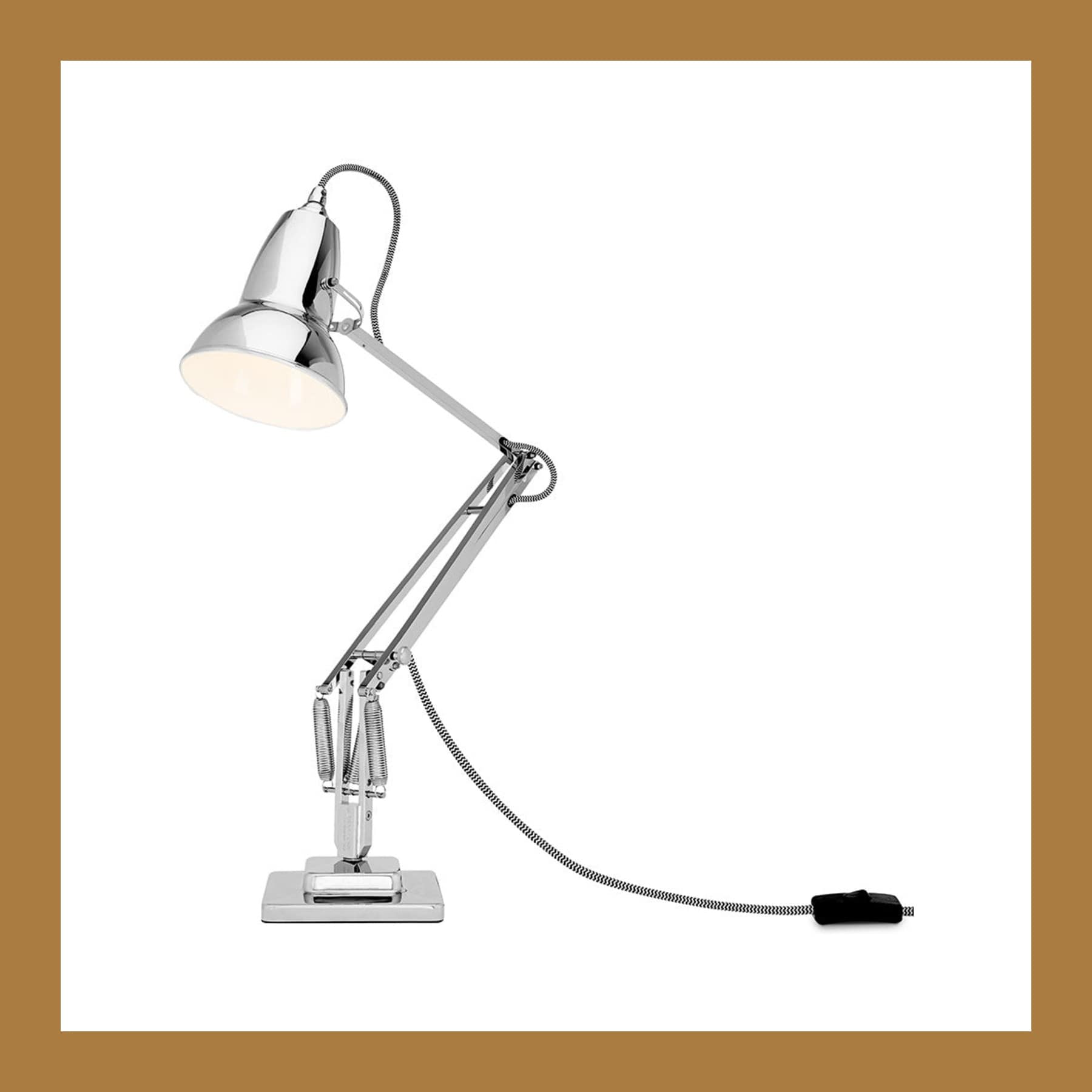
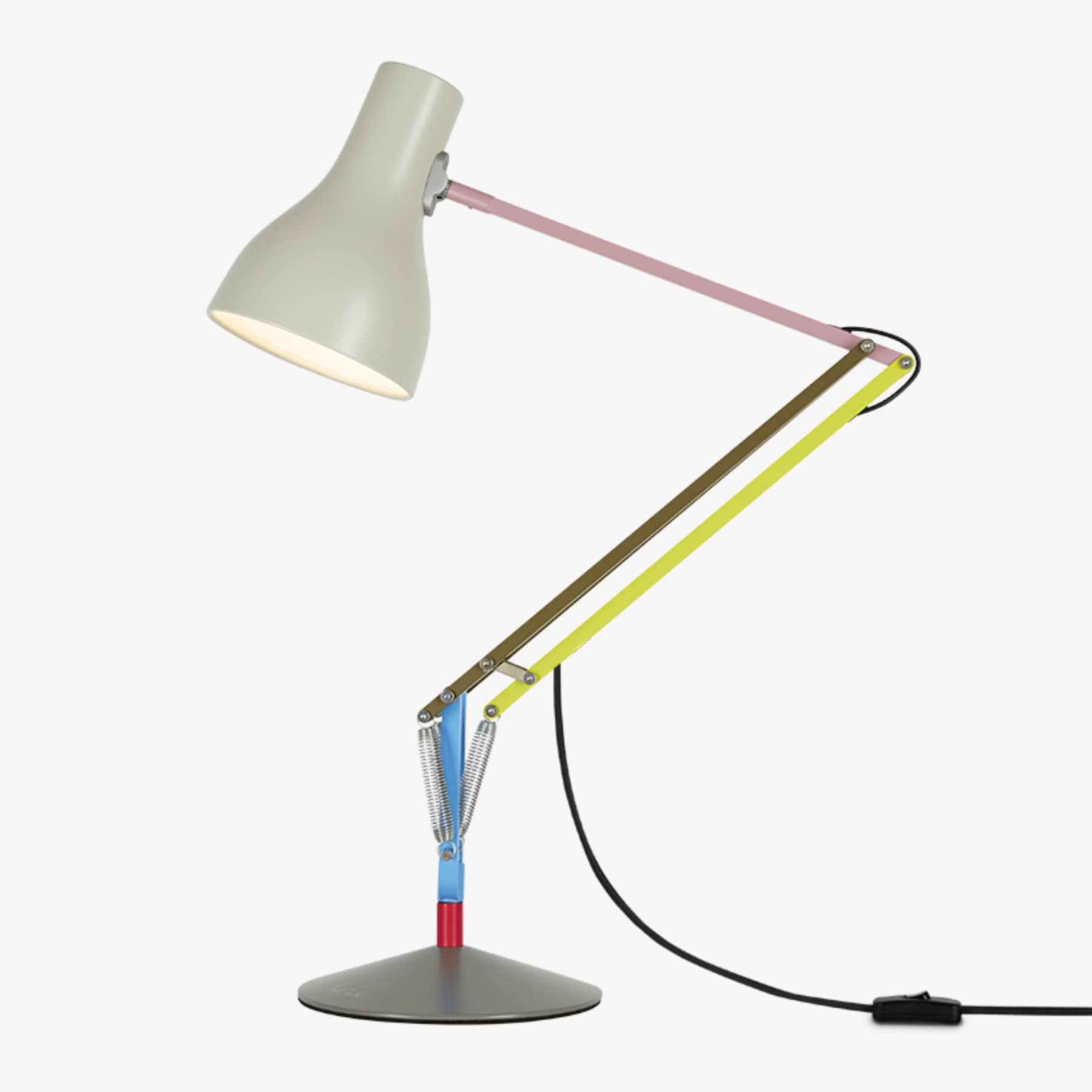
MADE x Barbican Curve Table Lamp in Chrome & Blue - £50
Gift














Christopher Ward C60 Pool Diver UK Guide - from £895
Gift










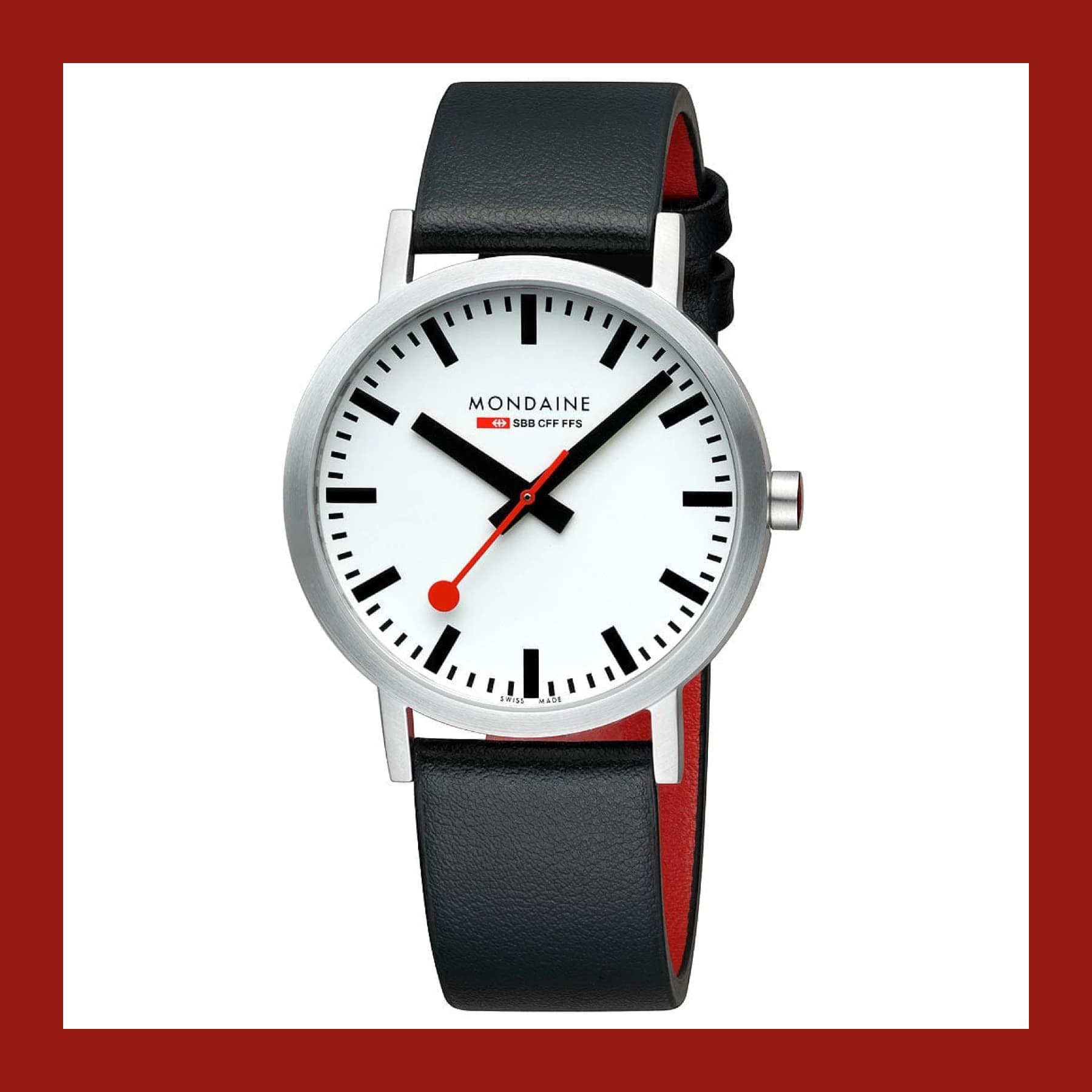
Mondaine Classic 40mm Vegan Grape Leather - £224
Gift










Bookniture: Stylish Furniture That Folds Like a Book – £84
Gift





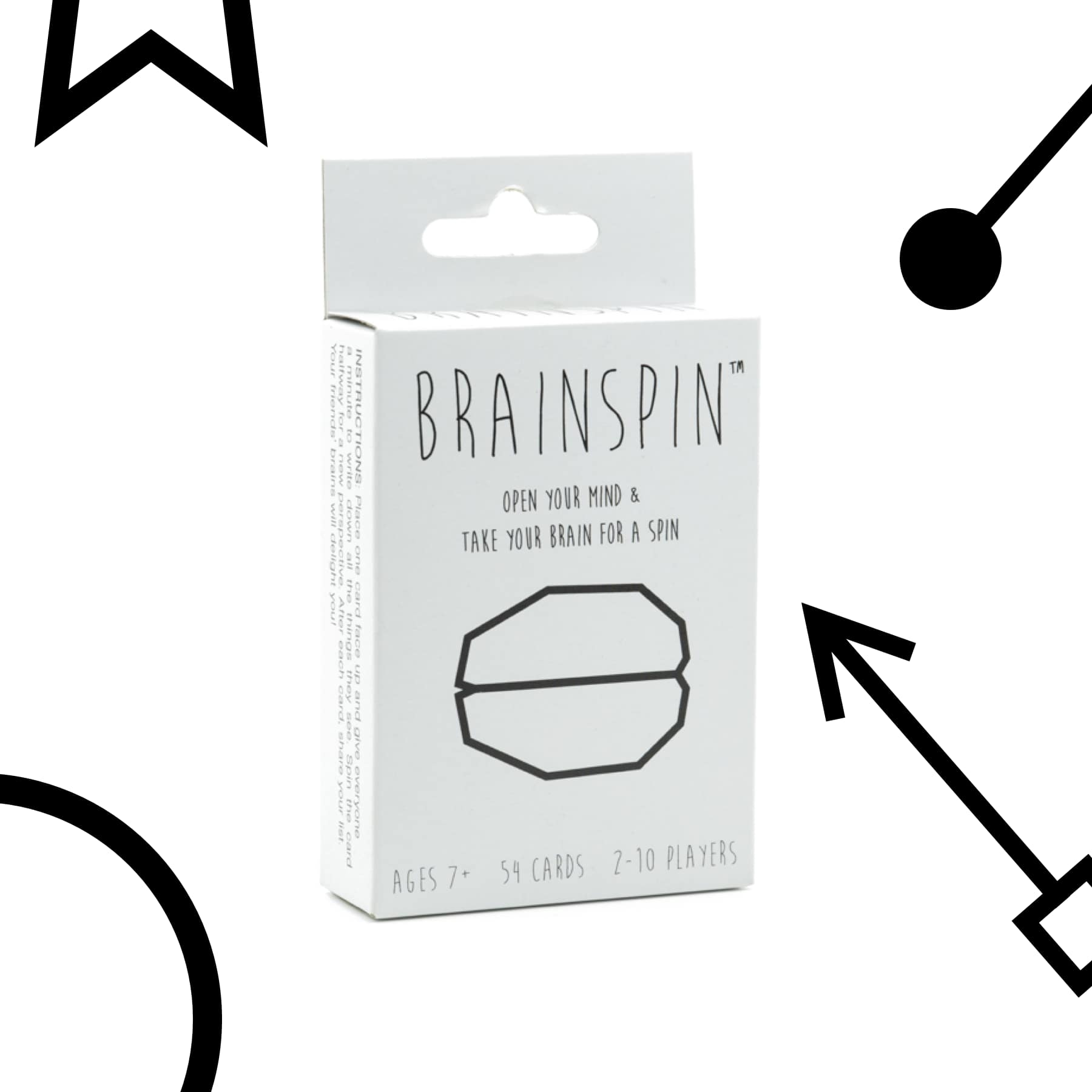
Brainspin: The Ultimate Neurodivergent Game - £15
Gift

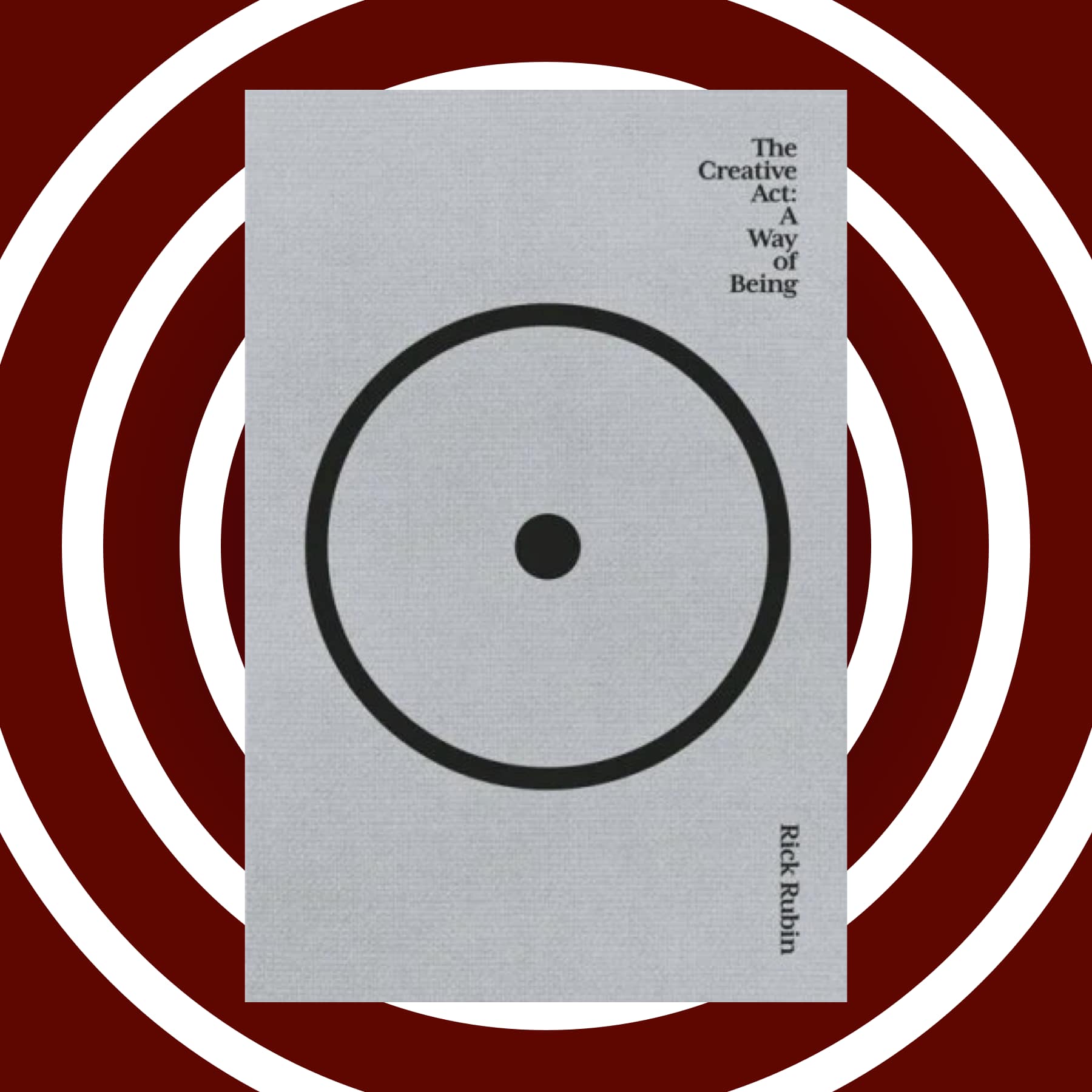


NASA Graphics Standards Manual Remastered Edition - £32
Gift







Handmade pewter drinks flask - Will Baugh - £80
Gift





Back to the Future DeLorean Owner's Workshop Manual - £30
Gift


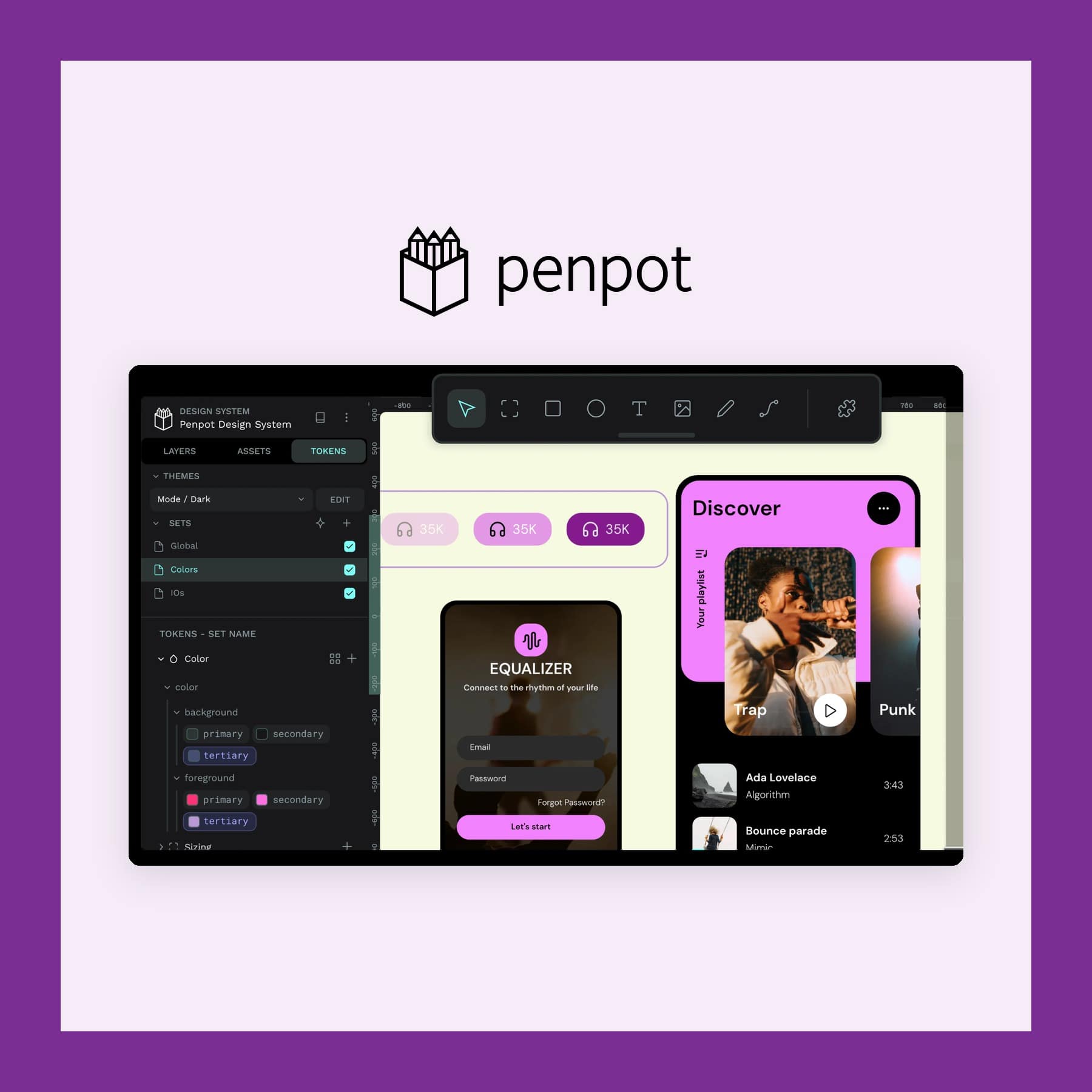
Penpot Design App: Free Open Source Figma Alternative
App


Yesfriends - SUSTAINABLE & ETHICAL T-SHIRT - £7.99
Gift









Mercredy recycled plastic bottle slippers - £35
Gift




Lechuza Classico 21 LS Self-Watering Planter - from £29
Gift





Follow us: Instagram
Copyright 2026 CoolCuration | Privacy Policy | Cookie Policy | Affiliate Disclosure | Cool Factor
-----------
We are proud supporters of a safer more private internet via encouraging people to use Brave browser and are actively taking on Spammers as part of ProjectHoneypot. This site is hosted on servers that run on 100% renewable energy in the UK thanks to GreenWebHosting.
This site contains affiliate links, including to Amazon.com and Amazon.co.uk. We may earn a commission if you make a purchase or sign up for a service via these links, at no extra cost to you. All offers and promotions are accurate at the time of publication but are subject to change or withdrawal by the businesses featured. We cannot guarantee their continued availability. Read our full affiliate disclosure.
Reviews and opinions on CoolCuration reflect the personal experience of our writers at the time of publication. They are not professional endorsements and your experience may differ. Scores use our Cool Factor rating system and are given independently of any commercial relationship.
All content on CoolCuration is provided for informational and entertainment purposes only. It does not constitute financial advice, investment recommendations or an endorsement of any product or service. We are not authorised by the Financial Conduct Authority and do not offer personalised financial guidance. You should always do your own research or consult a qualified financial advisor before making any financial decisions.